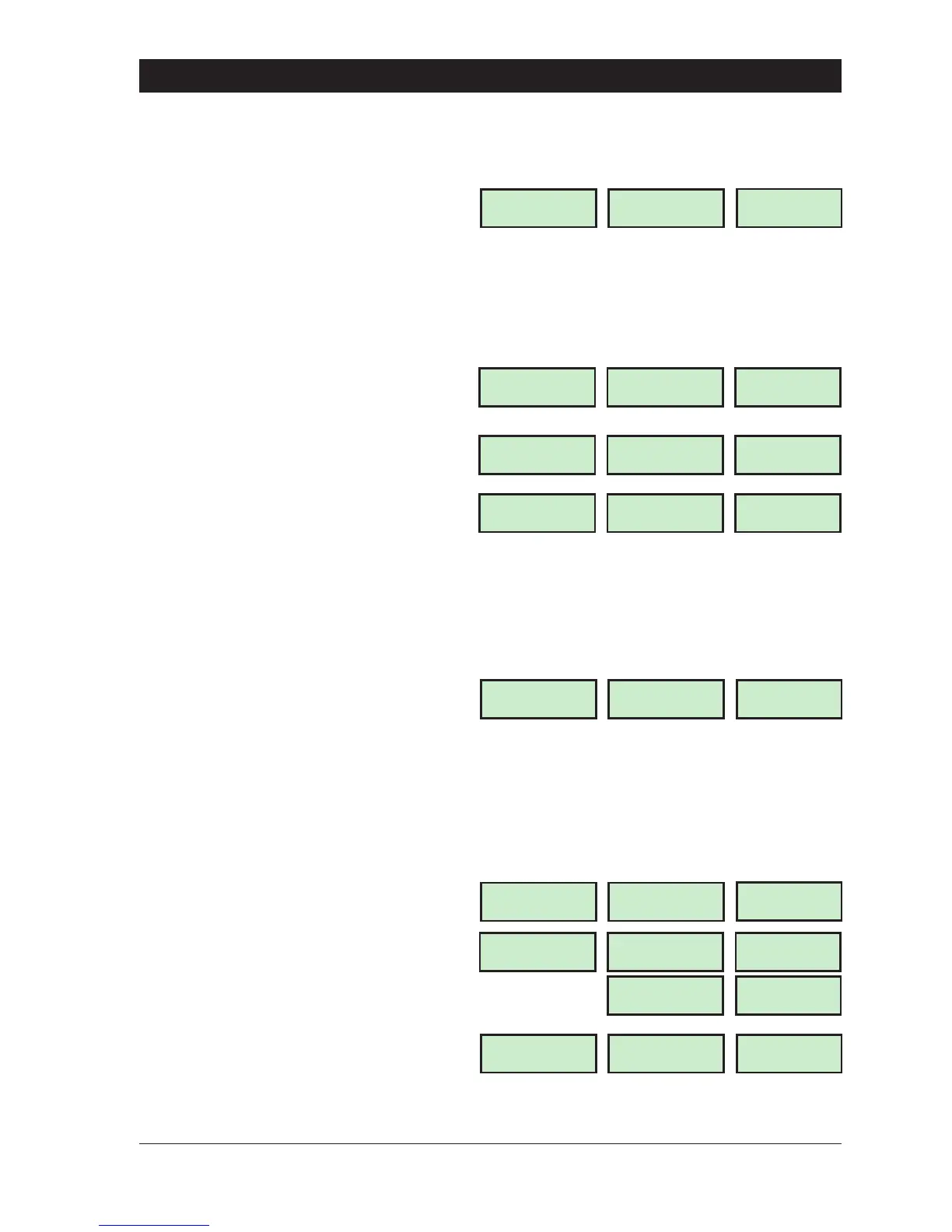
Setting The O ff Ti mes
To set the first, second and third Off times proceed as follows:
1. Ensure that the required Time Switch is
selected,e.g.,Time Switch B.Thedisplaywill
show:
2. Select the first, second or third “OFF”
times by pressing:
4 for the first OFF time
5 for the second OFF time
6 for the third OFF time
e.g., to select the first “OFF” time press
“4". The display will show:
3. Enter the “OFF” time in a 24Hr format,
e.g., for 6.00 PM enter “1800". The display
will show:
4. Press [ to accept the time setting. The
display will show:
5. Repeat steps 2, 3 and 4 for the second
and third “OFF” times as required.
Setting The Days Of Oper ation
Tosetthedaysthatthefirst,secondandthirdOnandOfftimesoperateon,proceedasfollows:
1. Ensure that the required Time Switch is
selected,e.g.,Time Switch B.Thedisplaywill
show:
2. Select the days of operation for the first,
second or third timer by pressing:
7 for the first timer
8 for the second timer
9 for the third timer
e.g., press “7" to set the days of
operation for the first ON/OFF timer. The
display will show:
3. Select/de-select the days of operation
using keys 1 to 7, e.g., press “1" then ”2" to
select the days Sunday & Monday etc. The
display will show:
4. Press[ toacceptthedaysofoperation
setting. The display will show:
5. Repeat steps 2, 3 and 4 for the second
and third ON/OFF times as required.
37
TS790 & TS90 0 User Manual User Menu 3
Time Switch B
Select Option :-
LCD
TIMER.B-
Starburst
TS
.
B-
LED
Time Switch B
Off-time 1 0000
LCD
0000
Starburst
0000
LED
Time Switch B
Off-time 1 1800
1800
1800
Time Switch B
Select Option :-
TIMER.B-
TS
.
B-
Time Switch B
Select Option :-
LCD
TIMER.B-
Starburst
TS
.
B-
LED
Operates on :-
...............
DAY
DAY.
Operates on :-
SuMo...........
DAY SUN
DAY
.
1
Time Switch B
Select Option :-
TIMER.B-
TS
.
B-
DAY MON
DAY
.
2



 To Next Page