Setting individ ual Wards with Standa rd User Passcodes
The installation company can enable certain standard users to have access to the “Ward
Selection Menu”. This feature allows the user to select the wards that they require to set at the
time of setting the alarm system.
»
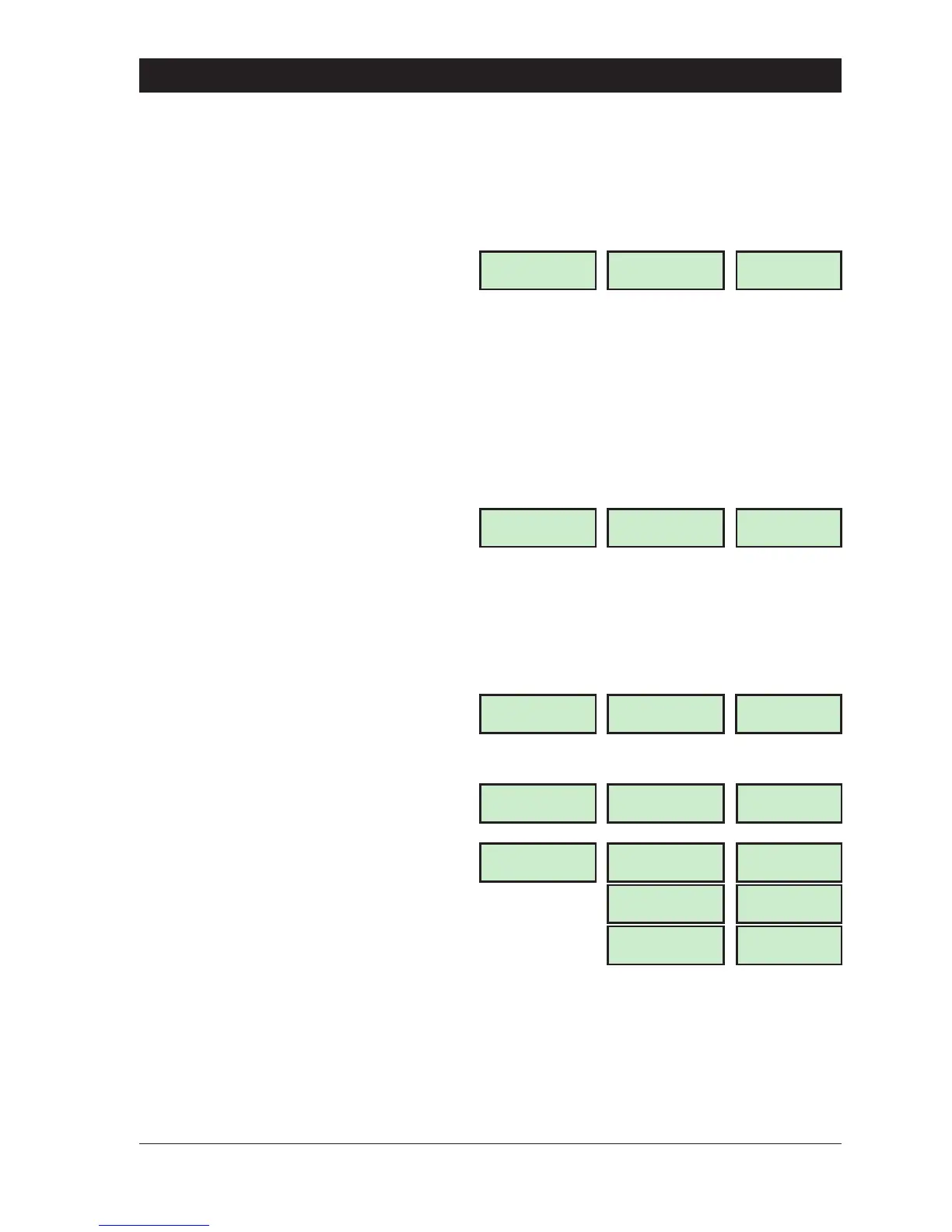
The following example shows how to set wards B and C.
1. Enter your passcode ? ? ? ?. The
display will show:
2. Select the setting option as follows:
A Part-set A
B Part-set B
C Part-set C
0 Ward Selection Menu
NOTE: If an option is not selected after
5 seconds the system will attempt to
full set.
3. Press 0 to select the “Ward Selection
Menu”. The display will show:
4. Select/deselectthewardsbypressing:
A for “Ward A”
B for “Ward B”
C for “Ward C”
0 for “Ward S”
e.g., to set wards B and C, deselect
wards S and A. The display will show:
5. When the display shows the required
wards, press [. The exit sounder will start, if
required leave via the prescribed exit route.
Thedisplaywillshowtheremainingexittime:
6. Whenexittonestopsthedisplaywillshow
the wards that are set and the e.g.,
+
The “Ward Selection Menu” is displayed for a pre-programmed amount of time, which is
programmed by the installation company. If no wards are deselected at the end of the
pre-programmed time the alarm system will attempt to full set.
13
TS790 & TS90 0 User Manual Operating The System
Press ENT to
Select Functions
LCD
FUNCTION
Starburst
Func
.
LED
Please Confirm
Set -: S A B C
SABC
SABC
Please Confirm
Set -: * * B C
-- BC
--BC
Please Exit Now.
Time left > 0025
0025
0025
Wards set [ BC]
05:30 Sun 28 APR
PART SET
P
.
SET
BC
BC
05.30
05
.
30



 To Next Page