Part Set Groups - [ 3.2 ]
This option allows the “Part-Set buttons” A, B and C to be defined so that they can set any
combination of wards (S, A, B and C), e.g., “Button A” can be defined to set wards A and B, and
“Button B” defined to setonlywardB.Each “PartsetGroup”may alsohaveupto 32 characters of
text assigned. See Edit Text For Part Set Groups on page 41.
The following example shows how to define “Part set Group A” (Button A), so that wards S,A & C
are set when the button is selected by the user at time of setting:
1. Ensure that “User menu 3" is selected.
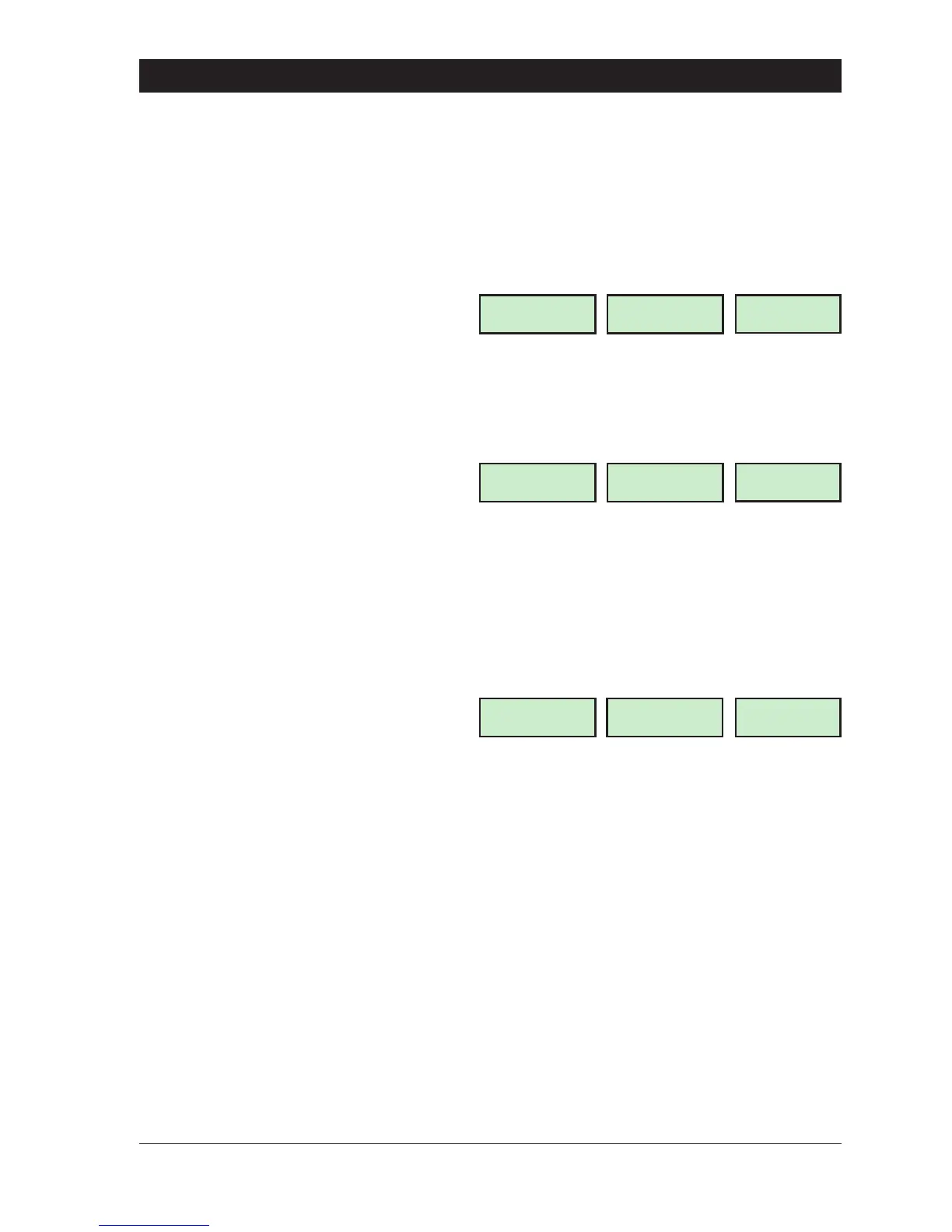
Press 2 to select the Part set Groups
option. The display will show:
2. Select the “Part set group” by pressing:
A for “Part set Group A”
B for “Part set Group B”
C for “Part set Group C”
e.g., To select “Part set Group A”, press
“A”. The display will show:
3. Select/de-select the wards that will set
when the “Part set group” is selected, by
pressing:
0 To select/de-select “Ward S”
A To select/de-select “Ward A”
B To select/de-select “Ward B”
C To select/de-select “Ward C”
e.g., To select the “Ward S” and “Ward
C”. Press “0", then “C”. The display will
show:
4. When the display shows the required
setting press [ to accept. The display will
return to step 1. Repeat for other part set
groups (B or C) or press ] to return to “User
menu 3".
Part Set Group Oper ation
When a “Master” or “Standard” user passcode is entered during the unset mode the alarm
system willattemptto fully set afterafive second delay.However, ifduring thefive seconddelay
one of the part-set buttons A, B or C is pressed, the display will show relevant “Part-set Text” and
after a short delay the system will only set the areas (wards) that are assigned to the selected
“Part set Group”.
39
TS790 & TS90 0 User Manual User Menu 3
Part set Group ?
Enter Group >-
LCD
P.S GRP-
Starburst
PSG
.
-
LED
Part set Group A
Will set [ A ]
A
A
Part set Group A
Will set [SA C]
SA C
SA C



 To Next Page