23
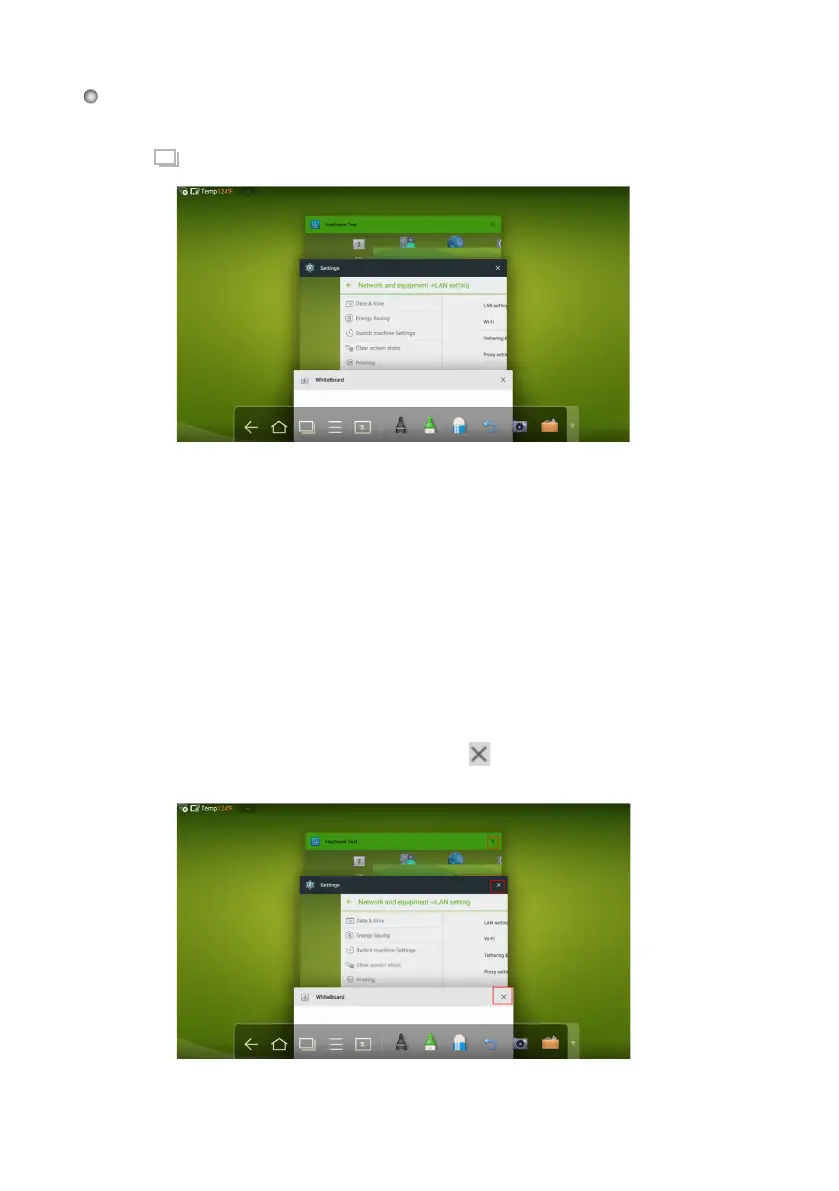
In the task manager, you can view the current open applications, switch, and close applications.
Click to enter the task manager as shown in the following figure:
icon of top right corner or scroll
In the task manager, select a program, click the
right or left to close the application.
Task Manager
View Open Applications
In the task manager, scroll up and down to view the current open programs.
Switch Applications
In the task manger, click an application's icon to switch applications. For example,
click Settings to switch to the system setting application, or click Browser to switch to
the browser application.
Close
Applications









 To Next Page