31
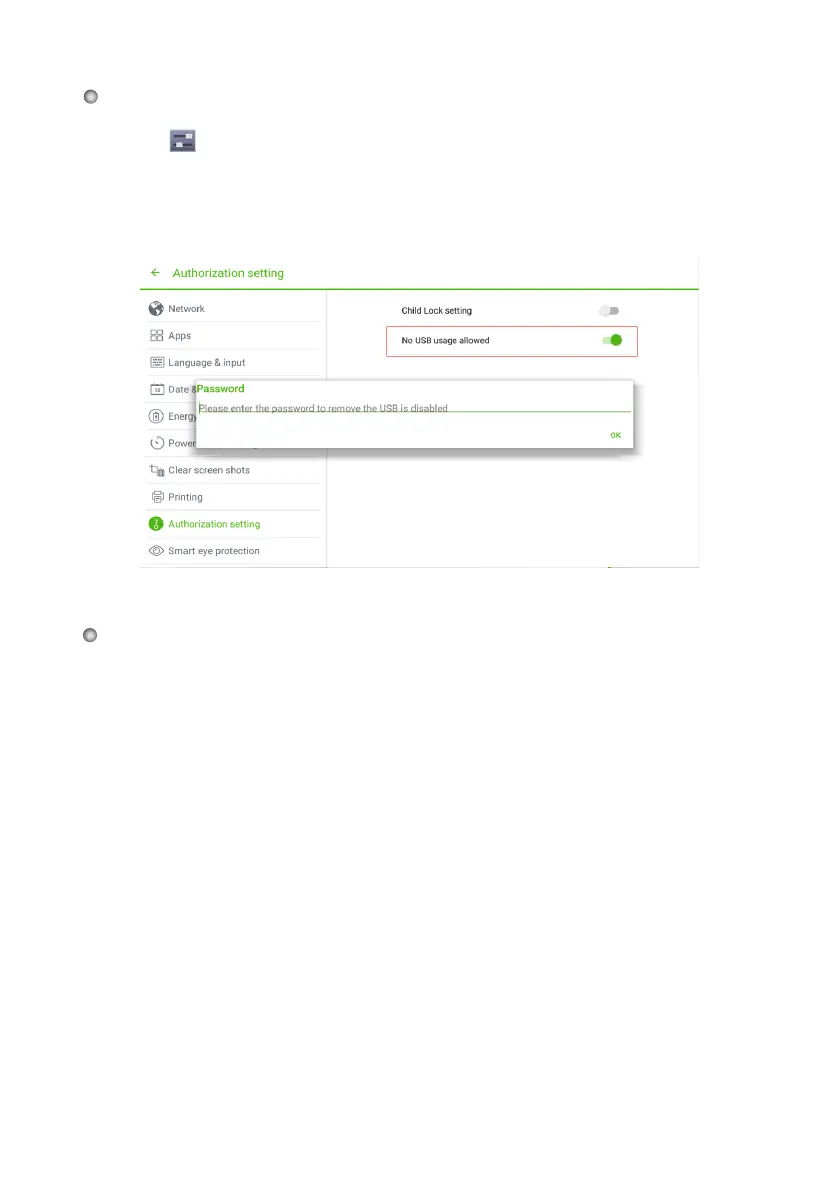
Disable Android USB Port
Temperature Status and Thermal Shutdown
Temperature Status
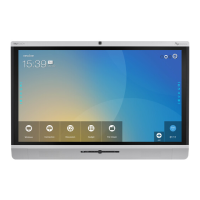
The real-time temperature of the interactive display is displayed in the upper left
corner of the home page. Click the temperature display area in the top-left corner of
screen to switch between Celsius and Fahrenheit.
Thermal Shutdown
The overall temperature of the display will increases if there is unfavorable
ventilation or the display is on and in use for an extended period of time.
When the system detects that the actual temperature is higher than the optimal
temperature, the display will automatically switch into standby mode. You shouldn’t
reboot the display for two minutes after this switch.
Click
on the toolbar to enter the system settings interface. You can click the
Authorization setting item to turn on No USB usage allowed.
●
Once you turn on this function, all the Android USB ports will be disabled.
To turn off this function, enter pin code "888888"
●
●








 To Next Page