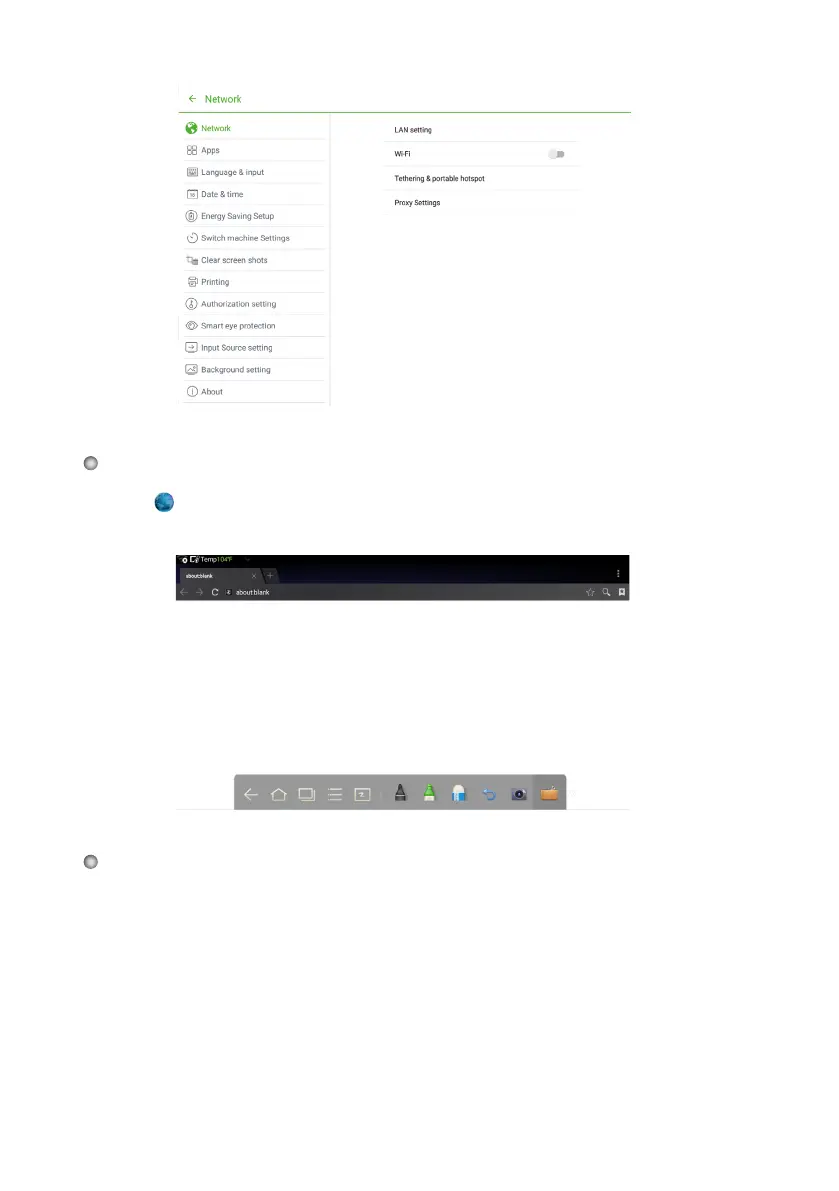
29
Click on the toolbar to open the web browser. Enter a website in the address bar
or enter keywords in the search box by using the soft keyboard or the remote control.
Press AUDIO ONLY on the remote controller to turn off the scr
een but keep audio
on. To turn the screen on again, touch any place on screen or click AUDIO ONLY
again to return to normal operation mode.
Browser
Audio Only








 To Next Page