25
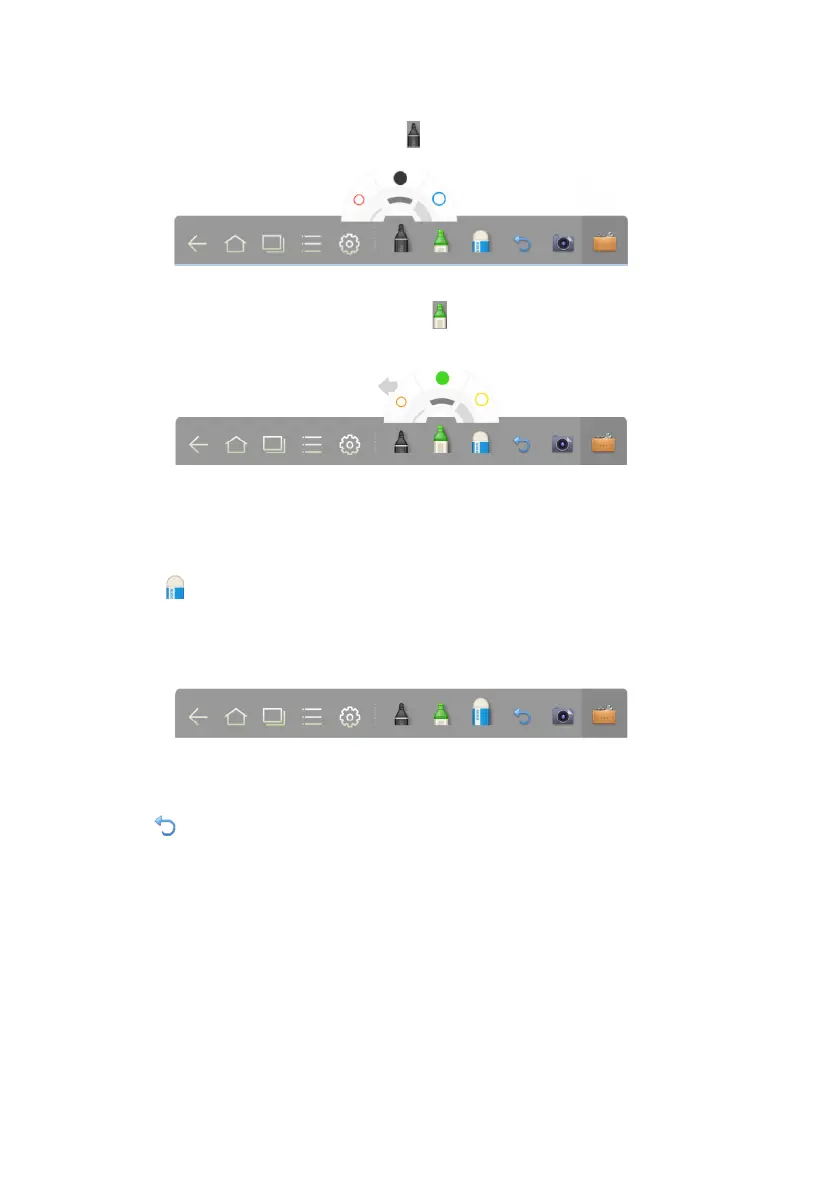
If the highlighter is selected, click and hold for two seconds to set its weight and
color.
● Click to select the eraser. Then you can use it to erase the content on the
whiteboard.
● Use five fingers to touch the screen and a circle is displayed, i
ndicating the space to
be used as the eraser. Move the circle to erase the content you wrote.
Click
to cancel operations.
Pen, Pen Weight, and Color
If the marker is selected, click and hold for two seconds to set its weight and color.
Eraser
Two methods are available to erase written
content or errors as follows:
Cancel








 To Next Page