6
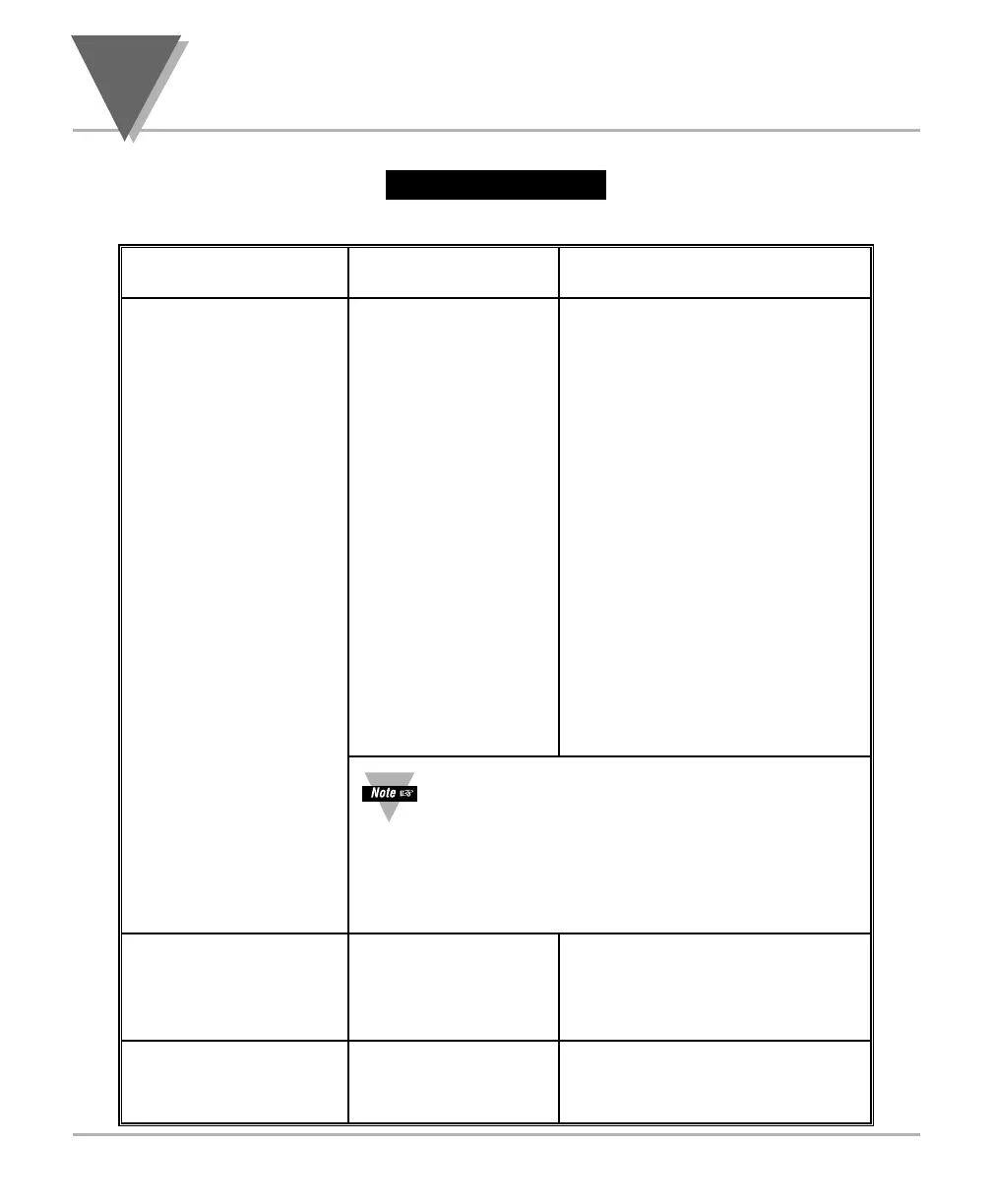
Menu Configuration
Table 6-1 Continued
34
*If you select 0.2=V, you may select your analog
output to be 0-10 V or 0-5V by accessing sub-menu
0.5=F or 0.5=H
*If 0.3=P, you may select your proportional output
analog to be direct 0.4=D (4-20 mA, 0-5 V, 0-10 v)
or reverse acting 0.4=R (20-4 mA, 5-0 V, 10-0 V) .
OT.CF
Output Configuration
Analog Output
P.BND
Proportional Band
shown if 0.3 = P
Shows prior value
entered. Scrolls to the
next digit to the right
Changes the value
of the flashing digit
Changes the value
of the flashing digit
Shows prior value
entered. Scrolls to the
next digit to the right
M.RST
Manual Reset
shown if 0.3 = P
0.1
0.2
0.3
0.4
0.5
D: Disabled
E: Enabled
V: Voltage analog out
C: Current analog out
A: Retransmission of
temperature
P: Proportional to error
D: Proportional analog output
is direct reading
R: Proportional analog output
is reverse acting
F: 0-10 V proportional
H: 0-5 V proportional
MENU
䊳/DEV 䊱/MAX
(Defaults in Bold and Italics)



 To Next Page