33
Menu Configuration
SECTION 6. MENU CONFIGURATION
Not all menu items display on standard meters.
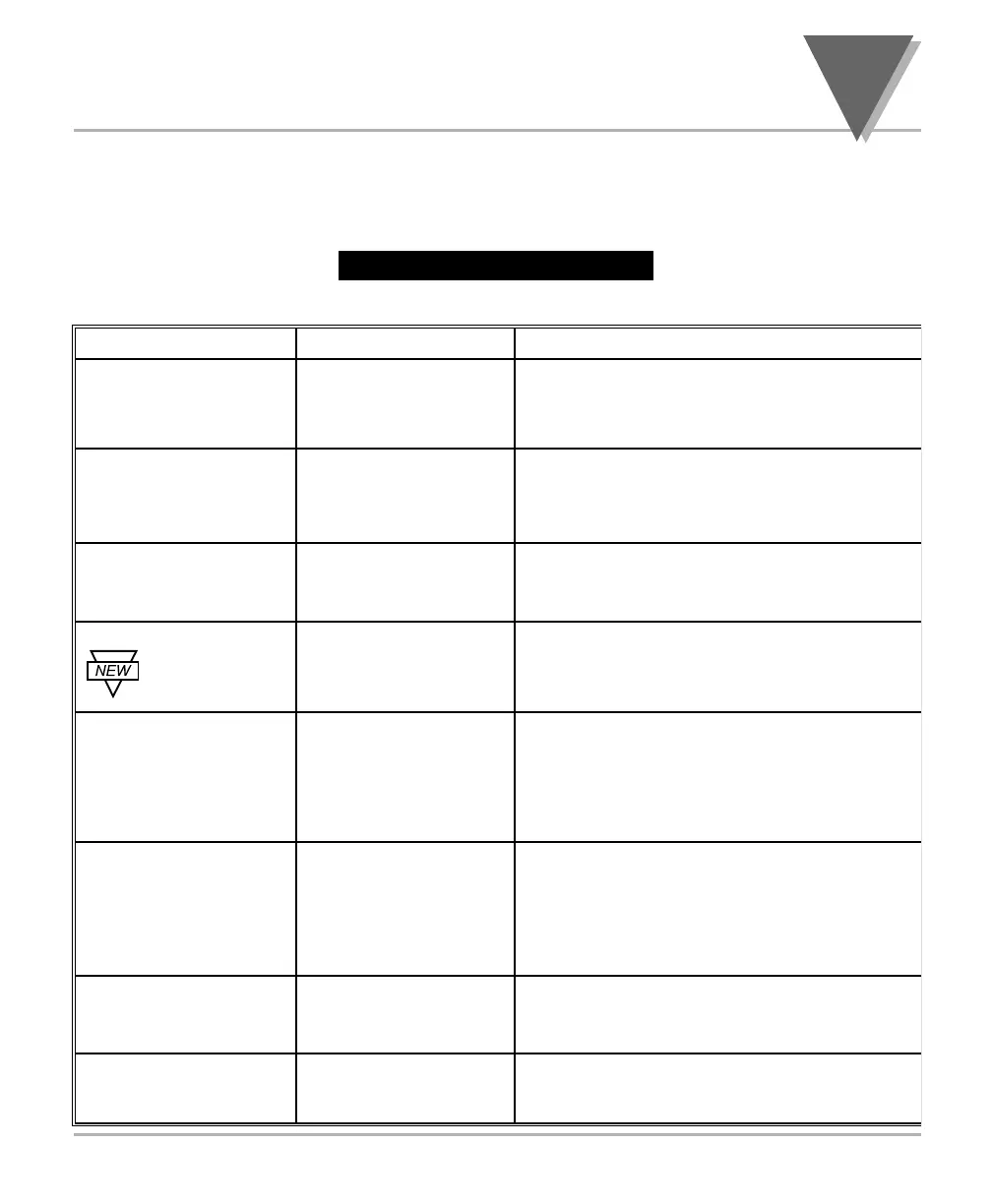
Table 6-1. Menu Configuration
6
INPT
Input Type
DEC.P
Decimal Point
RD.CF
Reading Configuration
COLR
Display Color
Selection
S1.CF
Setpoint 1
Configuration
S2.CF
Setpoint 2
Configuration
S1.DB
Setpoint 1 Deadband
S2.DB
Setpoint 2 Deadband
Shows input choices:
Shows decimal
point position
R.1
Shows input choices:
S.1
S.2
S.1
S.2
Press to scroll to the
next digit to the right
Press to scroll to the
next digit to the right
RTD.2
2-wire RTD 100 Ω PT., DIN standard
RTD.3
3-wire RTD 100 Ω PT., DIN standard
RTD.4
4-wire RTD 100 Ω PT., DIN standard
FFFF
FFF.F
C: Celsius
F: Fahrenheit
GRN (Green)
RED (Red)
AMBR (Amber)
A: Active above
B: Active below
U: Unlatched
L: Latched
A: Active above
B: Active below
U: Unlatched
L: Latched
Press to change the value of the flashing
digit
Press to change the value of the flashing
digit
MENU
䊳/DEV 䊱/MAX
(Defaults in Bold and Italics)



 To Next Page