12
OpenSPR 1-Channel Operation Manual V4.1.01
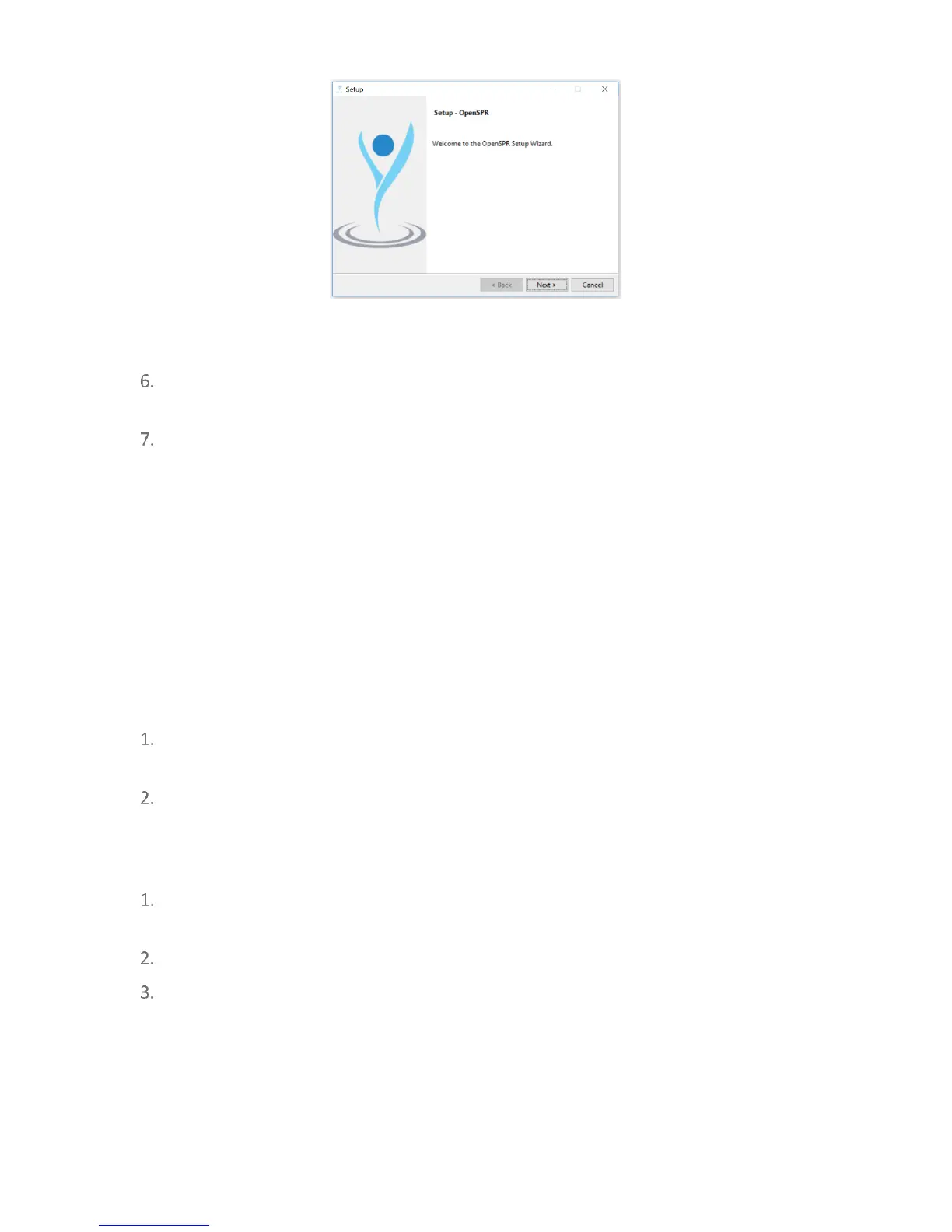
Figure 1.5 OpenSPR software setup wizard.
Once the installation wizard finishes, you will find a shortcut to the program called
“OpenSPR” on the desktop.
Restart your computer after the installation is complete.
Important: Ensure that the computer sleep settings are set to never. If the computer falls
asleep during an experiment, the software will lose communication with the instrument, and
the software must be restarted.
1.3 TraceDrawer Software Setup
Setup of the TraceDrawer analysis software is only applicable if a TraceDrawer license key was
purchased.
1.3.1 Installing TraceDrawer
Copy the TraceDrawer_1.8_RidgeviewSetup.exe file from the USB stick onto the
computer.
Run the installer and follow the prompts to complete the installation.
1.3.2 TraceDrawer License Activation
Locate your TraceDrawer License Key. A print-out containing your license key is provided
within the folder of the OpenSPR Accessories box.
Run the TraceDrawer program from the desktop shortcut.
Click “Add Legacy License Key” in the window prompt.



 To Next Page