37
OpenSPR 1-Channel Operation Manual V4.1.01
2.5.3 Changing the Running Buffer
During an SPR experiment, in some scenarios a change of buffer may be needed. The OpenSPR
contains an automated process for changing the running buffer, which can be accessed by
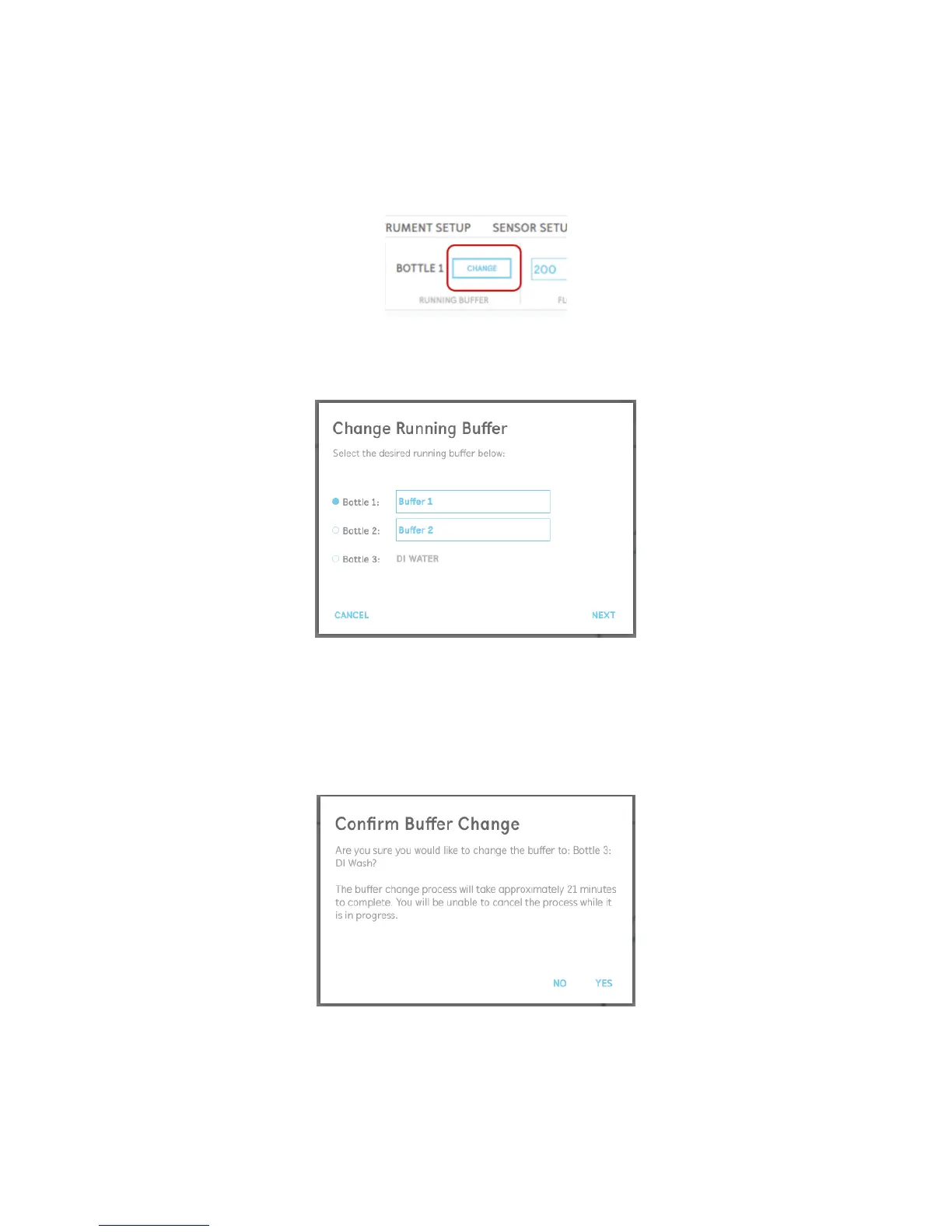
selecting “Change Buffer” in the menu bar [Figure 2.43].
Figure 2.43 Button to begin the process to change the running buffer.
The user will be prompted to select the new running buffer to change to [Figure 2.44].
Figure 2.44 Buffer change dialogue prompt.
Prior to commencing the automated buffer change process, a confirmation will appear asking the
user to ensure enough running buffer is filled into the correct bottle with the proper tubing
installed (see Section 2.1.2 for more details) [Figure 2.45]. Note that the process to change the
buffers will take approximately 16 mL to fully flush the system.
Figure 2.45 Confirmation of buffer change.



 To Next Page