54
OpenSPR 1-Channel Operation Manual V4.1.01
2.7 Data Output Files
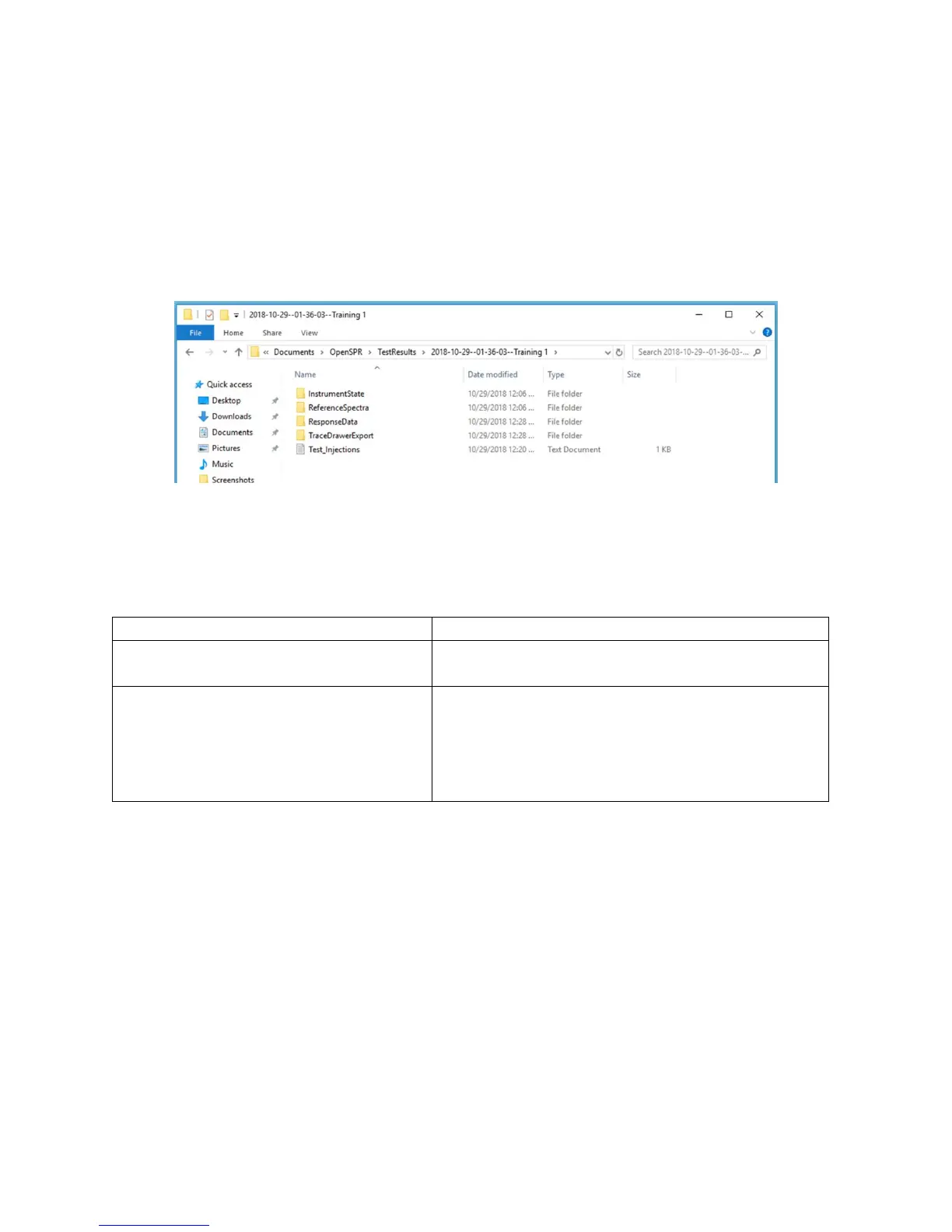
Once an experiment is complete and the user finishes the test, several types of data files are
created into a test folder. The test folder will always be saved under:
Documents\OpenSPR\TestResults\ and will have the name given at the beginning of the test
(Section 2.5.1). An example of contents of the test folder is shown below [Figure 2.75].
Figure 2.75 Data output folders and files created from a test.
The data files formatted for kinetic analysis are in the folder named “TraceDrawerExport”. In
these files, all injections have been separated and normalized in both the X and Y scales. Inside
this folder, you will find several files which are detailed below:
This is a file that has been formatted to import the
full test sequence into TraceDrawer as a single
injection. It is useful for reviewing the continual
test sequence and is not formatted for kinetic
analysis.
For kinetic analysis, it is recommended to use the CH1 file format for analysis. The procedure for
performing a kinetic analysis can be found in the TraceDrawer Kinetic Analysis Guide.
The other data files saved in the folder contain instrument settings and states. The user should
not need to reference these unless instructed to do so for troubleshooting purposes.



 To Next Page