53
OpenSPR 1-Channel Operation Manual V4.1.01
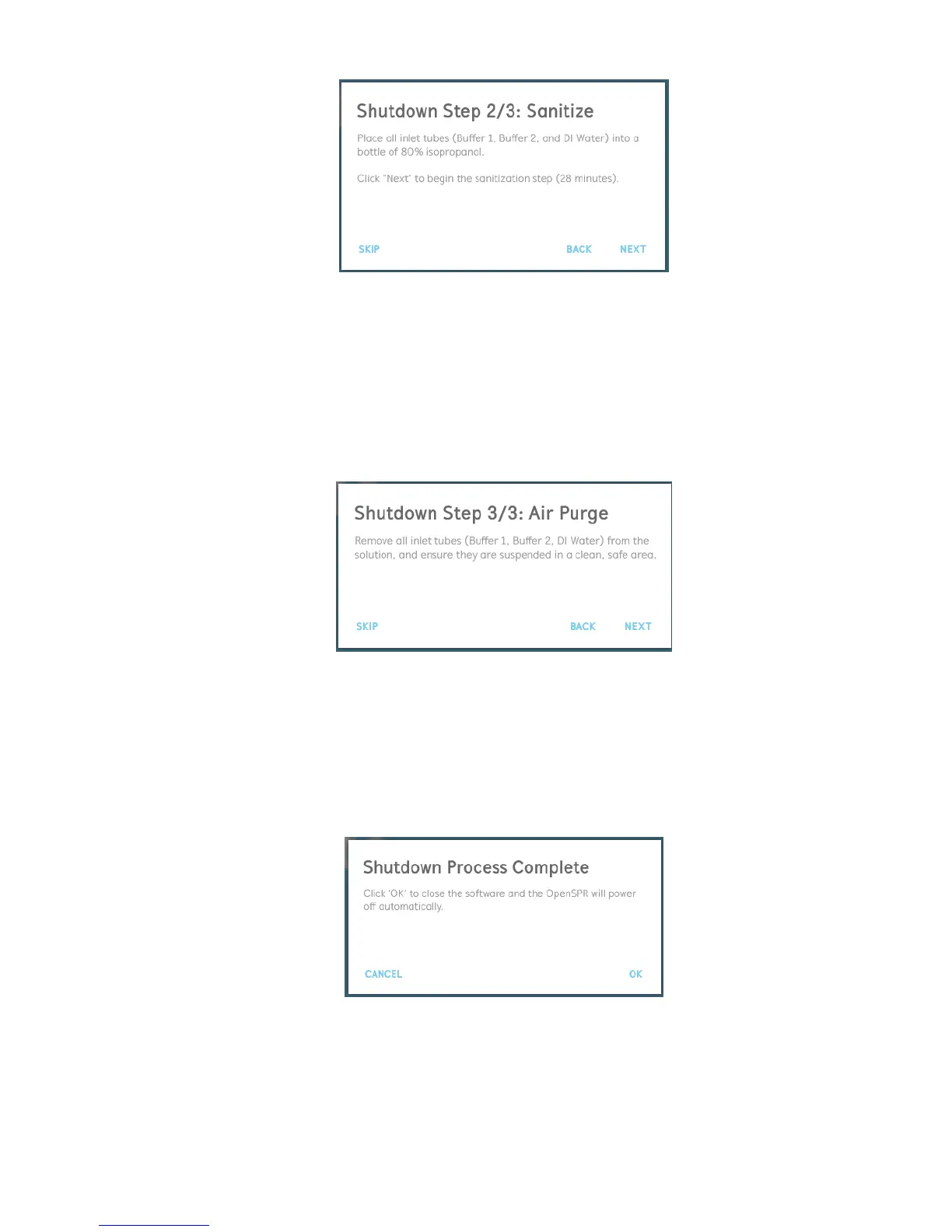
Figure 2.72 Shutdown process 2/3: Sterilization with 80% isopropanol.
5. A progress bar will display the sterilization step status. During this time, rinse the injection
port with at least 5 mL of 80% isopropanol.
6. The third step in the shutdown process will be to purge the pumps and tubing of the
system with air [Figure 2.73]. To do this, remove all 3 inlet tubes from solution and
suspend the ends of the tubes in a clean, safe space. Once all inlet tubes are in proper
position, click “Next” to begin the purging step.
Figure 2.73 Shutdown process 3/3: purging with air.
7. A progress bar will display the status of the purging step. During this time, purge the
injection port with at least 2 mL of air.
8. Once the shutdown preparation processes are complete, a final dialogue box will appear
[Figure 2.74]. Clicking “OK” in this dialogue will safely close the software and power off
the OpenSPR instrument automatically.
Figure 2.74 Shutdown process complete.



 To Next Page