24
OpenSPR 1-Channel Operation Manual V4.1.01
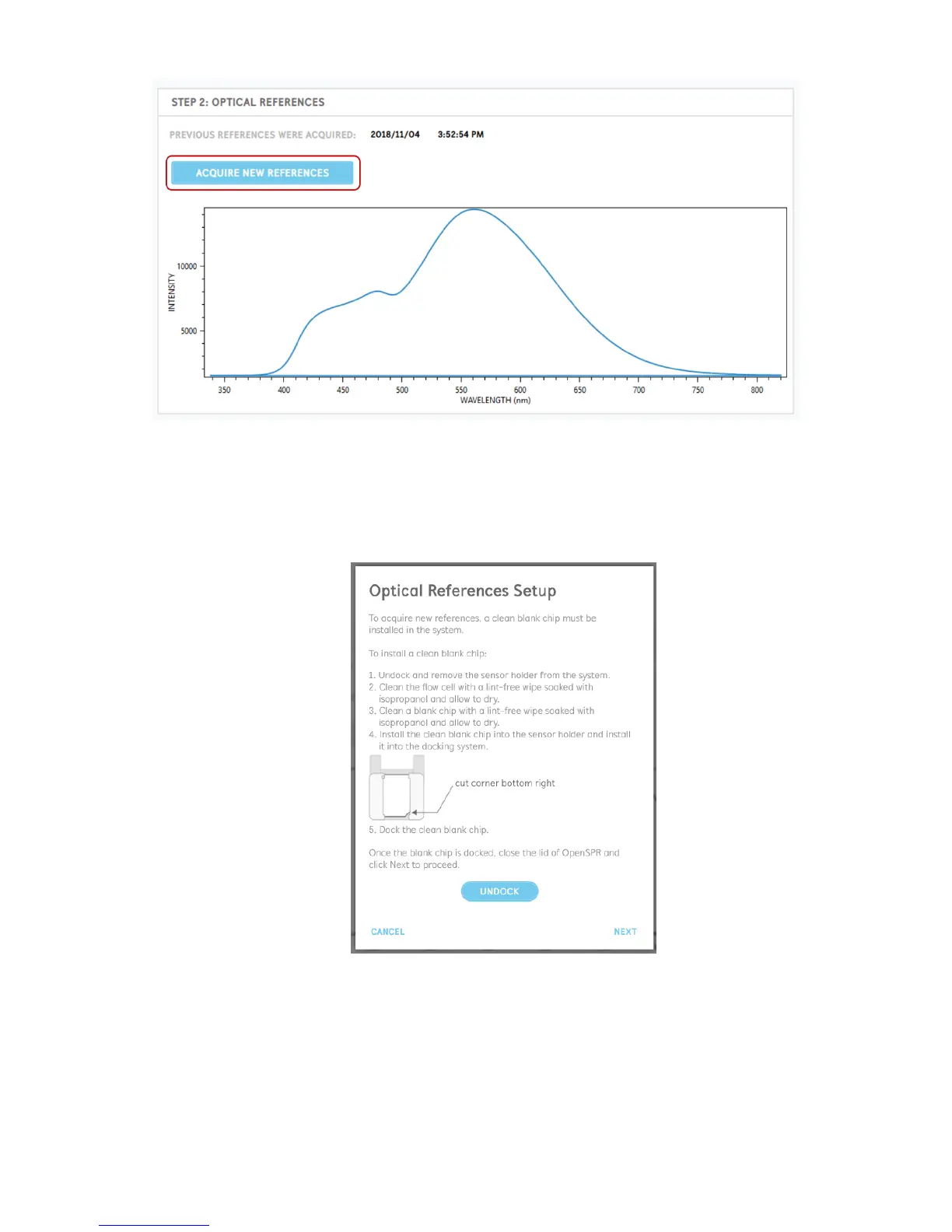
Figure 2.16 Acquire new references process start button.
The process for taking new optical references is detailed below:
1. To be able to take the references, a clean blank chip must be installed in the OpenSPR
[Figure 2.17]. To install a blank chip into the OpenSPR, follow the directions below.
Figure 2.17 Optical reference setup instructions.
2. First, with the lid of the OpenSPR closed, undock the sensor stage using the button located
in the instruction window. When the stage is undocked, remove the sensor holder from
the system.



 To Next Page