26
OpenSPR 1-Channel Operation Manual V4.1.01
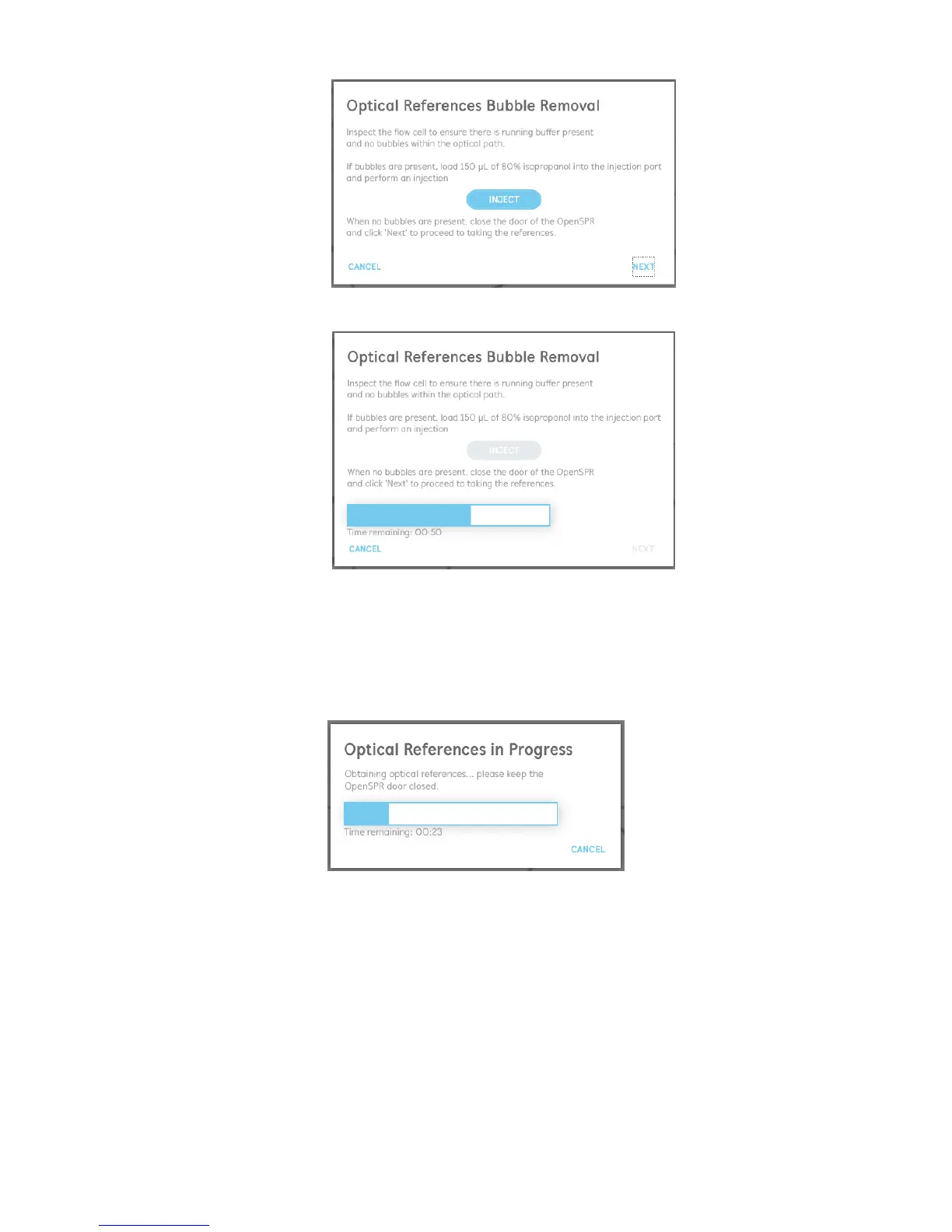
Figure 2.20 Optical references bubble inspection and removal.
Figure 2.21 Optical references bubble removal in progress.
10. When the optical path is cleared of all bubbles, close the lid of the OpenSPR and select
“Next” to begin taking the optical references. The process will take approximately 2
minutes to complete and the progress will be displayed [Figure 2.22]. Keep the lid of the
OpenSPR closed during this process.
Figure 2.22 Optical references progress display.
11. Once the optical references are complete, the date and time the last references were
taken will be updated accordingly on the main screen. It is recommended to inspect the
references to ensure they look accurate [Figure 2.15].



 To Next Page