28
OpenSPR 1-Channel Operation Manual V4.1.01
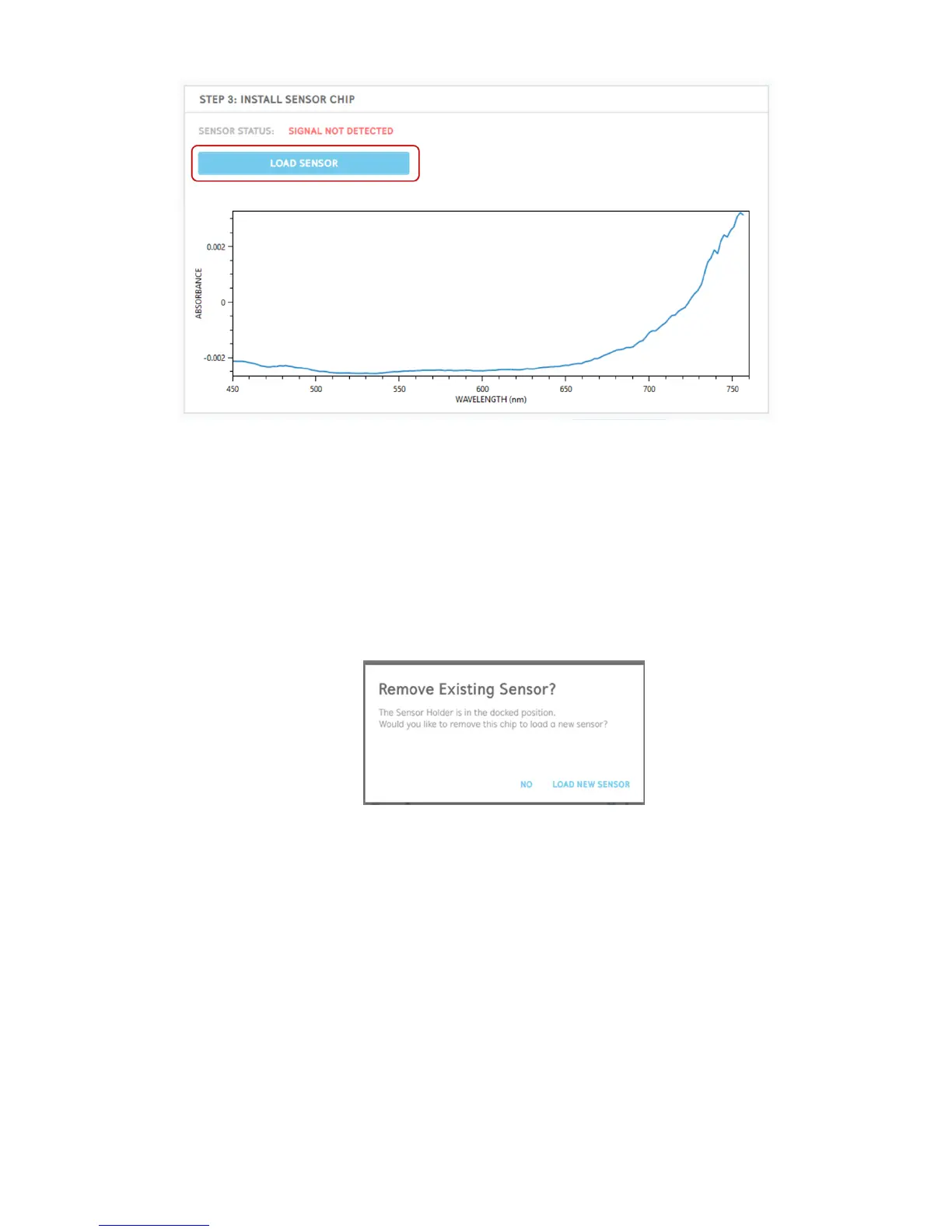
Figure 2.24 Load Sensor button to begin the process to install a new sensor.
A series of prompts will provide directions on how to prepare the sensor and install it into the
OpenSPR for analysis. Details for this process are provided in the steps below:
1. If the sensor holder is in the docked position, the software will first ask if you would like
to continue with the current sensor installed or if you would like to load a new one [Figure
2.25]. To place a new sensor into the instrument, ensure the lid of the OpenSPR is closed
and select “Load New Sensor”. At this time the sensor stage will automatically undock for
you.
Figure 2.25 Prompt asking if you would like to remove existing sensor.
2. A prompt will appear instructing you to remove the existing sensor or chip from the
system [Figure 2.26].



 To Next Page