106
Movie Recording and Playback
Movie Recording and Playback
Recording Movies
To shoot movies with sound recorded via the built-in microphone, enter shooting
mode and follow the steps below.
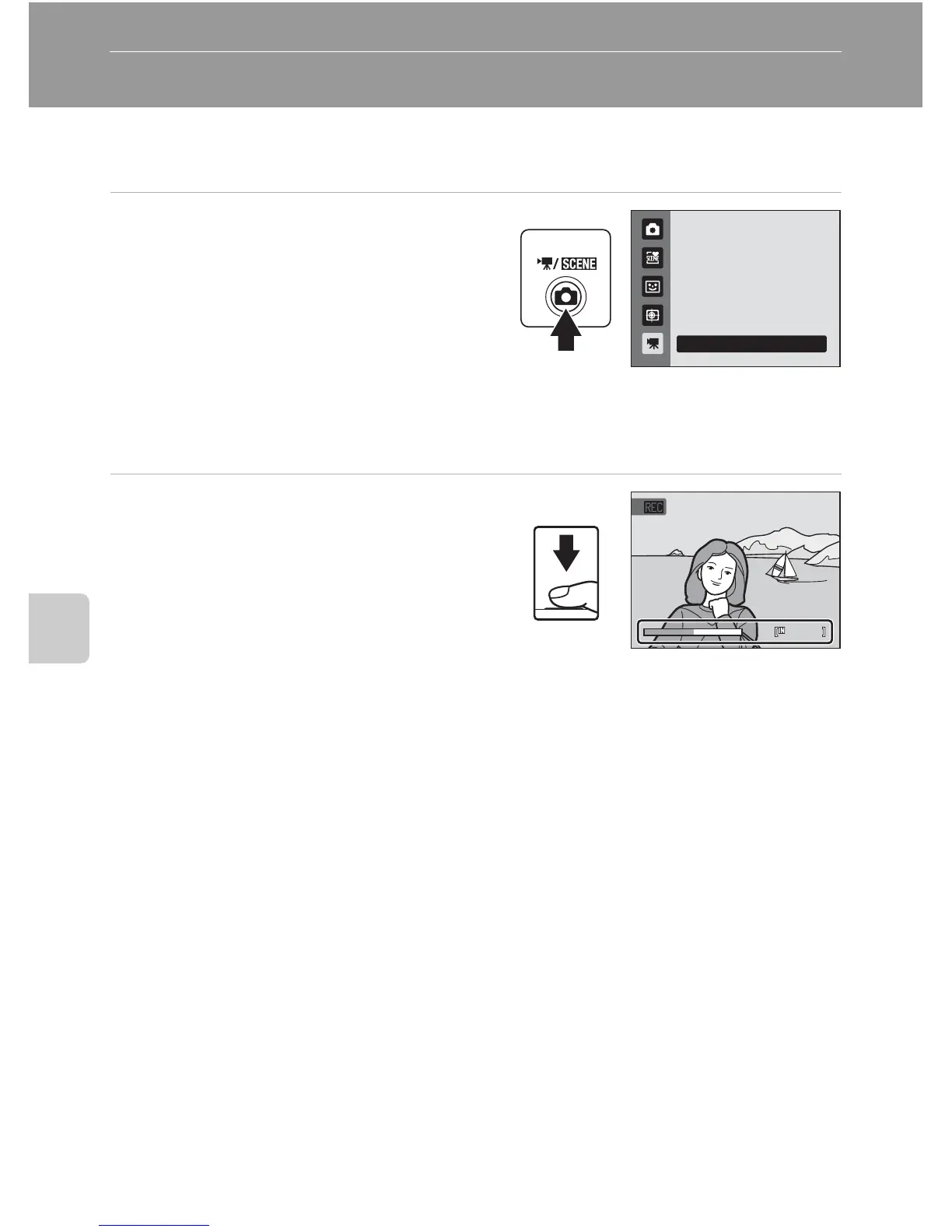
1 Press the A button in shooting
mode to display the shooting mode
menu and press the multi selector
H or I to select D, and then press
the k button.
The maximum movie length that can be
recorded is displayed in the monitor
(A 108). The maximum recording time for a single movie is 29 minutes. The maximum
file size for a single movie is 2 GB, even when there is sufficient free space on the
memory card for a larger movie file.
2 Press the shutter-release button all
the way down to start recording.
The camera focuses on the subject at the
center of the frame.
A progress bar at the bottom of the monitor
shows the amount of recording time
remaining.
To end recording, press the shutter-release button all the way down a second time.
Recording stops automatically when the maximum movie length has been recorded.
Movie



 To Next Page
 Loading...











