129
Setup Menu
Basic Camera Setup
d Date
Set the camera clock.
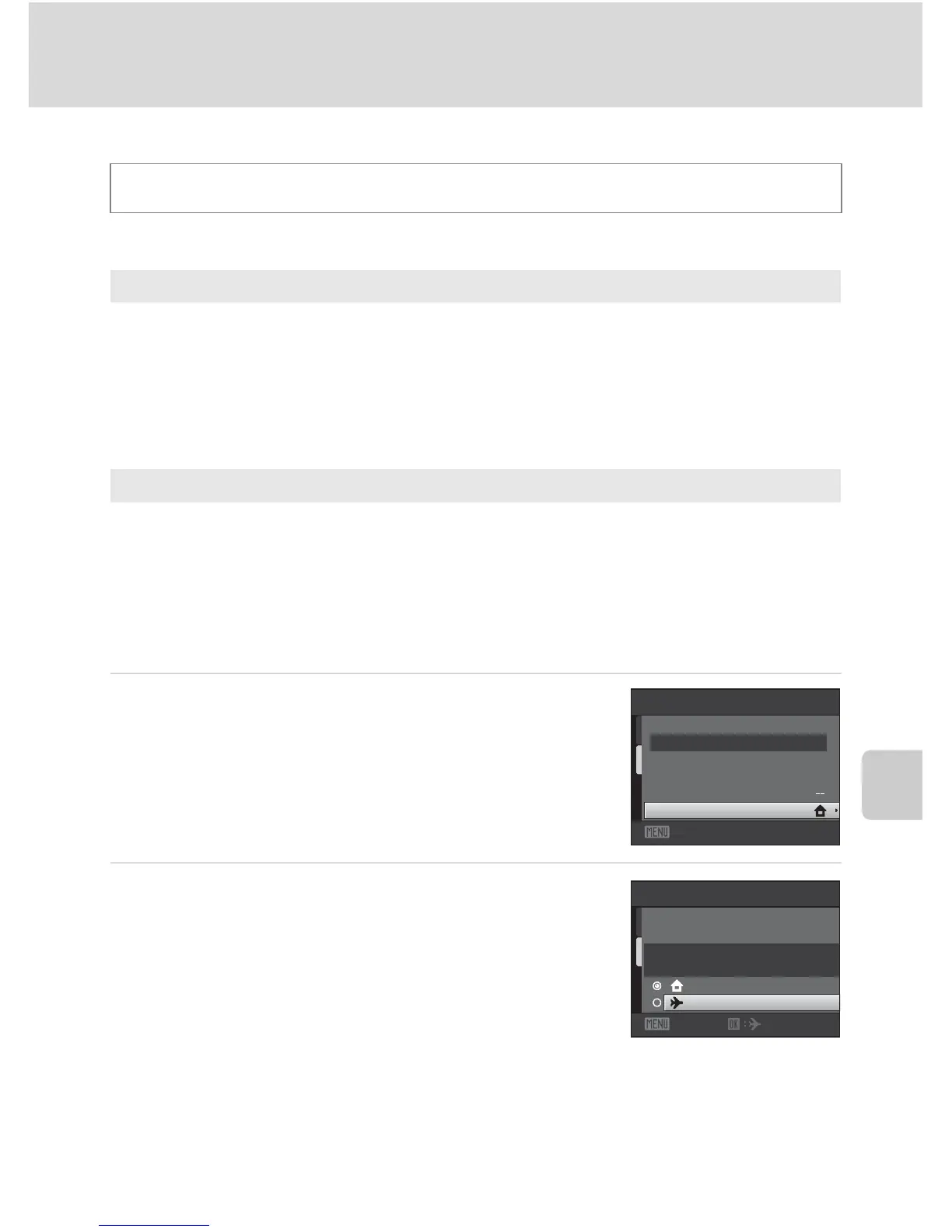
Selecting Travel Destination Time Zone
1 Use the multi selector to choose Time zone
and press the k button.
The Time zone menu is displayed.
2 Choose x Travel destination and press the
k button.
The date and time displayed in the monitor changes
according to the region currently selected.
d button M z (Setup menu) (A 126) M d Date
Date
Set camera clock to current date and time.
Use the multi selector to set the date and time in the date screen.
• Highlight a different item (day, month, year, hour, minute, and the order in which
day, month, and year are displayed): press J or K.
• Edit the highlighted item: press H or I.
• Apply the setting: select the order in which day, month, and year are displayed
and press the k button (A 19).
Time zone
w Home time zone can be specified and daylight saving enabled or disabled from
Time zone options. When the destination time zone (x) is selected, local time
(A 131) is automatically calculated and date and time in the selected region are
recorded with pictures. Useful when traveling.
Date
1 5/05/201 0 15:30
Time zone
Date
Exit
Time zone
1 5/05/201 0 15:30
Lond on, Casablanca
Home time zone
Travel destination
Exit



 To Next Page
 Loading...











