11
Basic Operations
Introduction
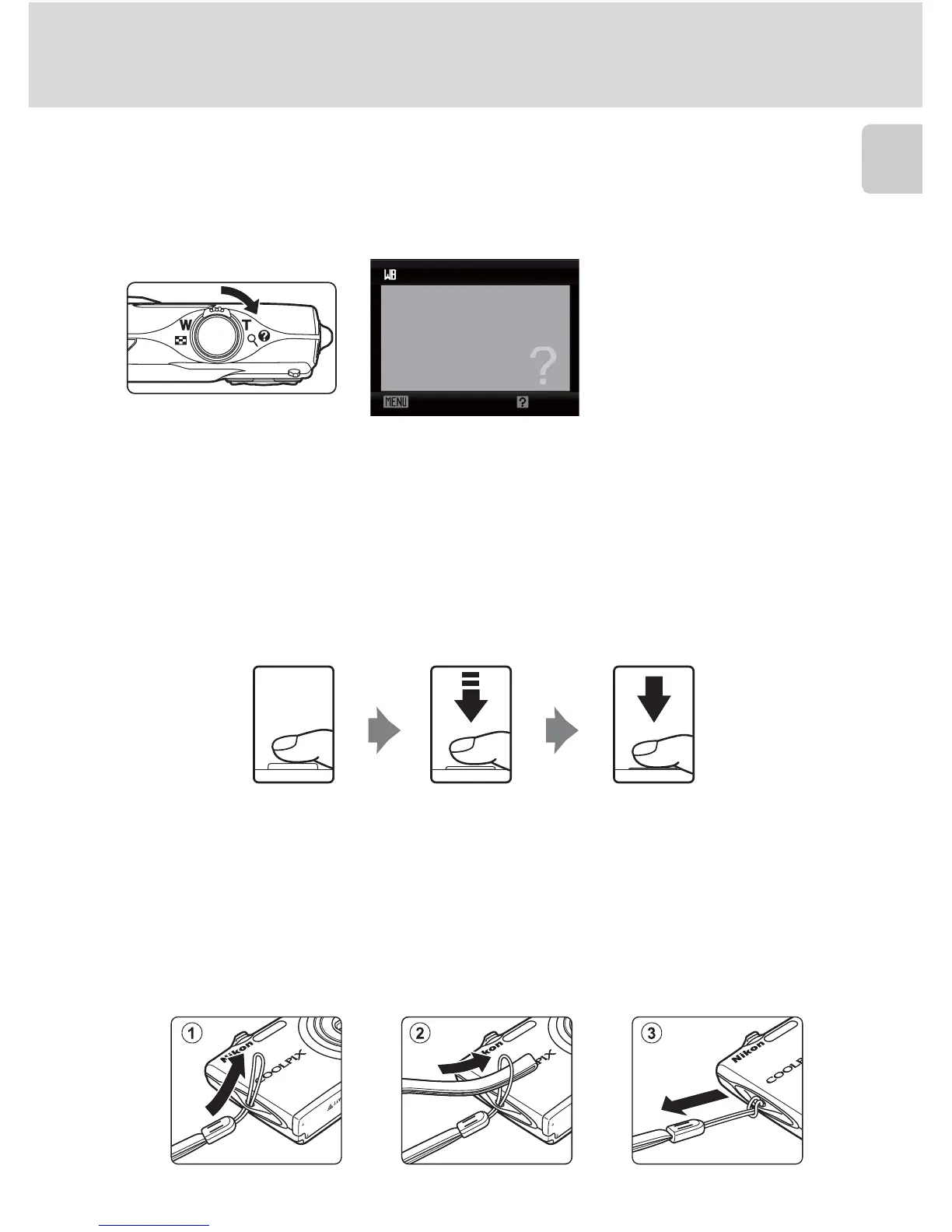
Help Displays
Rotate the zoom control to g (j) when M/L is displayed at the lower right of
the menu screen to view a description of the currently selected menu option.
To return to the original menu, rotate the zoom control to g (j) again.
The Shutter-release Button
The camera features a two-stage shutter-release button. To set focus and
exposure, press the shutter-release button halfway, stopping when you feel
resistance. Focus and exposure lock while the shutter-release button is held in this
position. To release the shutter and take a picture, press the shutter-release button
the rest of the way down. Do not use force when pressing the shutter-release
button, as this may result in camera shake and blurred pictures.
Attaching the Camera Strap
White balance
For accurate color reproduction,
choose a setting that matches
the light source.
Exit Back
Press the
shutter-release
button the rest
of the way down
to take picture
Press the
shutter-release
button halfway
to set focus and
exposure



 To Next Page
 Loading...











