EasyManua.ls Logo

Nikon CoolPix S60 - Page 11

Nikon CoolPix S60
210 pages
Print Icon
To Next Page IconTo Next Page
To Previous Page IconTo Previous Page
Loading...
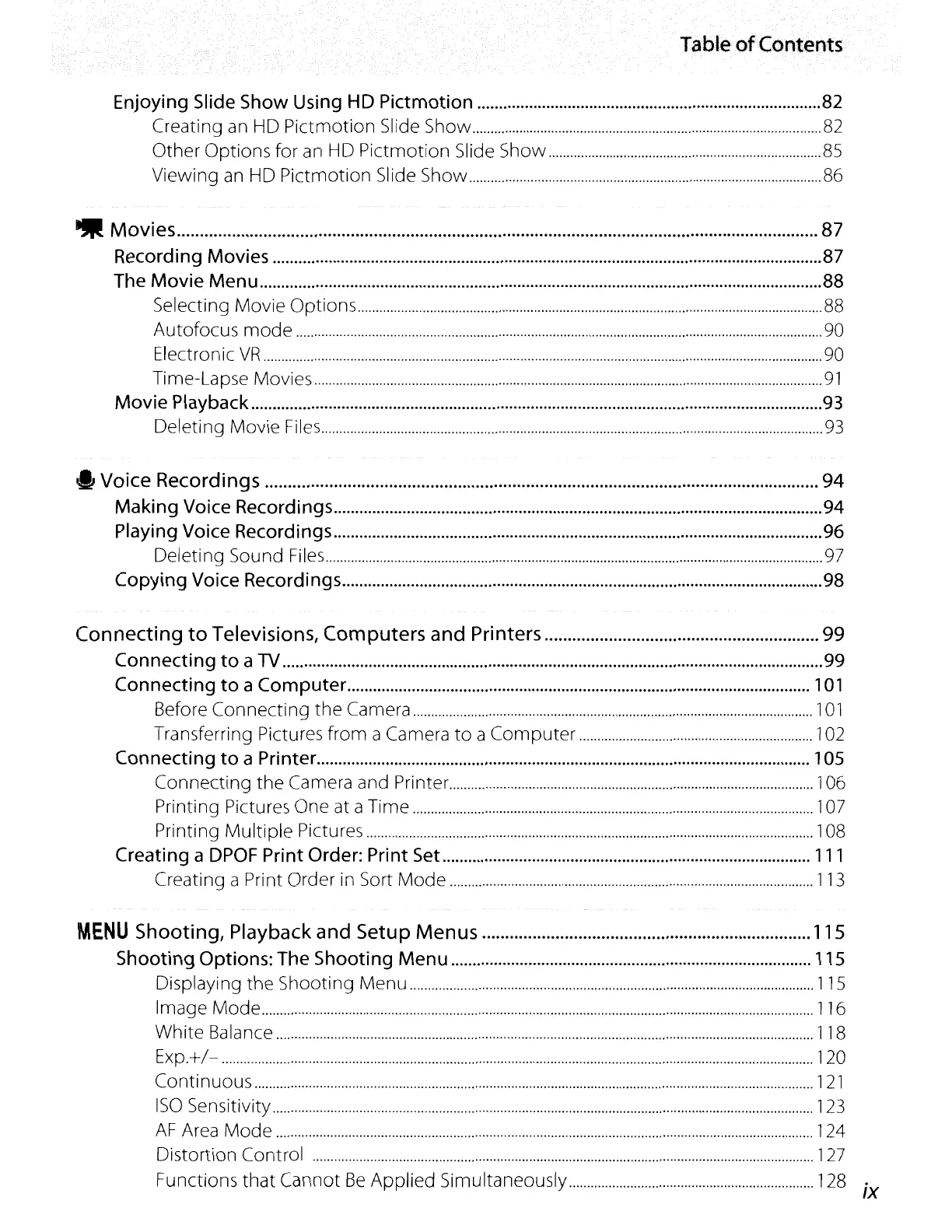
Table
of
Contents
Enjoying Slide Show Using
HD
Pictmotion
82
Creating an HD
Pictmotion
Slide Show 82
Other
Options
for an HD
Pictmotion
Slide Show
85
Viewing an HD
Pictmotion
Slide Show 86
lilt
Movies
87
Recording Movies 87
The Movie Menu 88
Selecting
Movie
Options
88
Autofocus
mode
90
Electronic
VR
90
Time-Lapse Movies
91
Movie Playback
93
Deleting
Movie
Files
93
..
Voice Recordings
94
Making Voice Recordings 94
Playing Voice Recordings 96
Deleting Sound
Files
97
Copying Voice Recordings 98
Connecting
to
Televisions,
Computers
and
Printers 99
Connecting
to
a
TV
99
Connecting
to
a Computer
101
Before
Connecting
the
Camera
101
Transferring Pictures
from
a Camera
to
a
Computer
102
Connecting
to
a Printer 105
Connecting
the
Camera and Printer 1
06
Printing Pictures
One
at a Time 1
07
Printing
Multiple
Pictures 108
Creating a
DPOF
Print Order: Print Set..
111
Creating a Print Order in Sort
Mode
113
MENU
Shooting,
Playback
and
Setup
Menus
115
Shooting Options: The Shooting Menu 115
Displaying
the
Shooting
Menu
115
Image
Mode
116
White
Balance 118
Exp.+/-
120
Continuous
121
ISO
Sensitivity
123
AF
Area
Mode
124
Distortion Control
127
Functions
that
Cannot
Be
Applied
Simultaneously 128
IX

Table of Contents

Other manuals for Nikon CoolPix S60

Related product manuals