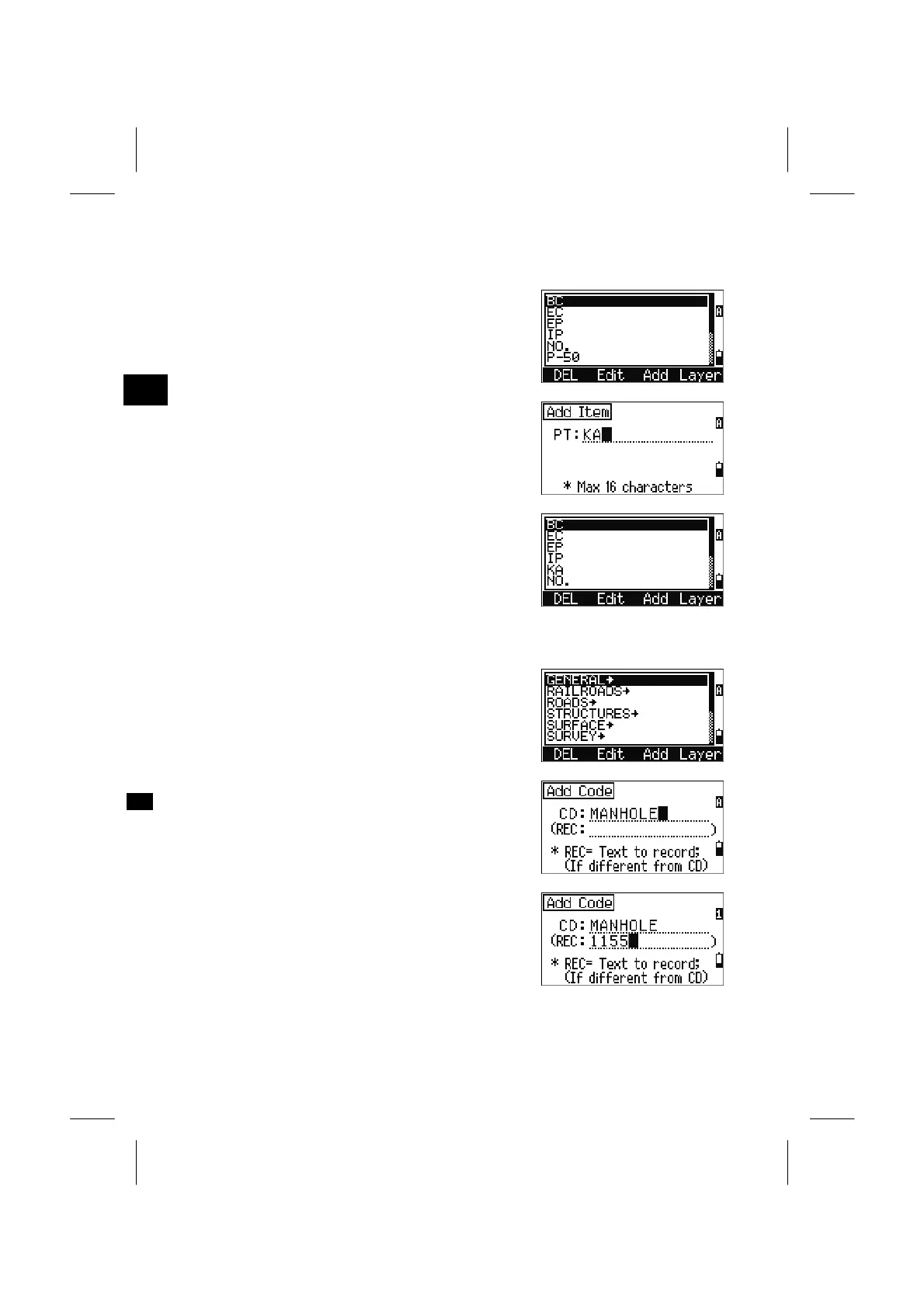
4-6-3. Add PT name
While you are in the PT List, press the [Add]
softkey to add a new PT name to the current Layer.
3
MENU: 4. Data
Input a new PT and press [ENT].
The input PT is added to the current Layer and the
List is updated.
4-6-4. Add Code
While you are in the Code List, press the [Add]
softkey to add a new feature code to the current
Layer.
Type the feature code. “CD” is a string to display
and/or record. Pressing the [Mode] key changes the
input mode between alpha and numeric.
“REC” field is an optional field.
When you have to store a corresponding numeric
code for each CD, then input the name of the code
(MANHOLE) in “CD” and the number (1155) in
“REC” field.
If you record the code just the same as it is input,
leave the “REC” field blank and press the [ENT].
3-121



 To Next Page