I
Checking
battery
power
Be sure to
check
the camera's battery power after installing a
fresh battery
pack
or prior to taking photographs
in
order to
avoid
acciden
t
al
f
ai
lure.
1
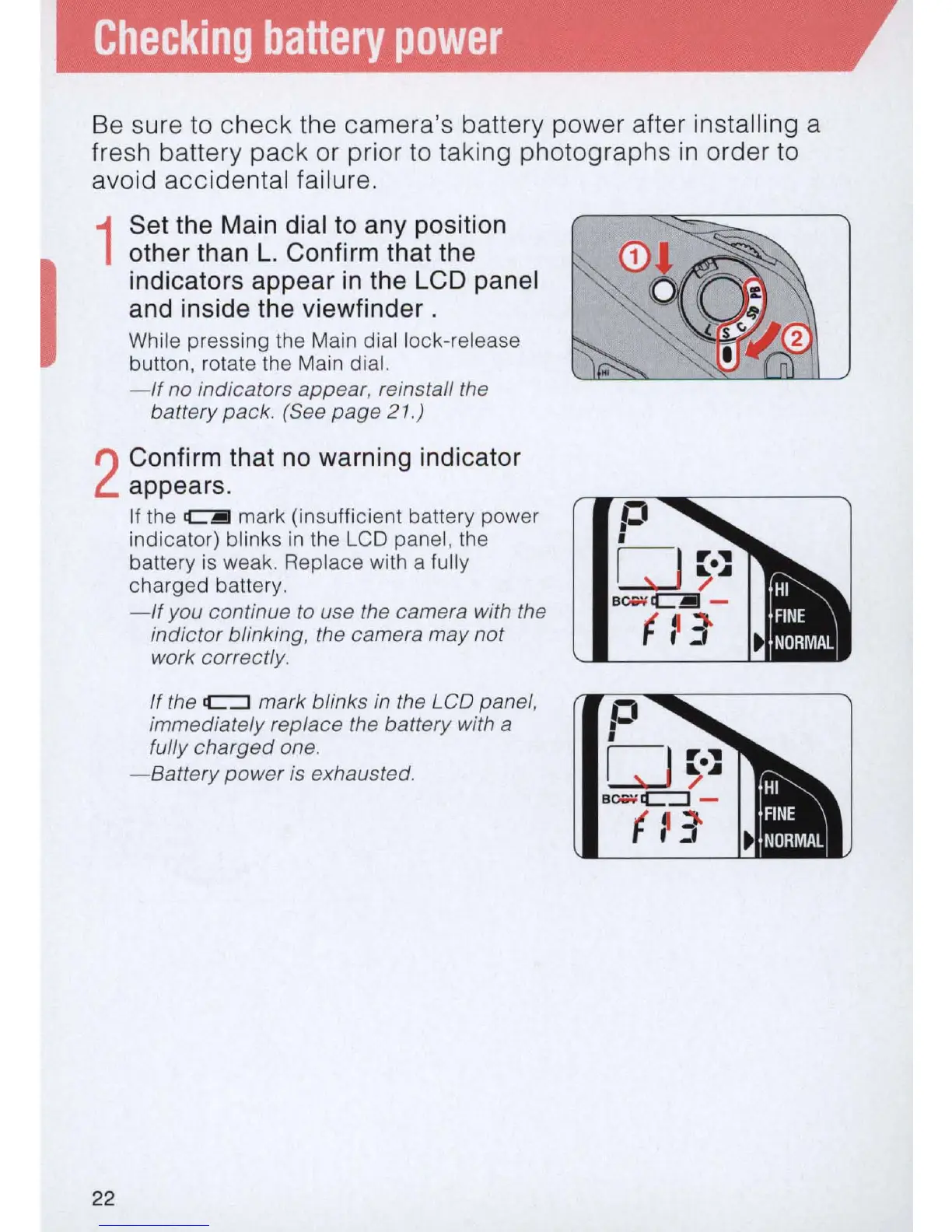
Set the Main dial to any position
other than
L.
Confirm that the
indicators appear in the
LCD panel
and inside the viewfinder .
While pressing
th
e Main dial lock-release
button, rotate the Main dial.
-If
no indicators
appear
, reinstall the
battery pack. (See
page
21.)
2
Confirm that no warning indicator
appears.
22
If the C1!!!I mark (insufficient battery power
indicato
r)
blinks
in
the LCD panel,
th
e
battery
is
weak. Replace with a fully
charged battery.
-
If
you continue to use the camera with the
indictor blinking,
th
e camera may not
work correctly.
If
the
C=:J
mark blinks in the LCD panel,
immediately replace the battery with
a
fully
charged
one.
-Battery
power
is exhausted.



 To Next Page