I
Focusing
and
shooting
1
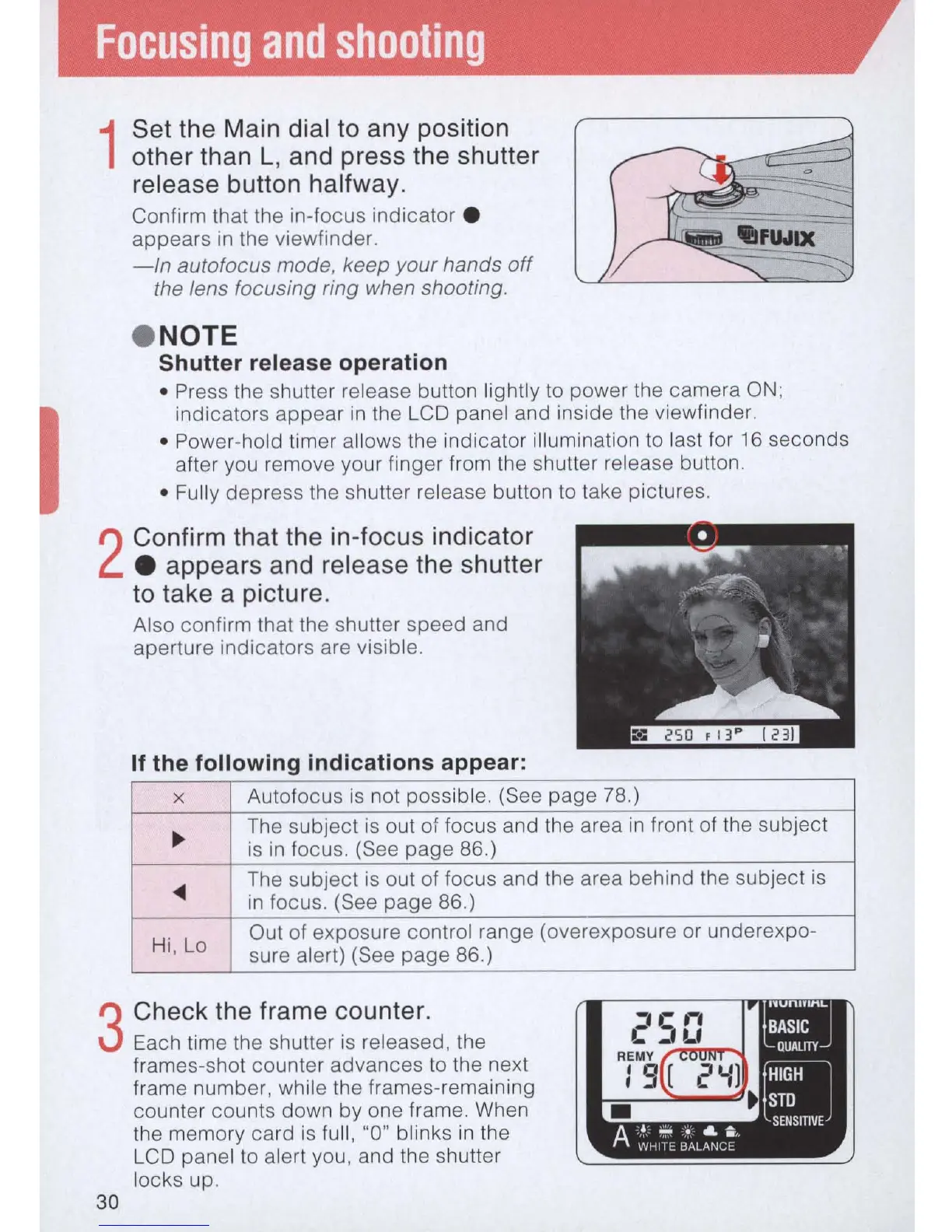
Set the Main dial to any position
other than L, and press the shutter
release button halfway.
Confirm that
th
e in-focus indicator •
appears
in
th
e viewfinder.
-
In
autofocus mode, keep your hands
off
the lens focusing ring when shooting .
• NOTE
Shutter release operation
• Press
th
e shutter release button lightly
to
power the camera
ON
;
indicators appear
in
the LCD panel and inside the viewfinder.
• Power-hold timer allows the indicator illumination
to
last for
16
seconds
after you remove your finger from the shutter release button.
• Fully depress the shutter release button to take pictures.
2
Confirm that the
in
-focus indicator
• appears and release the shutter
to take a picture.
Also confirm that the shutter speed and
aperture indicators are visible.
If the following indications appear:
x
Autofocus
is
not possible. (See page
78
.)
~
The subject
is
out of focus and the area
in
front of the subject
is
in
focus. (See page
86
.)
~
The subject is out of focus and
th
e area behind the subject
is
in
fo
c
us
. (See page
86
.)
Hi
, Lo
Out of exposure control range (overexposure or underexpo-
sure alert) (See page
86
.)
3
Check the frame counter.
Each time the shutter is released, the
frames-shot counter advances
to
the next
30
frame number, while the frames-remaining
counter counts down by one frame. When
the memory card
is
full, "0" blinks
in
the
LCD panel to alert you, and the shutter
locks up.



 To Next Page