I
Autofocus
with
main
subject
off-center
In
autofocus mode, the subject inside the focus brackets
is
in-focus. With
an
off-center
subject
, use the Auto Focus Lock
function.
In
Single Servo AutofoCU5 mode
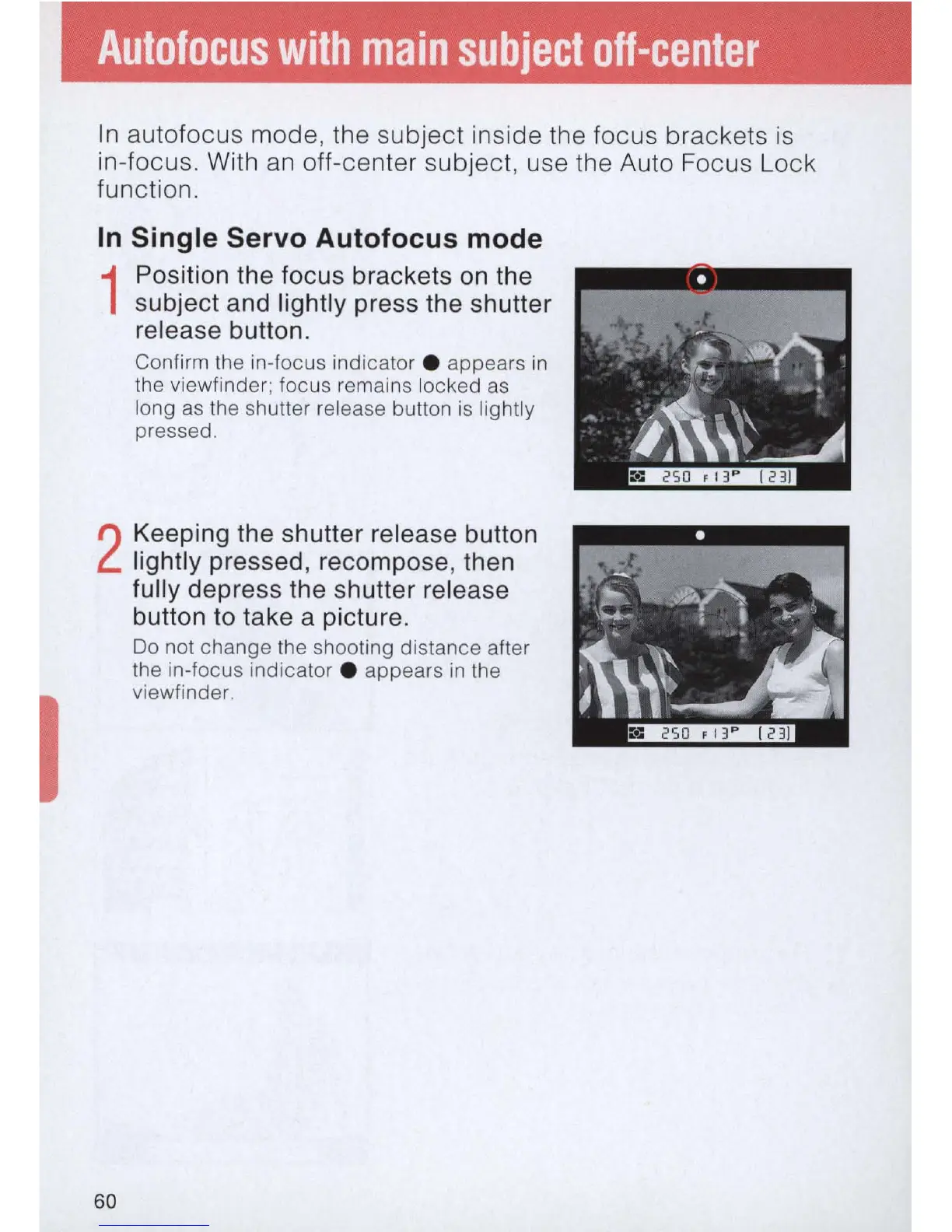
1
Position the focus brackets
on
the
subject and lightly press the shutter
release button.
Co
nfirm
th
e in-focus indicator . appears
in
th
e viewfinder; focus rema
in
s locked
as
long
as
the shu
tt
er
re
lease button
is
ligh
tl
y
pressed.
2
Keeping the shutter release button
lightly pressed, recompose, then
fully
depress the shutter release
60
button to take a picture.
Do not change the shooting distance after
the in-focus indicator . appears in the
viewfinder.
-
•
~
,
..
'!
'
jl\\~
~



 To Next Page