Using Manual Exposure
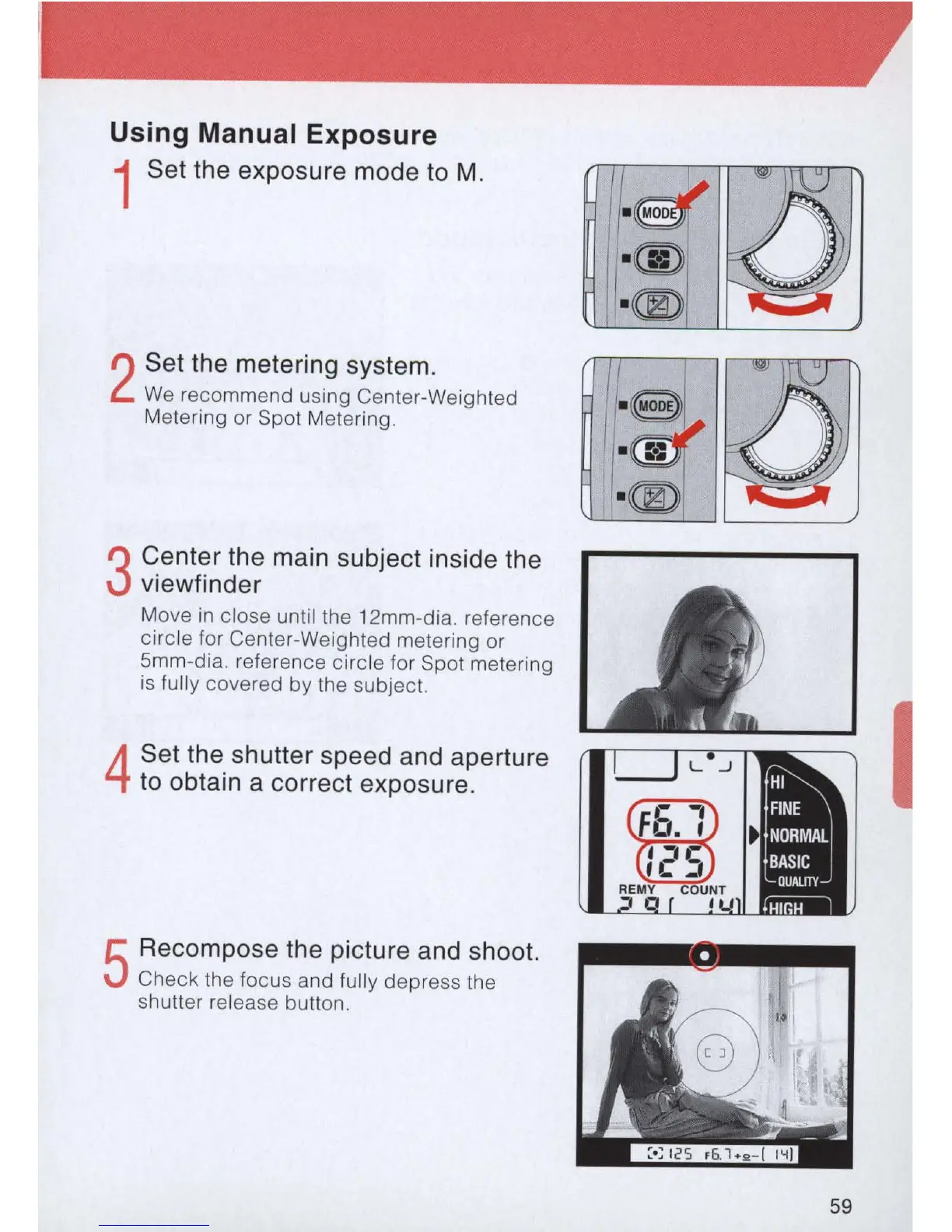
1 Set the exposure mode
to
M.
2
Set the metering system.
We
recommend using Center-Weighted
Metering or Spot Metering.
3
Center the
ma
in subject inside the
viewfinder
Move
in
close until the 12mm-dia. reference
circle for Center-Weighted metering or
5mm-dia. reference circle for Spot metering
is
fully covered by the subject.
4
Set the shutter speed and aperture
to
obtain a correct exposure.
5
Recompose the picture and shoot.
Check the focus and fully depress the
shutter release button.
59



 To Next Page