,.
"
I'
I
,
I
I
I
I
f
~
l
l
In
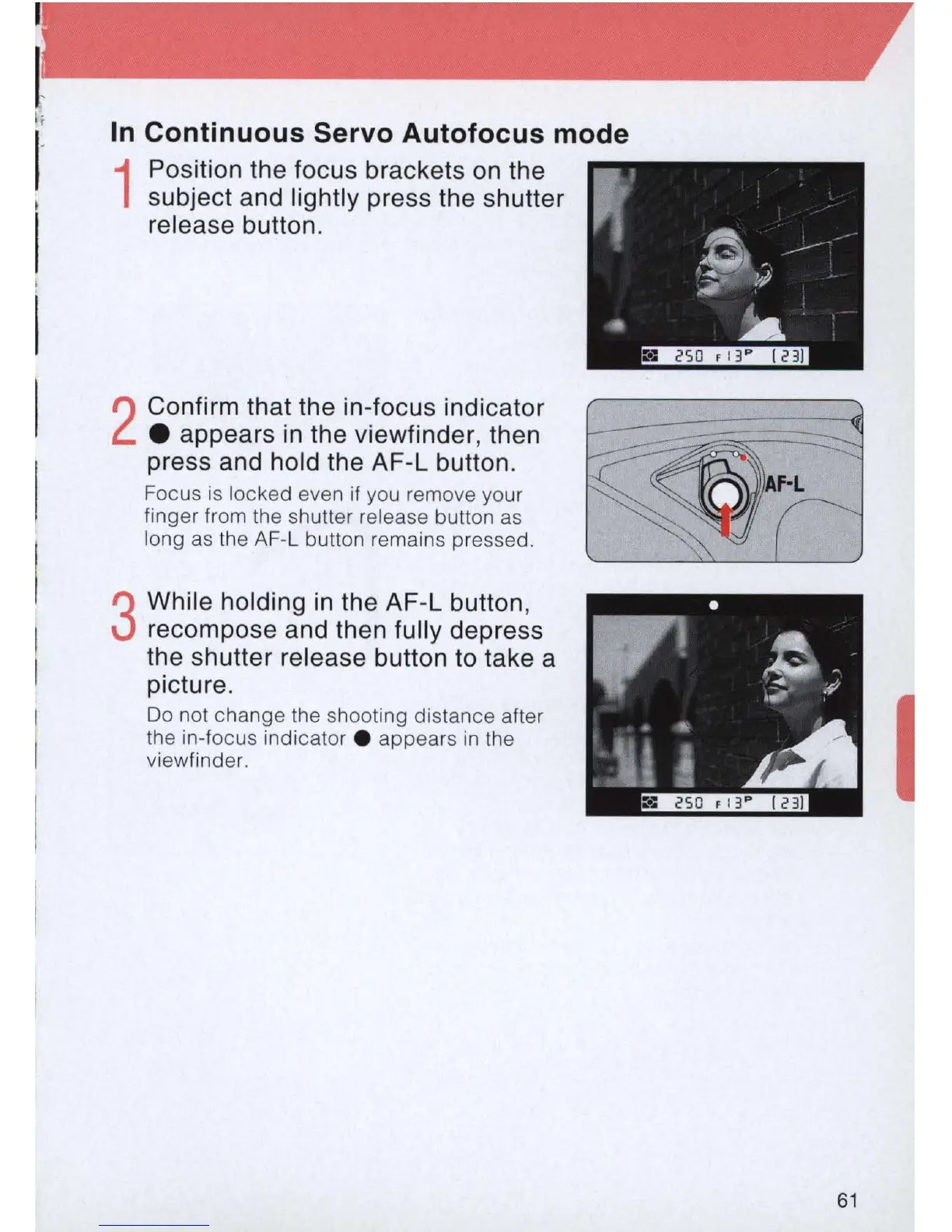
Continuous Servo Autofocus mode
1
Position the focus brackets
on
the
subject and lightly press the shutter
release button.
2
Confirm that the
in
-focus indicator
• appears
in
the viewfinder, then
press and hold the AF-L button.
Focus is locked even
if
you remove your
finger from the shutter release button
as
long
as
th
e AF-L button remains pressed.
3
While holding
in
the AF-L button,
recompose and then fully depress
the shutter release button
to
take a
picture.
Do not change the shooting distance after
the in-focus indicator . appears
in
the
viewfinde
r.
I
61



 To Next Page