. CAUTION
•
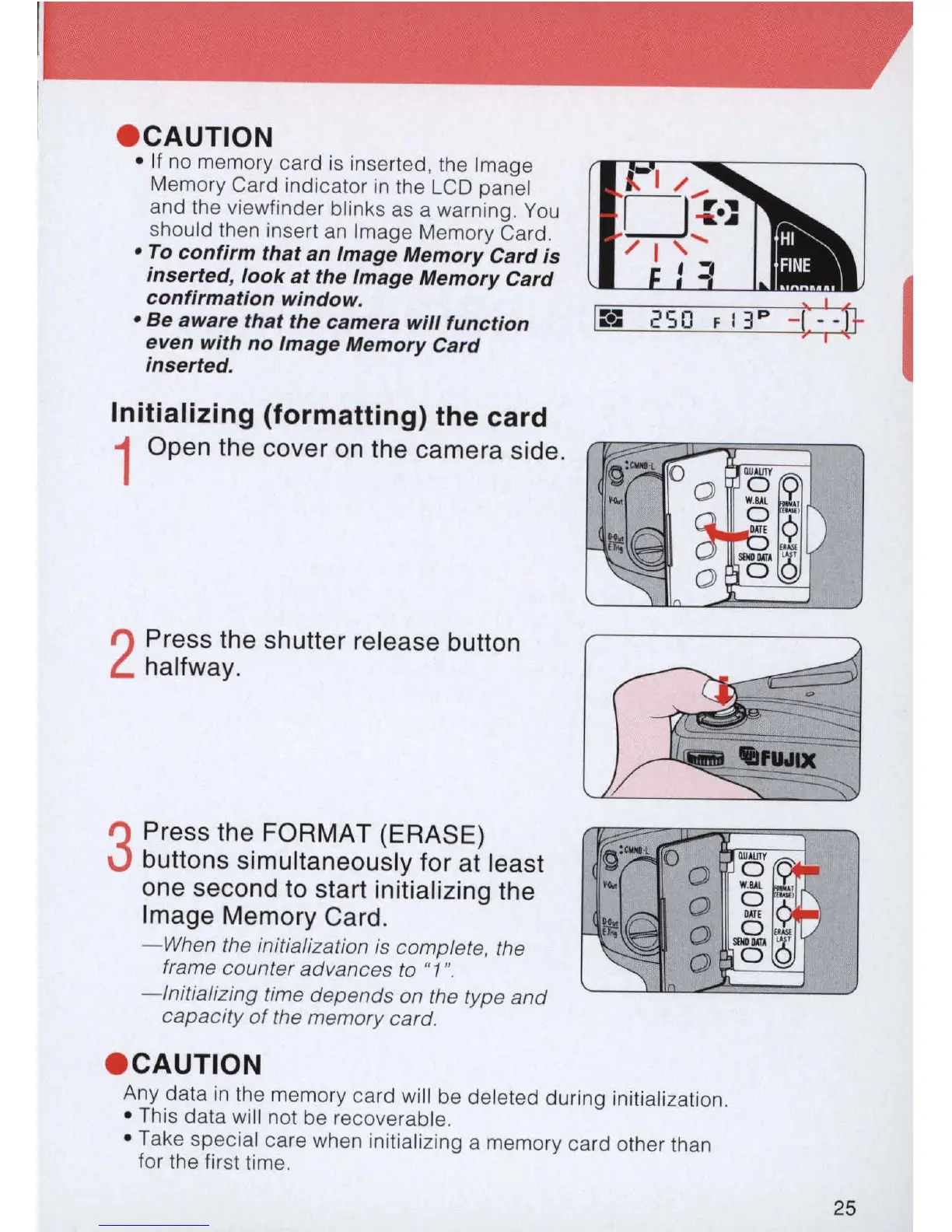
If
no memory card
is
inserted, the Image
Memory Card indicator
in
the
LCD
panel
and the viewfinder blinks
as
a warning.
You
should then insert
an
Image Memory Card .
• To confirm that
an
Image Memory Card is
inserted, look
at
the Image Memory Card
confirmation window .
• Be
aware
that the camera will function
even with no Image Memory Card
inserted.
Initializing (formatting) the card
1 Open the cover
on
the camera side.
2
Press the shutter release button
halfway.
3
Press the
FORMAT
(ERASE)
buttons simultaneously for at least
one second
to
start initializing the
Image Memory Card.
- When the initialization
is
complete, the
frame counter advances
to
"1
".
- Initializing time depends on the type
and
capacity
of
the memory
card
.
• CAUTION
Any data
in
the memory card will be deleted during initialization.
•
Th
is data will not be recoverable.
• Take special care when initializing a memory card other than
for the first time.
25



 To Next Page