I
Selecting
Programmed
Auto
mode
5
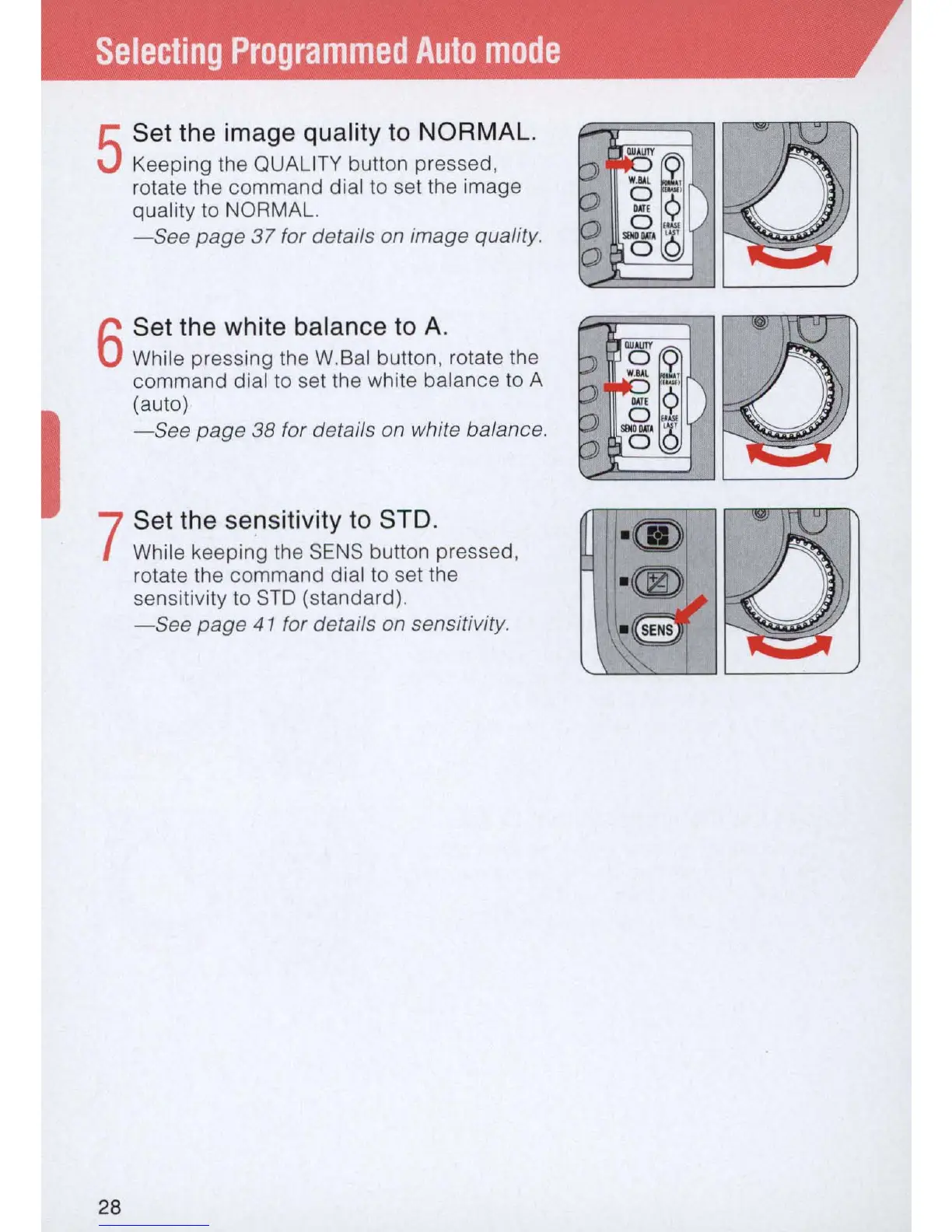
Set the image quality
to
NORMAL.
Keeping the QUALITY button pressed,
rotate the
command
dial to set the image
quality to NORMAL.
-See
page
37
for details
on
image quality.
6
Set the white balance
to
A.
While pressing the W.Bal button, rotate the
command
dial to set the white balance to A
(auto)
- See page
38
for details on white balance.
7
Set the sensitivity
to
STD
.
While keeping the SENS button pressed,
rotate the
command
dial to set the
sensitivity to
STO
(standard).
-See
page
41
for details on sensitivity.
28



 To Next Page