4
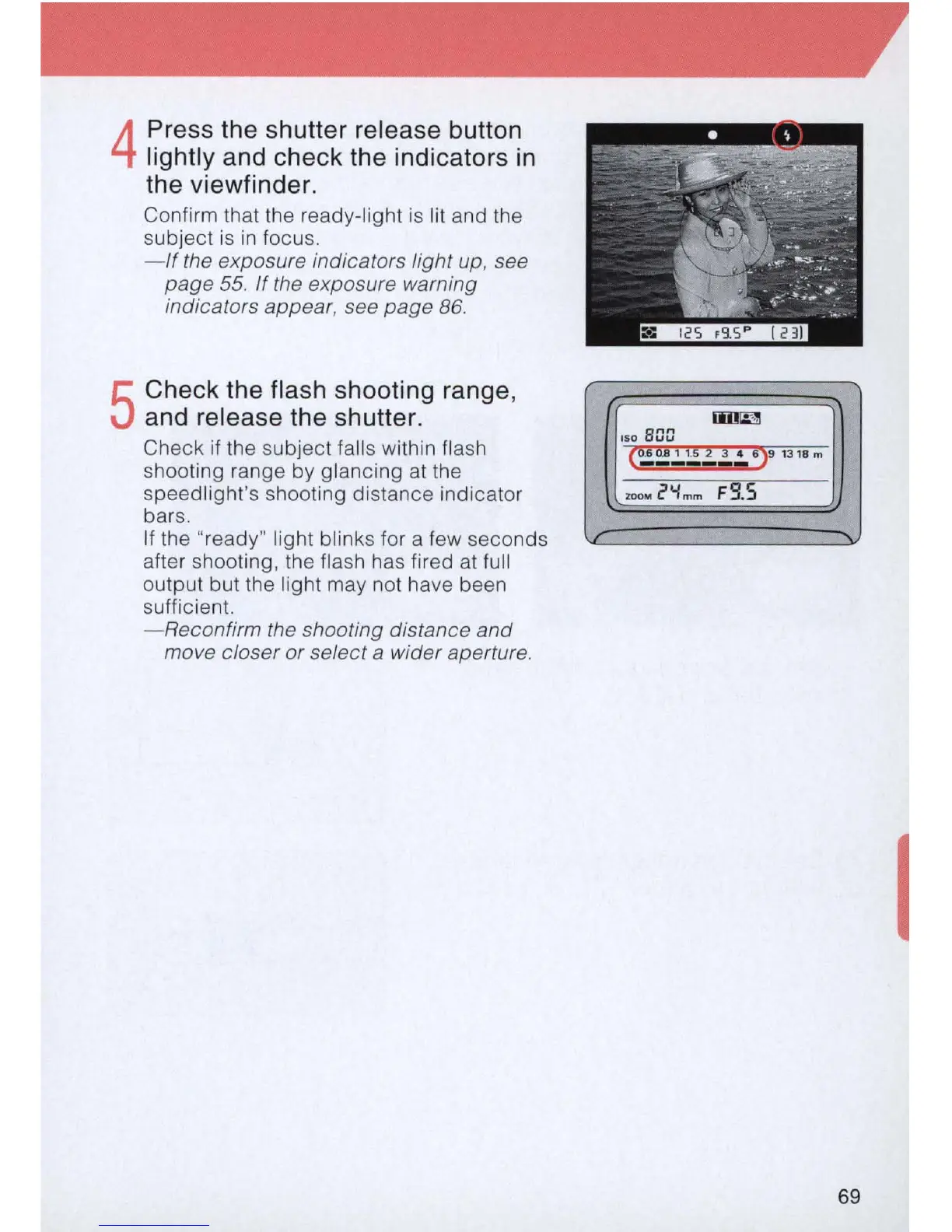
Press the shutter release button
lightly and check the indicators
in
the viewfinder.
Confirm that the ready-light
is
lit and the
subject
is
in
focus.
-
If
the exposure indicators light up, see
page
55
.
If
the exposure warning
indicators
appear
, see page 86.
5
Check the flash shooting range,
and release the shutter.
Check if the subject falls within flash
shooting range by glancing
at
the
speedlight's shooting distance indicator
bars.
If the "ready" light blinks for a few seconds
after shooting, the flash has fired
at
full
output but the light may not have been
sufficient.
- Reconfirm the shooting distance
and
move closer or select a wider aperture.
ISO
BGD
ZOOM
i'Y
mm
FS
.S
I
69



 To Next Page