46
Slow-sync flash mode, red-eye reduction control,
●
●
●
Slow-sync flash
The flash is controlled at a slow shutter speed to obtain the correct exposure
for both the main subject and background in low-light situations or at night.
•Available with cameras that have a slow-sync function. The slow-sync function cannot
be set on the SB-600; it can only be set on the camera. For more information, refer to
your camera instruction manual.
• As slow shutter speeds are normally used for slow sync, a tripod is recommended to
prevent camera shake.
●
●
●
Red-eye reduction
To prevent the center of your subject’s eyes from appearing red in color
pictures, the SB-600 fires three flashes at reduced output just before the
picture is taken.
•Available with cameras that have red-eye reduction control. The red-eye reduction
function cannot be set on the SB-600; it can only be set on the camera. For more
information, refer to your camera instruction manual.
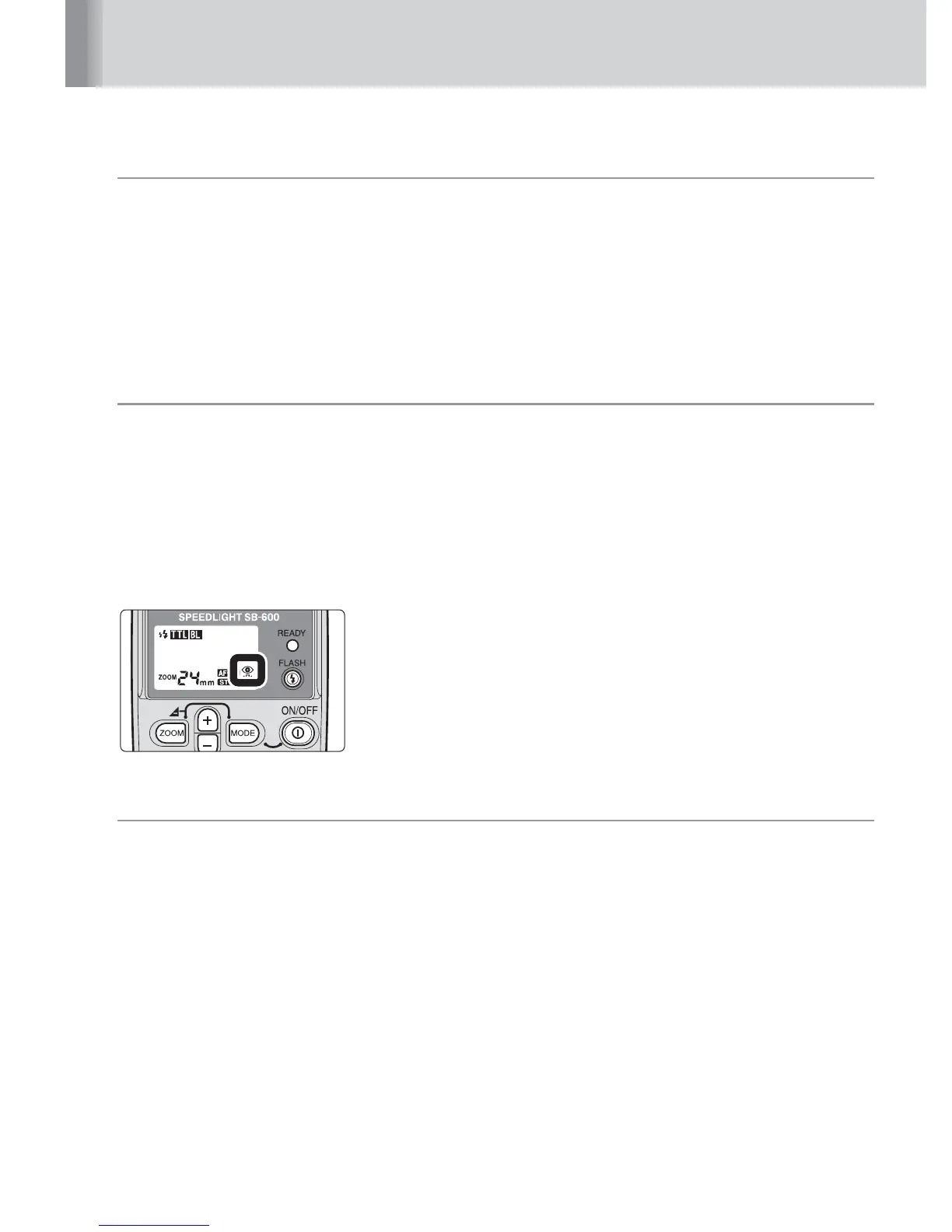
• After setting your camera to red-eye reduction, make sure that “
N
” appears on the
SB-600’s LCD panel.
●
●
●
Red-eye reduction with slow-sync flash mode
In this mode, red-eye reduction is combined with slow sync.
•Available with cameras that have a red-eye reduction setting with slow sync. This mode
cannot be set on the SB-600; it can only be set on the camera. For more information,
refer to your camera instruction manual.
• After setting your camera to red-eye reduction with slow sync, make sure that “
N
”
appears on the SB-600’s LCD panel.
• As slow shutter speeds are normally used for slow sync, a tripod is recommended to
prevent camera shake.



 To Next Page