54
Custom Settings
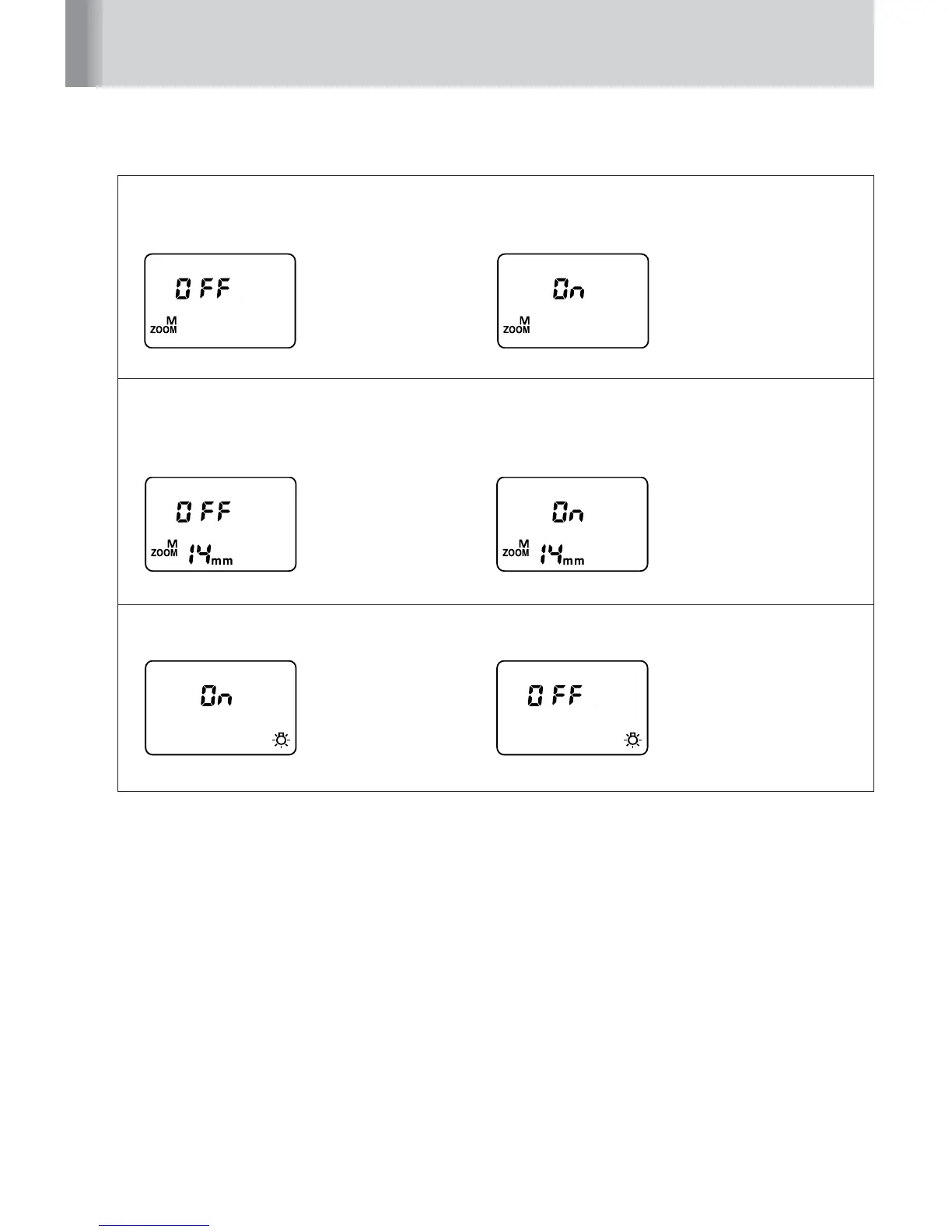
Power zoom function (p. 40)
Setting to activate or cancel the power zoom function, which adjusts the zoom-head
position automatically.
• OFF: Activated • ON: Canceled
Zoom-head position setting if the built-in wide-flash adapter is broken
off accidentally (p. 86)
Setting to activate or cancel the zoom-head position setting if the built-in wide-flash
adapter is broken off accidentally. When set to ON, the zoom-head position display blinks.
• OFF: Manual setting canceled • ON: Manual setting activated
LCD panel illuminator (p. 15)
Setting the LCD panel illuminator to turn on or off.
• ON: Turn on • OFF: Turn off
(Bold: default setting)



 To Next Page