13
Preparation
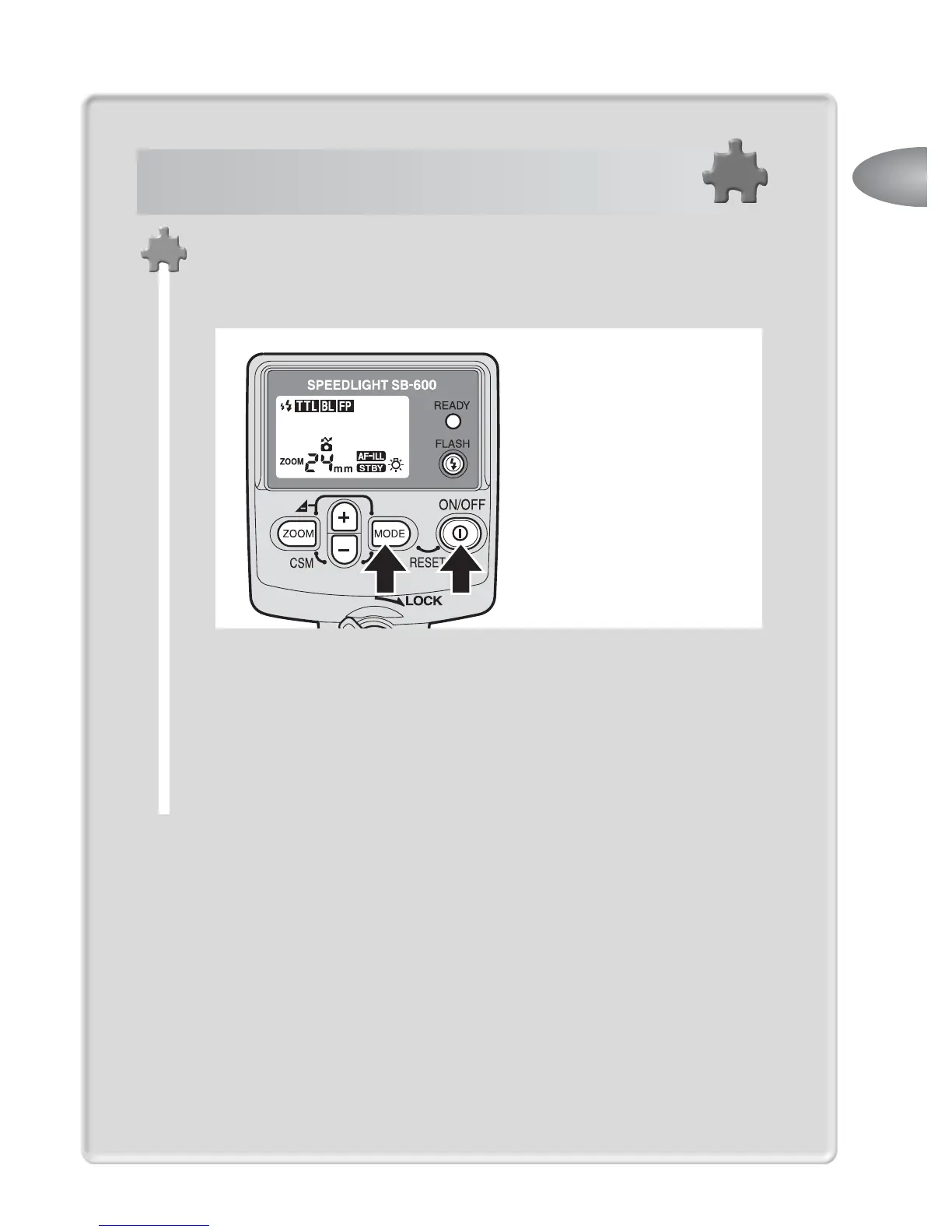
Press the
a
and
b
buttons simultaneously for
approx. 2 seconds to reset all settings, including the
custom settings, to their default settings.
While the SB-600 is used with cameras compatible with
CLS, digital SLRs not compatible with CLS and cameras in
Groups I to II in combination with a CPU lens, the optimum
TTL auto flash mode available with that combination will be
performed when you set the camera’s exposure mode to
Programmed Auto (P), and turn on the SB-600 to execute
“Resetting the settings to default values.”
Press these buttons
simultaneously for approx.
2 seconds.
Easy setting for the optimum TTL auto
flash mode



 To Next Page