28
1
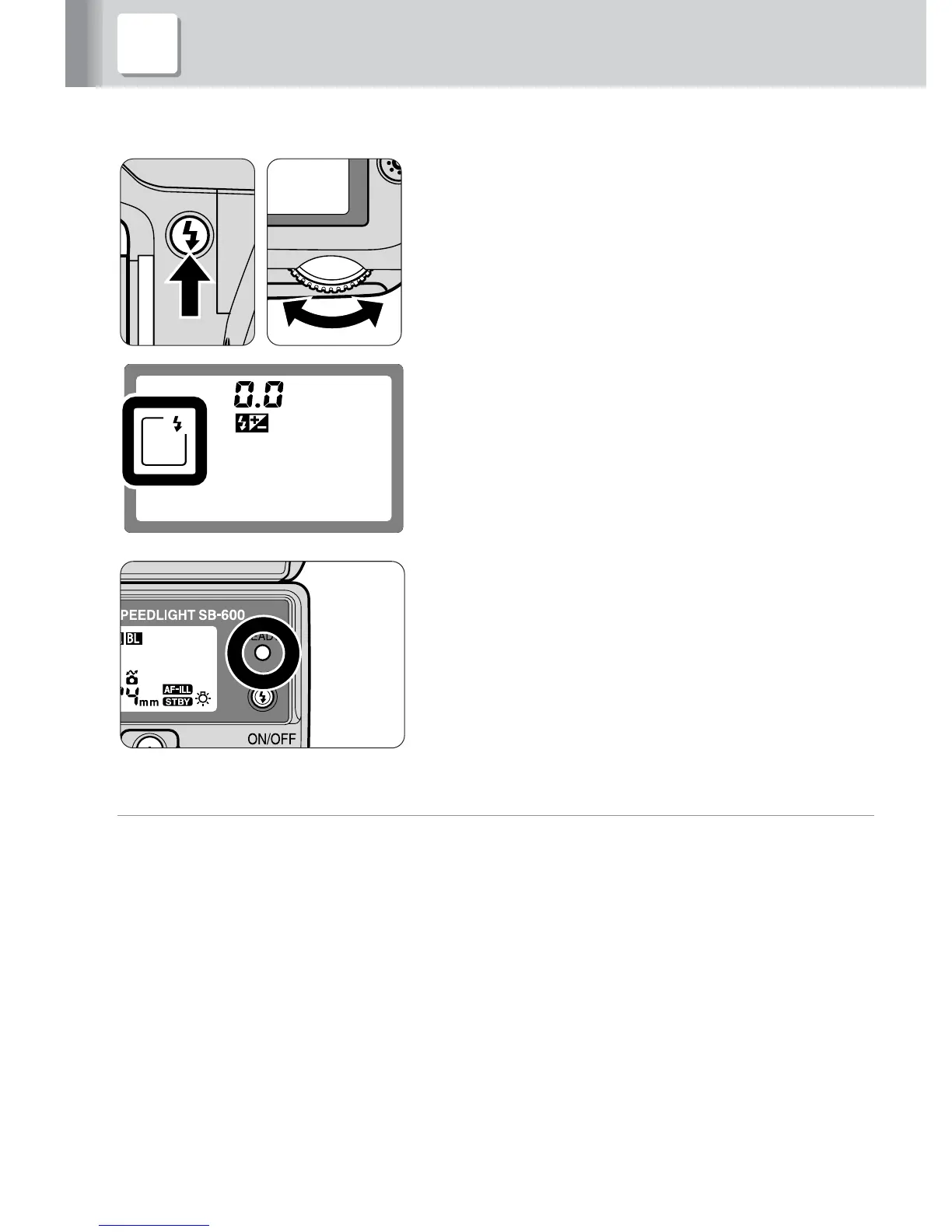
Confirm the camera’s sync mode.
• For normal flash photography, use the
camera’s front-curtain sync mode.
2
Compose the picture, confirm that the
ready-light on the SB-600 or in the
camera’s viewfinder is on, then shoot.
v
Set the camera’s flash sync mode to front-curtain sync.
With cameras featuring a rear-curtain sync flash mode, make sure the camera’s
flash sync mode is set to front-curtain sync.
• For other flash sync modes, refer to “Slow-sync flash” (p. 46), “Red-eye reduction with
slow-sync flash mode” (p. 46), or “Rear-curtain sync” (p. 47).
• Refer to the camera’s instruction manual for details on the flash sync mode.
6 Compose the picture and shoot with flash



 To Next Page