44
Exposure compensation and flash output-level compensation
●
●
●
Flash output-level compensation
You can make exposure compensation for the flash-illuminated subject without
affecting the background exposure by modifying the SB-600’s flash output level.
•Available in the TTL auto flash mode.
• Flash output-level compensation is only available with cameras compatible with CLS,
digital SLRs not compatible with CLS, and cameras in Groups I to III.
•With F-601/N6006 and F-601
M/N6000 cameras, make flash output-level compensation
on the camera. Flash output-level compensation cannot be made on the SB-600.
The amount of compensation set on the camera does not appear on the SB-600’s
LCD panel. For details, see your camera instruction manual.
•With SLR cameras that have a built-in Speedlight with an exposure compensation
function, you can compensate the flash output level on either the camera or the SB-600.
For details, see your camera instruction manual. If you use both controls, the exposure
is modified by the sum total of both compensation values. In this case, the SB-600’s
LCD panel shows only the compensation value set on the SB-600.
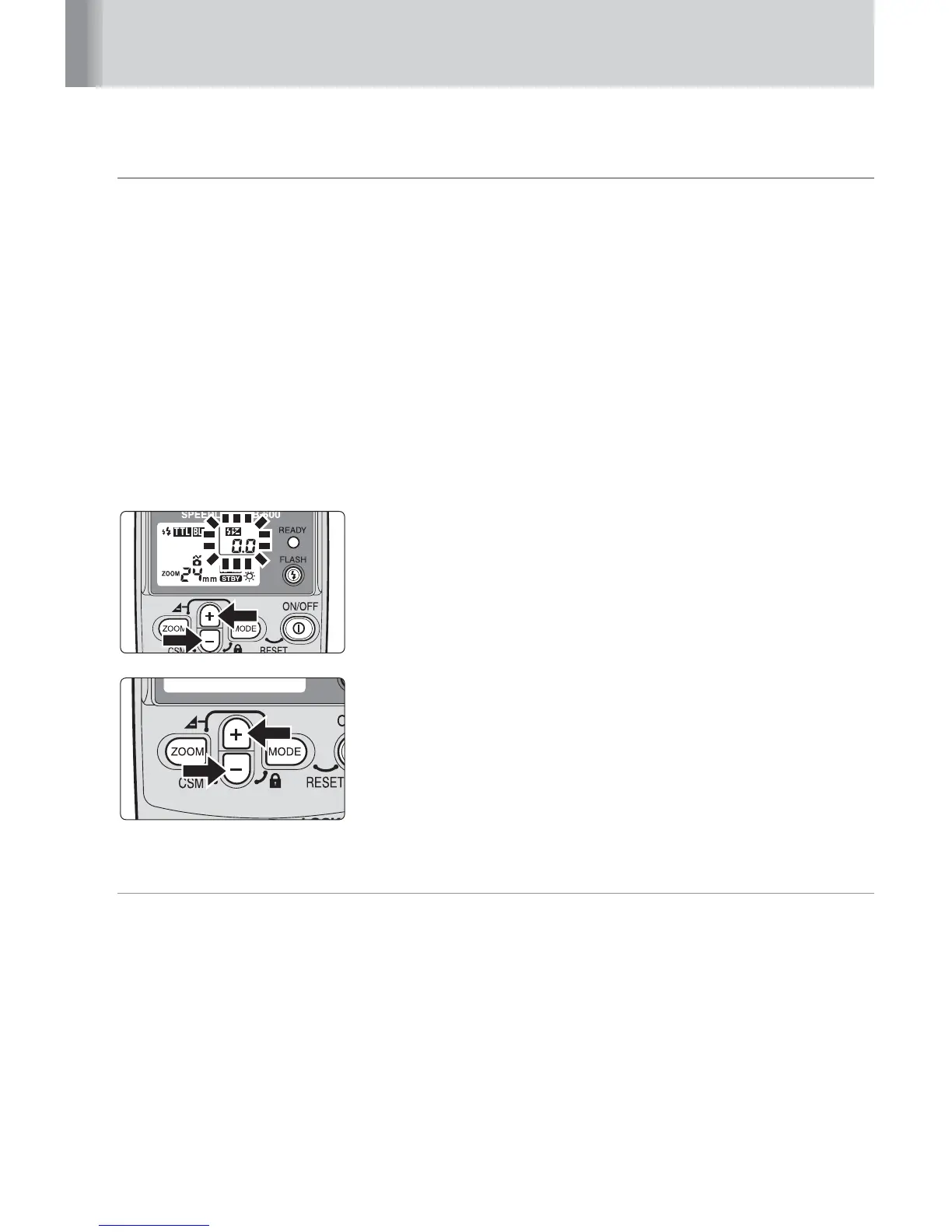
1
Press the
i
or
j
button to display the flash
output-level compensation. The flash output-level
compensation value blinks.
2
Press the
i
or
j
button to increase or decrease
the compensation in 1/3 steps from –3.0 to +3.0 EV.
• The value can be quickly changed by continuously
pressing the
i
or
j
button.
v
Canceling flash output-level compensation
The flash output-level compensation cannot be canceled by turning the SB-600
off. To cancel, press the
i
or
j
button to return the compensation value to
“0.0”.



 To Next Page