Fehler! Verwenden Sie die Registerkarte 'Start', um Title;Title dem Text zuzuweisen, der hier angezeigt werden soll. |
12 | 04.10.2021 | Page 31
10.3 Change parameter temperature
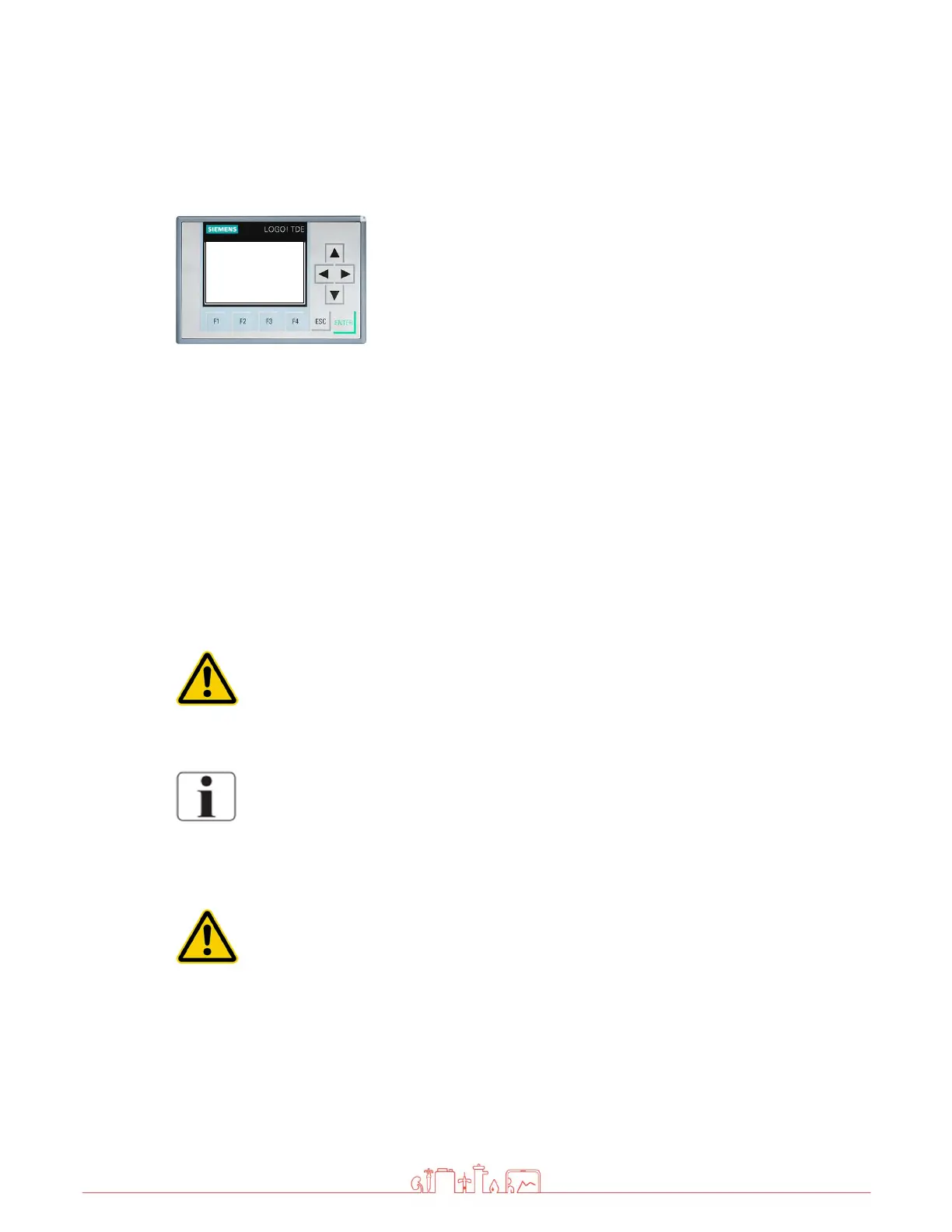
Press the F4 key and F3 key simultaneously.
The temperature is displayed.
Press the ESC key for 3 seconds, the first value is marked.
Select corresponding value with the arrow keys.
Press enter
Set the value with the arrow keys (up / down). Complete the
entry with ENTER.
Press the ESC key.
Press the F4 and F3 keys simultaneously to return to the
standard display
Both parameters (MAX1 and MAX2) must be set to the same value.
Default value = 38°C
If the temperature reaches the value set here, the over temperature alarm is
activated.
CAUTION!
higher temperatures damage the membranes
MAX1 = 38
MAX2 = 38



 To Next Page