Read/write registers
76
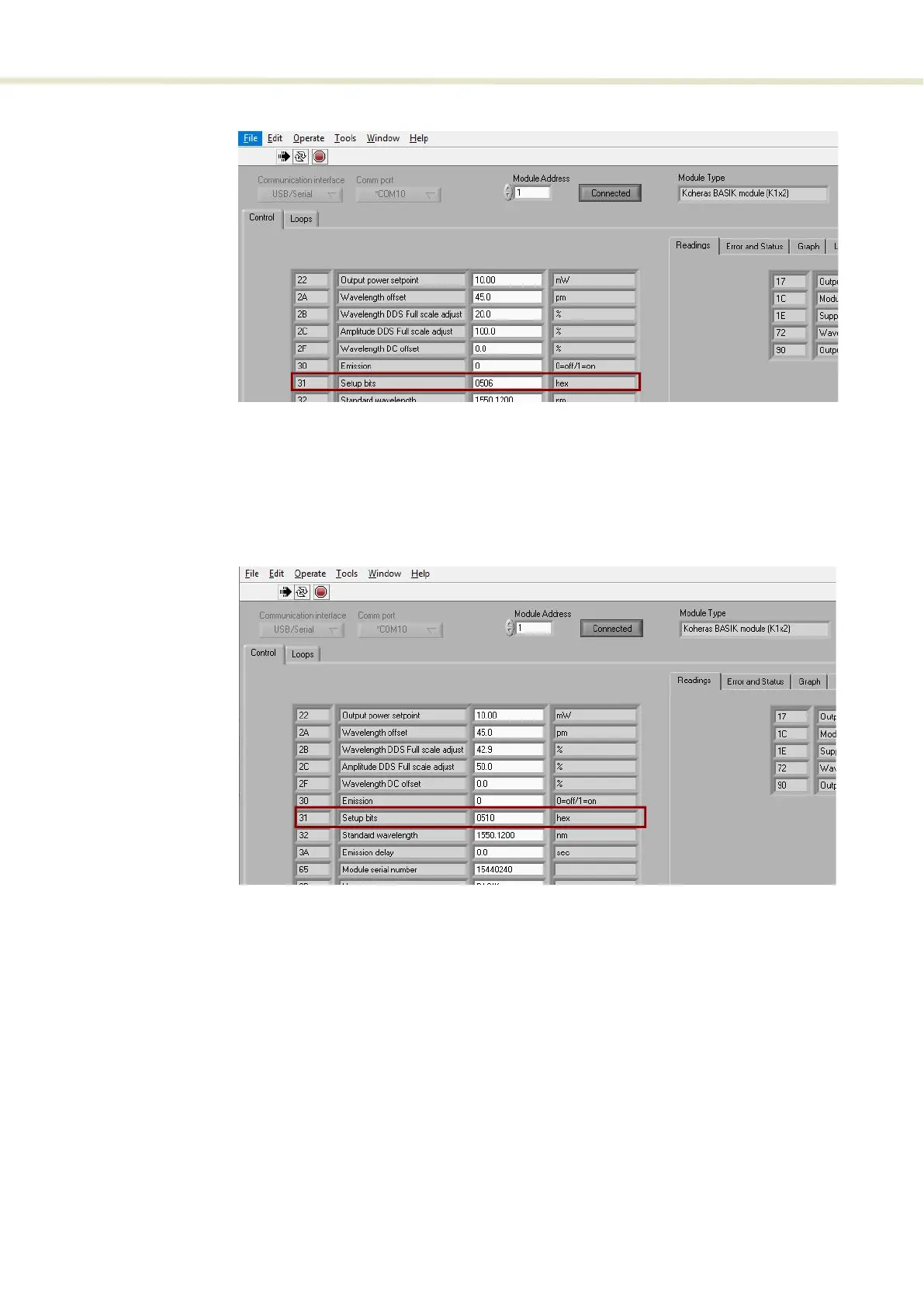
Figure 46 Setting the range parameter
Setting the
wavelength
modulation source
To set the signal source for the wavelength modulation option, use bit 5 of
register 0x31. Setting the bit to 0 sets wavelength modulation to use an external
signal and 1 means to use the internal generator signal. To set the source to use
both external and internal signals (both), set bits 5 and 4 of 0x31 to 1.
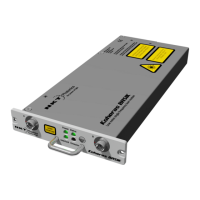
Figure 47 Setting the wavelength modulation signal source
The laser supports three different signal source combinations to modulate the
wavelength. Below are some example 0x31 register settings for all three source
settings.
• External
•
0x31 set to 0504 – external source - wide range
•
0x31 set to 0506 – external source - narrow range
• Internal
•
0x31 set to 0510 – internal (generator) source - wide range
•
0x31 set to 0512 – internal (generator) source - narrow range


 To Next Page