ACCESS GATEWAY
108 Configuring the Wireless Connect Gateway
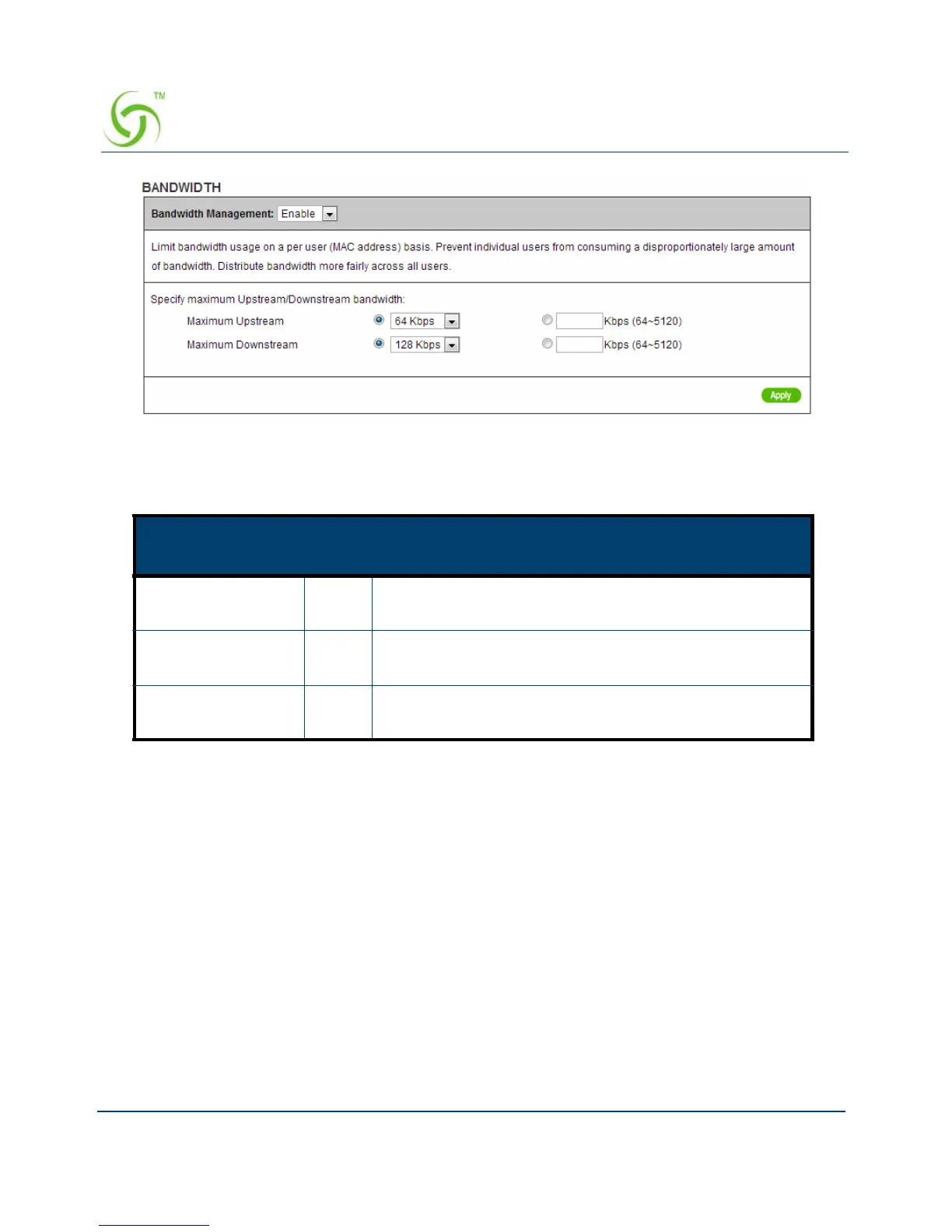
Figure 86 Bandwidth Setting Screen
SNMP
The SNMP Agent Configuration screen enables you to access to your device via Simple
Network Management Protocol. If you are not familiar with SNMP, please consult your
Network Administrator or consult SNMP reference material. You must first enable SNMP on
the SNMP Agent Configuration screen.
Item
Defa
ult
Description
Bandwidth Disab
le
Enables or disables Bandwidth Management.
Maximum
Upstream
64Kb
ps
Specify the amount of upstream bandwidth.
Maximum
Downstream
128K
bps
Specify the amount of downstream bandwidth.



 To Next Page