ACCESS GATEWAY
Configuring the Wireless Connect Gateway 39
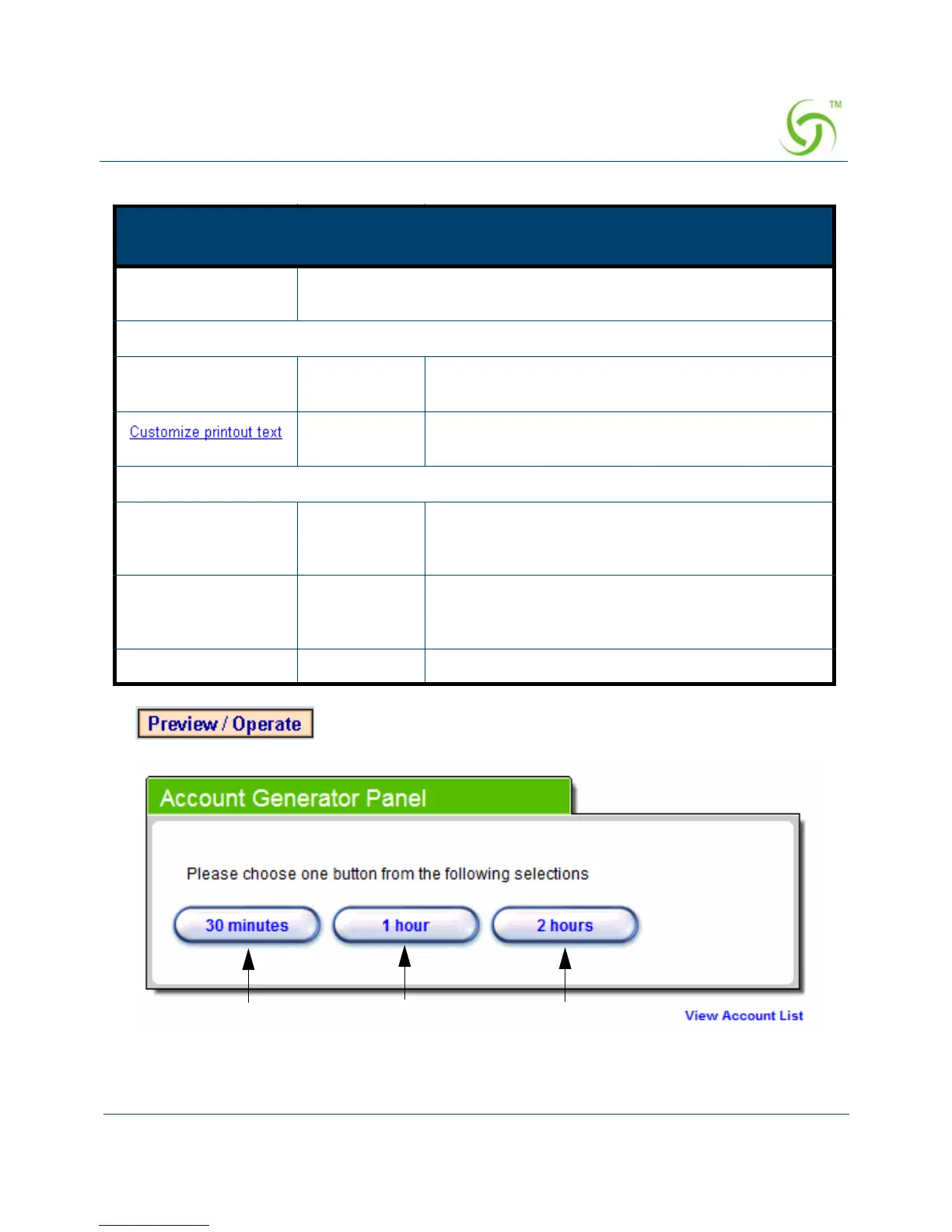
Click on button to preview and operate account generator panel.
Figure 29 Account Generator Panel
Item
Default
Description
Billing Profile (Button
A~C)
Define each button’s billing profile. Select one billing profile by
clicking in the list box.
Printout
Number of copies to
print
1 Select the number of copies by clicking in the list
box.
- This function allows you to produce custom bill
based on your requirements.
Web-based Account
Username account Enter the user name for web-based account
generator. The user name can consist of up to 80
alphanumeric characters and is case sensitive.
Password account Enter the password for web-based account
generator. The password can consist of up to 80
alphanumeric characters and is case sensitive.
Confirm Empty Enter the password for confirmation.



 To Next Page