ACCESS GATEWAY
40 Configuring the Wireless Connect Gateway
Click on button to create a new account.
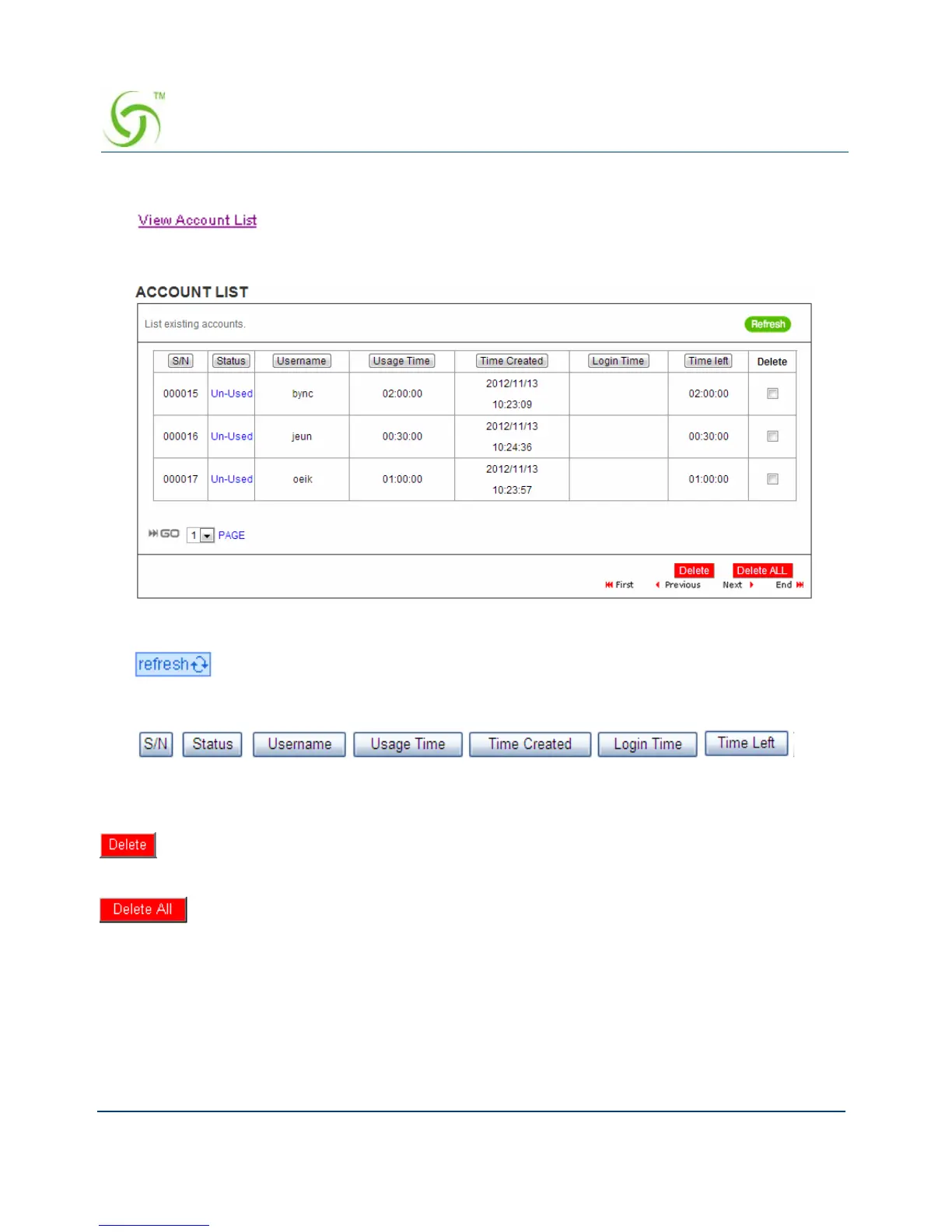
Click “View Account List” to display current account information.
Figure 30 Account List
Click on refresh button to update the account list page
The field name button in this list show that this list can be sorted in ascending/descending order
according to the corresponding field name.
Select the check boxes and click ‘Delete’ to delete accounts.
Delete all accounts in account list.
Note: This page will refresh automatically every 5 minutes.
Customize Printout Text
This function allows you to produce custom bill based on your requirements.



 To Next Page