E Series Automated Dispensing System
44 www.nordsonefd.com info@nordsonefd.com 800-556-3484 Sales and service of Nordson EFD dispensing systems are available worldwide.
Programming
This section provides how-to procedures for the most commonly performed programming tasks. If you have
difculty creating a program for your application, contact your Nordson EFD representative.
Before using this section:
• Complete all applicable installation tasks. Refer to “Installation” on page14.
• Complete setup tasks as applicable. Refer to “Setup” on page32.
Refer to “Concepts” on page18 and to “Overview of the Teach Pendant” on page20 for important
programming concepts and to learn how to use the Teach Pendant.
Working with Programs and Commands
This section focuses on how to manipulate the programs stored on the Teach Pendant. For information on how to
create dispensing patterns, refer to “Creating Patterns” on page60.
How to Switch from Run Mode to Teach Mode
When the system is switched on, the default mode of operation is the Run Mode. To create programs, the system
must be in the Teach Mode. Refer to “Run Mode vs. Teach Mode” on page21 for more information on the modes
of operation.
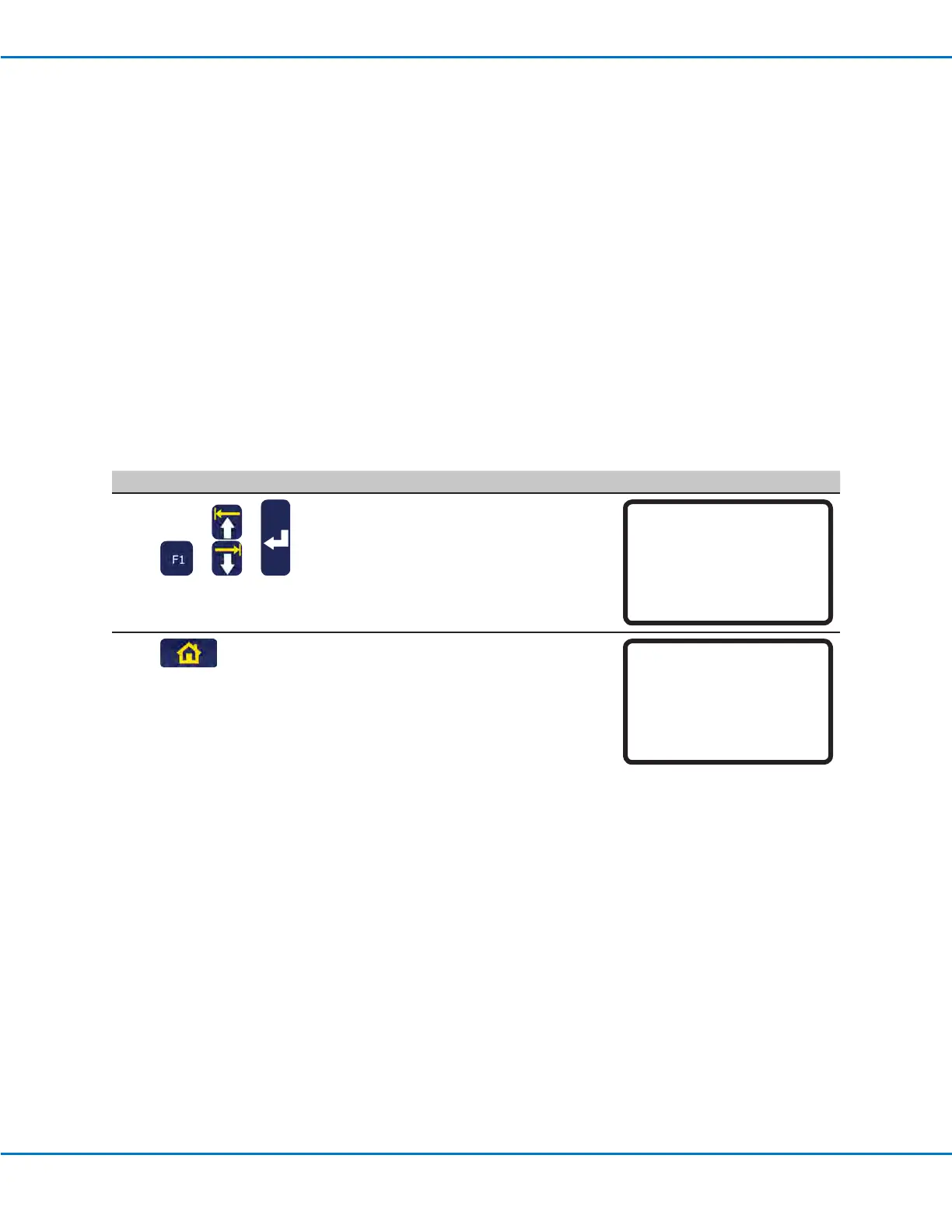
# Key Press Step Teach Pendant Display
1
> >
• Press F1.
• MOVE UP / DOWN to TEACH/RUN.
• Press ENTER.
[PROGRAM MENU] 1/1
01*Teach/Run
02 Program List
03 Reset Counter
04 Program Offset
05 Needle Adjust
06 Auto Needle Adjust
2
• Press HOME. If prompted, enter a
password.
[ TEACH MODE ]
PRESS [HOME]
TO INITIALIZE SYSTEM



 To Next Page