E Series Automated Dispensing System
82 www.nordsonefd.com info@nordsonefd.com 800-556-3484 Sales and service of Nordson EFD dispensing systems are available worldwide.
Diagnostic Checks (Diagnostic Menu)
You can easily test the functionality of the major system components using the Diagnostic Menu.
PREREQUISITES
The system is in the Teach Mode. Refer to “How to Switch from Run Mode to Teach Mode” on page44.
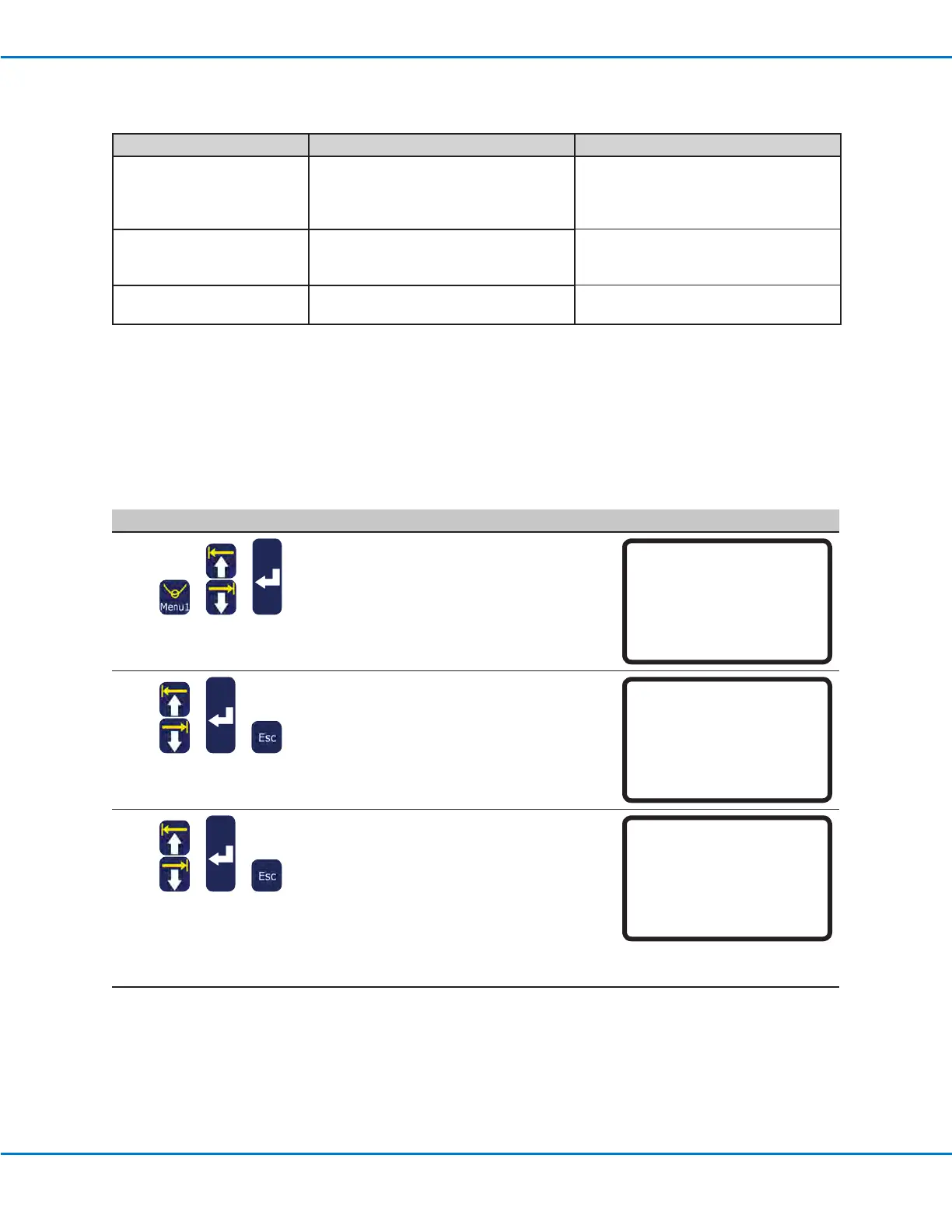
# Key Press Step Teach Pendant Display
1
> >
• Press MENU1.
• MOVE UP / DOWN to DIAGNOSTIC.
• Press ENTER.
The DIAGNOSTIC menu appears.
[MENU 1] 2/2
08 Utility Menu
09*Diagnostic
2
> >
• Select the diagnostic test to perform.
• When the test is complete, press ESC to
return to the DIAGNOSTIC menu.
NOTE: For reference, each test is
described in the following steps.
[DIAGNOSTIC] 1/1
01 Home Sensor
02 Front Panel
03 Input/Output
04 Teach Pad
05 RS232
06 Motor
3
> >
• Select HOME SENSOR to test the axis
sensors.
• Slowly move the robot xture plate and
then the Z axis by hand.
- If an axis is functioning properly, the
displayed value for the axis changes
from 0 to 1.
• Press ESC to return to the Diagnostic
menu.
Home Sensor
Move robot axis by hand
------------------------------
X: 0
Y: 0
Z: 0
Continued on next page
Error Message Cause Corrective Action
Address Not Empty Command entered for an address which
is not empty
If it is okay to replace the existing
command with a new command, press
F1 to continue; otherwise, move to the
next empty address line.
Password Conrm Fail Conrmation password not the same as
a newly entered password
Enter the conrmation password again,
ensuring that it exactly matches the
newly entered password.
Password Error Incorrect password entered for a locked
program
Enter the correct password.
Teach Pendant Error Messages (continued)



 To Next Page