5 Installing the machine and adjusting the level
60
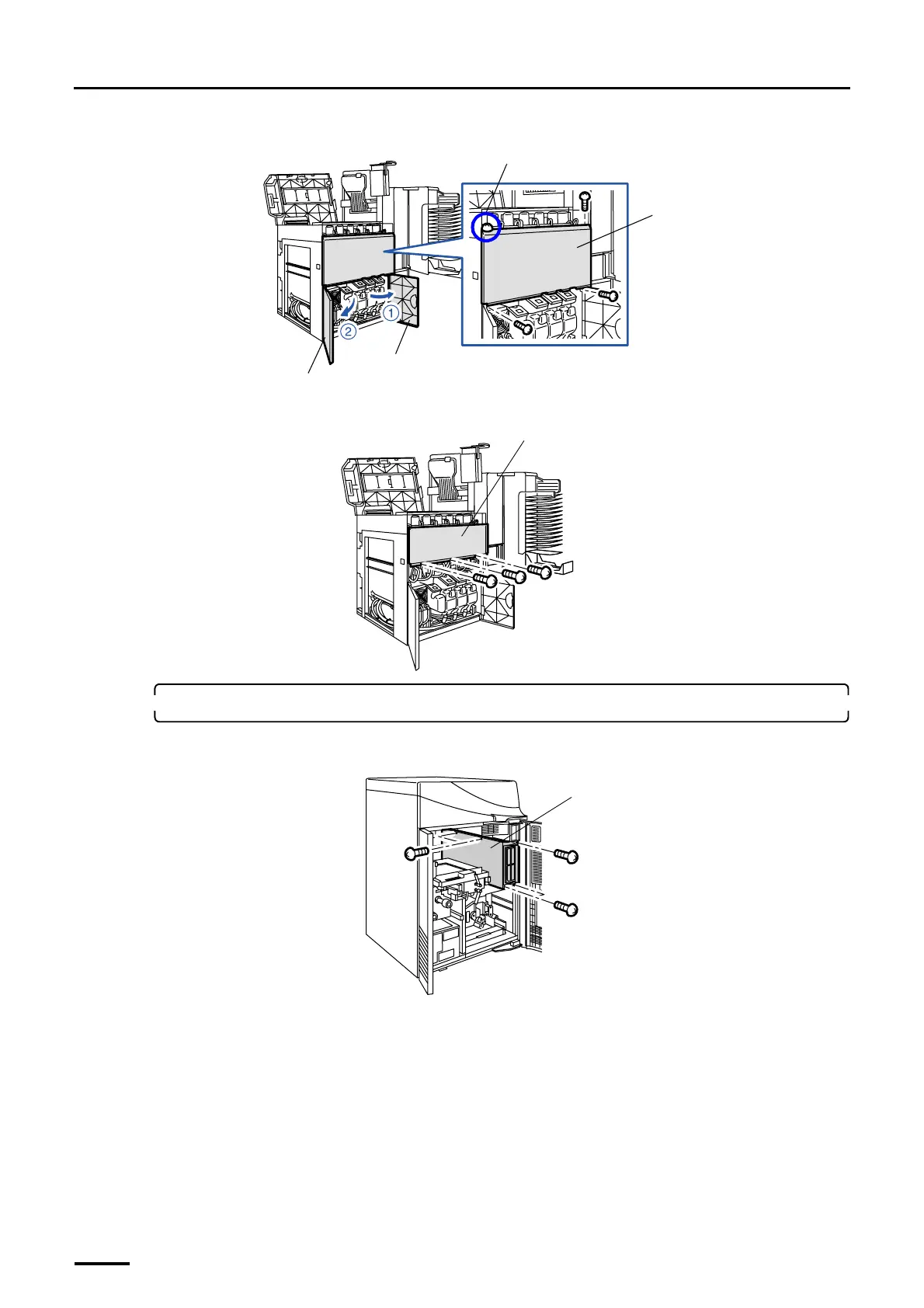
(2) Remove processor cover 1. (Loosen one of the four screws.)
(3) Remove the wiring duct cover. (three screws)
6. Wire the connection cables and optical fiber cables in the printer section.
(1) Remove the wiring cover from the printer section. (five screws)
Processor door 2
Processor door 1
Processor cover 1
Loosen this screw.
G068943
Wiring duct cover
G068944
Wiring cover
G073038
Distributed by: minilablaser.com



 To Next Page