Operating your IP Phone 1230
129
Managing calls while busy at work
Using Make Set Busy
Use the Make Set Busy feature to make your IP Phone appear busy to all
callers.
Activating Make Set Busy
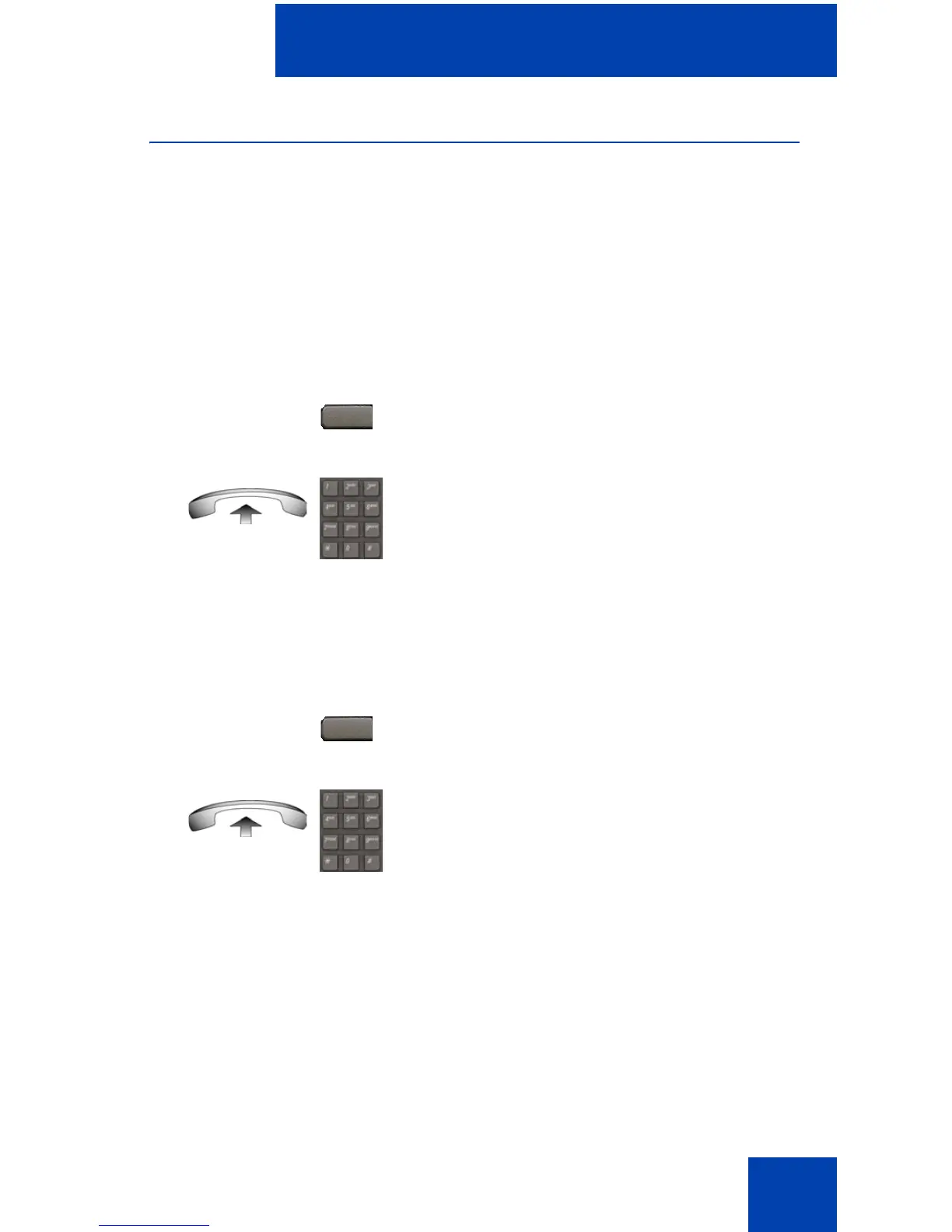
Use the following procedure to activate Make Set Busy.
Deactivating Make Set Busy
Use the following procedure to deactivate Make Set Busy.
Call Deflect
If Call Deflect is configured on your IP Phone, you can press the Deflect
feature key to deflect your call if your IP Phone rings and you do not want
to answer the call. The call may be forwarded to your voice mail or to
another telephone number, depending on your system configuration.
Contact your system administrator to learn which treatment is configured
for your IP Phone.
or
1. Press the MakeSetBsy key.
or
Lift the handset, and enter the Make Set
Busy Activate FFC.
or
1. Press the MakeSetBsy key a second
time to deactivate the feature.
or
Lift the handset and enter the Make Set
Busy Deactivate FFC.
MakeSetBsy
MakeSetBsy

















 To Next Page