Operating your IP Phone 1230
145
Using Enhanced Override
Use the Enhanced Override feature to override an active call after you
attempt a Forced Camp-on.
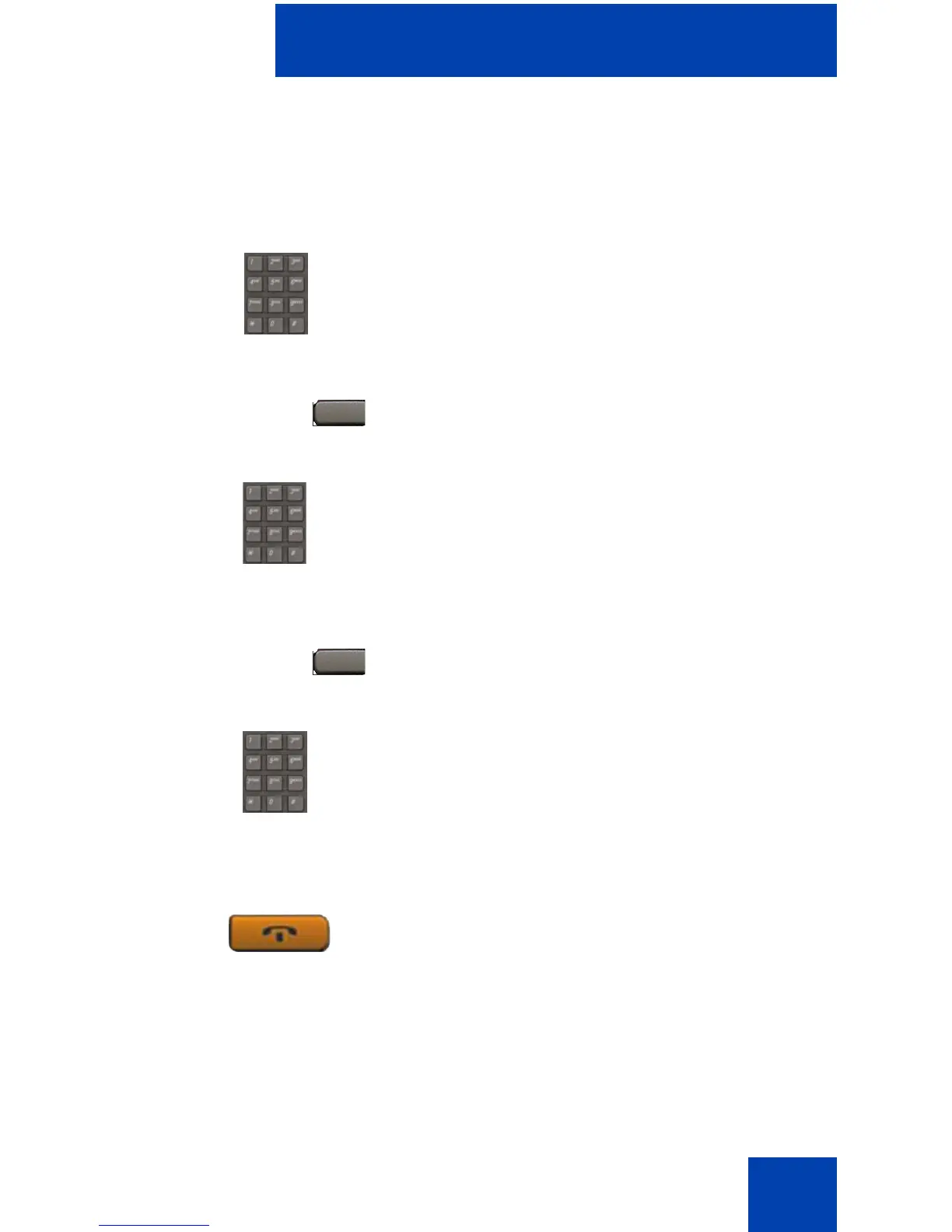
1. Dial a number.
You receive a busy signal.
2. Press the EnhOvr key.
or
Enter the Override FFC to initiate a
Forced Camp-on.
If either person on the call disconnects at
this time, you receive an overflow (fast
busy or engaged) signal.
3. Press the EnhOvr key again.
or
Enter the Override FFC again.
The other two people on the call receive
an override tone and a conference call is
established between the three of you. If
anyone disconnects, the other two
people remain connected.
4. To terminate the call, press the
Goodbye key.
EnhOvr
or
EnhOvr
or
(Goodbye)

















 To Next Page