Installing your IP Phone 1230
39
Wall-mounting the IP Phone (optional)
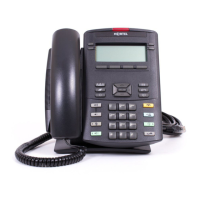
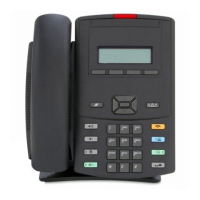
You can install your IP Phone 1230 on a wall. Wall-mount the IP Phone
using the two keyholes on the back of the IP Phone. You do not need the
foot stand for wall-mounted applications.
1. Remove the foot stand.
2. Ensure all cables are properly routed and the IP Phone 1230 is
functioning.
3. Make small marks on the wall where you want to align each keyhole
slot.
4. Insert the screws (not provided) so that they protrude slightly from the
wall.
5. Align the keyholes on the back of the IP Phone 1230 with the screws
in the wall.
6. Slide the IP Phone onto the screws to secure the IP Phone 1230 in
position.







 To Next Page