Operating your IP Phone 1230
95
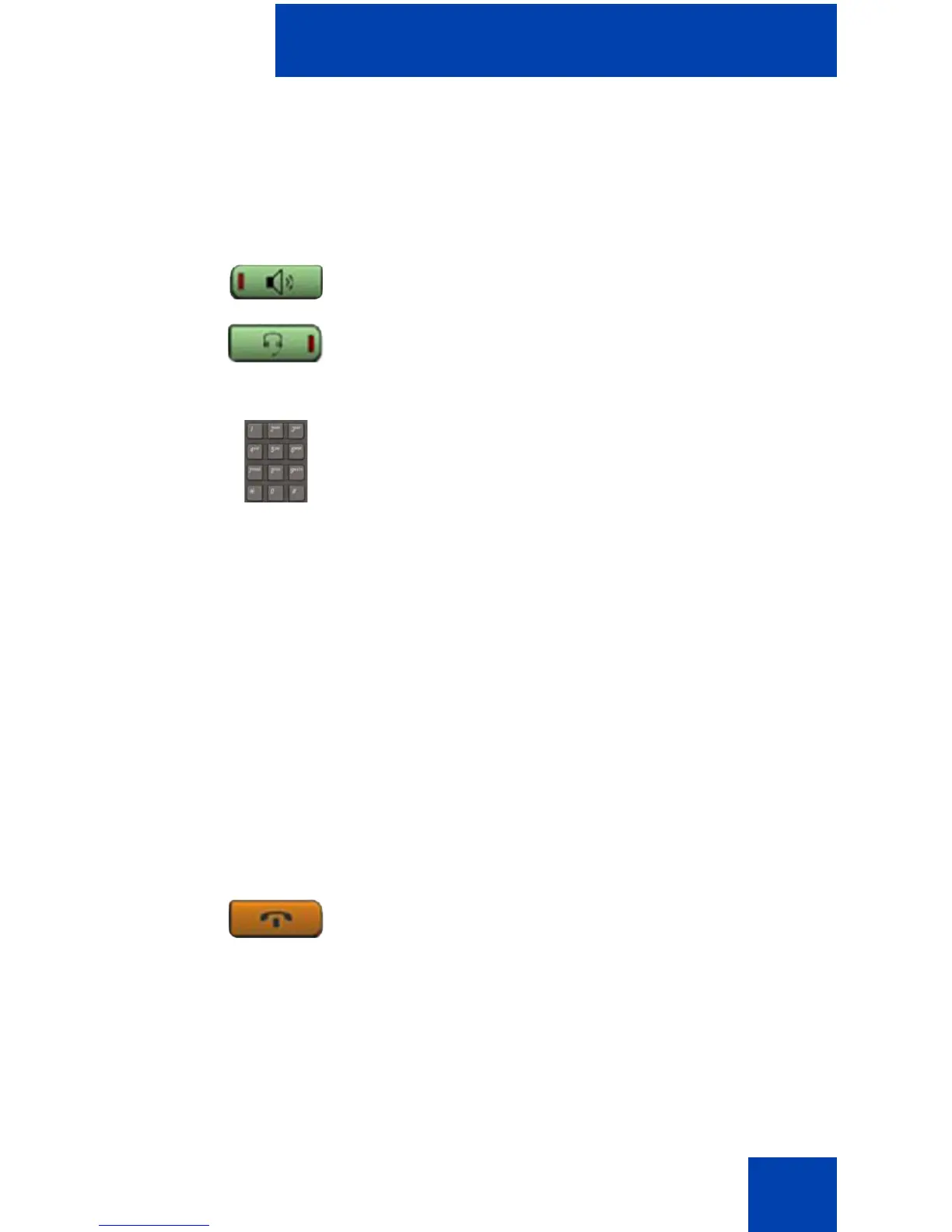
Using Handsfree dialing
Use handsfree dialing to make a call using the built-in microphone and
speaker or using a headset.
During a call, you can perform the following tasks:
• “Terminating a handsfree call” on page 95
• “Muting a handsfree call” on page 96
• “Switching from handsfree to handset mode” on page 96
• “Switching from handset mode to handsfree” on page 96
• “Using a headset” on page 96
• “Switching from handsfree to headset” on page 97
Terminating a handsfree call
Use the following procedure to terminate a handsfree call.
or
1. Press the Handsfree key.
or
If a headset is connected, press the
Headset key.
2. Dial the number.
1. Press the Goodbye key.
(Goodbye)

















 To Next Page