Customizing your IP Phone 1230—advanced features
82
Logging on to Virtual Office
If the IP Phone is configured for Virtual Office, the Virtual soft key is
displayed, as shown in Figure 6 on page 83.
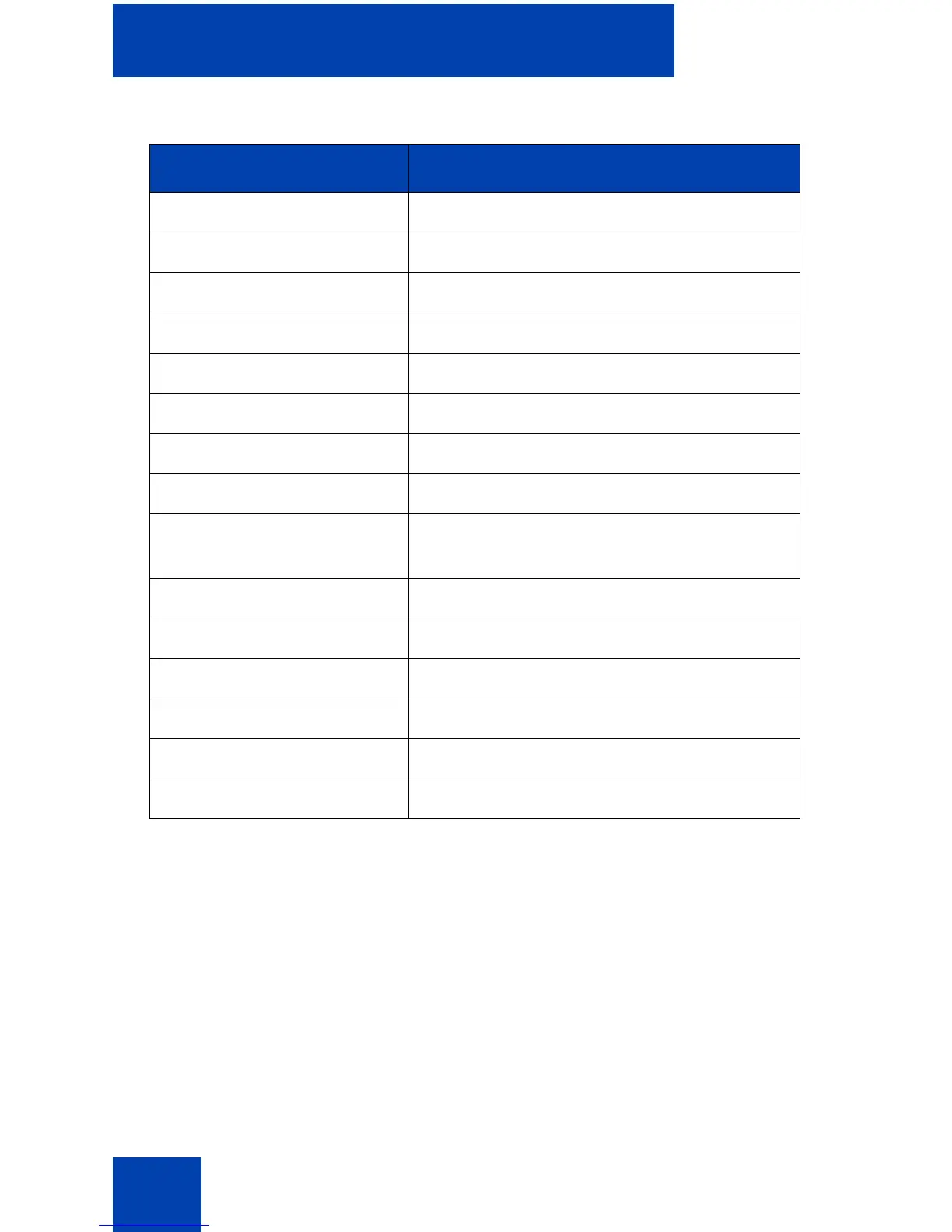
IP Phone 1120E Yes, with extra key restrictions
IP Phone 1140E Yes, with extra key restrictions
IP Phone 1150E No
IP Phone 1165E Yes, with extra key restrictions
IP Phone 2001 Yes, with extra key restrictions
IP Phone 2002 Yes, with extra key restrictions
IP Phone 2004 Yes, with extra key restrictions
IP Phone 2007 Yes, with extra key restrictions
IP Audio Conference
Phone 2033
Yes, with extra key restrictions
IP SoftPhone 2050 Yes, with extra key restrictions
IP Phone 1210 Yes, with extra key restrictions
IP Phone 1220 Yes, with extra key restrictions
IP Phone 2210 Yes, with extra key restrictions
IP Phone 2211 Yes, with extra key restrictions
IP Phone 2212 Yes, with extra key restrictions
Table 8: Virtual Office connection availability (Part 2 of 2)
IP Phone Can I log on to IP Phone 1230?

















 To Next Page