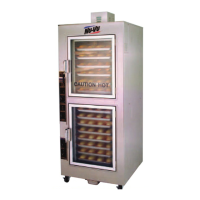
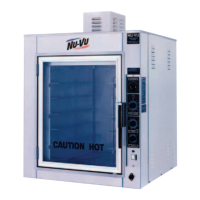
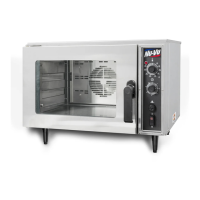
SUB–123 OWNER'S MANUAL OPERATING INSTRUCTIONS
E. As soon as the product is finished baking, open the Oven Door and remove the product quickly.
You can load more product into the Oven immediately, or close the Oven Door and allow the
Oven to recover to the set baking temperature. Allowing the Oven a few minutes of recovery time
results in a quicker and better bake.
CAUTION: STAND AWAY FROM THE FRONT OF THE OVEN WHEN OPENING THE
OVEN DOOR AFTER A BAKING CYCLE TO AVOID EXPOSURE TO HEAT AND STEAM!
F. When all baking is done for the day, set both the Temperature Control and the Power Switch to
OFF
and complete the daily
DRY-OUT PROCEDURE
outlined in the
MAINTENANCE AND
CLEANING GUIDE
.
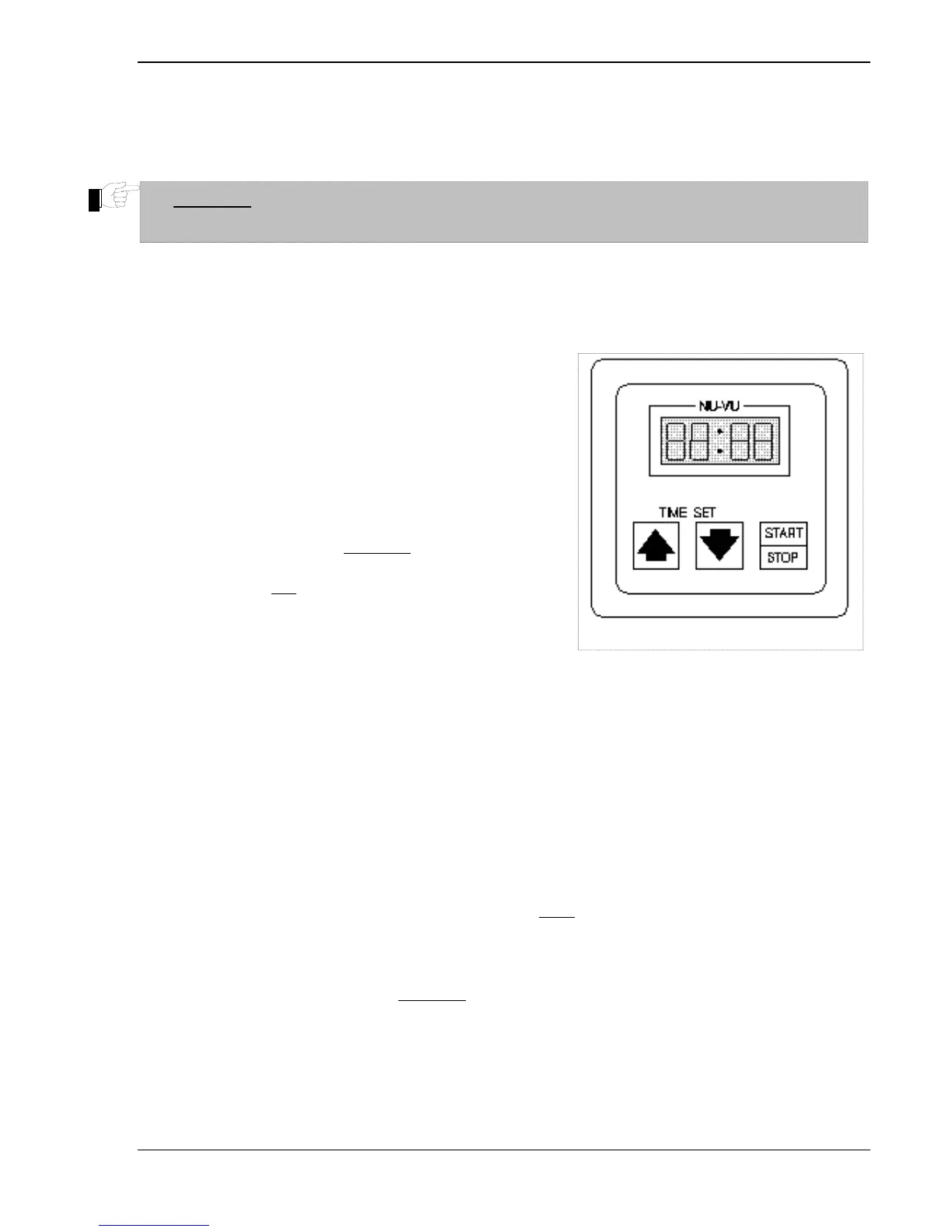
99-Minute Digital Timer (optional) - -
A. The appropriate Power Switch [21 or 31] must be set
to
ON
for that 99-Minute Digital Timer [24 or 36] to
operate. The LEDs in the Timer Display Window
should show
000
.
B. Press either the UP or DOWN Time Set key to enter
the desired time in minutes and seconds (
mm:ss
). The
set time will appear in the Timer Display Window.
C. Start the Timer by pressing the START/STOP key
once. The Timer will count down one second at a
time, flashing the remaining
time in the Display
Window. Pressing the START/STOP key a second
time will halt
the Timer; the remaining time is shown
in the Display Window. This time can now be edited
by using the Time Set keys. Pressing the
START/STOP key one more time will restart the
Timer at the currently displayed time.
Fi
. #7
99
Minute Di
ital Timer
D. When the set time expires, the Display Window will flash 000 and a Buzzer Alarm [16] will sound
for 30 seconds. The operator can silence the Alarm by pressing the START/STOP key. After the
Alarm is turned
OFF
the Timer will automatically reset itself to the last entered time. Pressing the
START/STOP key will restart the Timer.
Timer Operational Notes - -
The entered time changes by 1 second with each “click” of a Time Set key. Holding either key down
changes the time by
1-second
increments for the first 35 seconds of change,
10-second
increments for
the next 8 minutes of change, and
1-minute
increments for the remainder of the change. The
maximum setting is 99 minutes and 59 seconds (
99:59
in the Display Window). Releasing the Time
Set key restores the 1-second increment of change.
•
•
The time setting can only be edited when the Timer is not running.
A Timer can be reset at any time during the run cycle by pressing the START/STOP key once and
then either Time Set key. The first “click” will return the Timer to its original set time. The time
setting can now be edited, or the Timer can be restarted from the original set point.
•
•
This Digital Timer contains a short-term memory chip to prevent the loss of a Timer setting because
of an accidental shut-down of the unit or a temporary power outage. The Timer will recall the last
entered time setting when the unit is restarted.
NU-VU
®
FOOD SERVICE SYSTEMS MENOMINEE MICHIGAN 49858-0035
(800) 338-9886 Sales Fax (906) 863-5889 ♦ Service Fax (906) 863-6322 page
17



 To Next Page