Instruction Manual PCD 650
3
Refer calibration mode, measurement mode & setup mode for details on
indicators shown in body & footer sections.
1.2.2 Key Functions
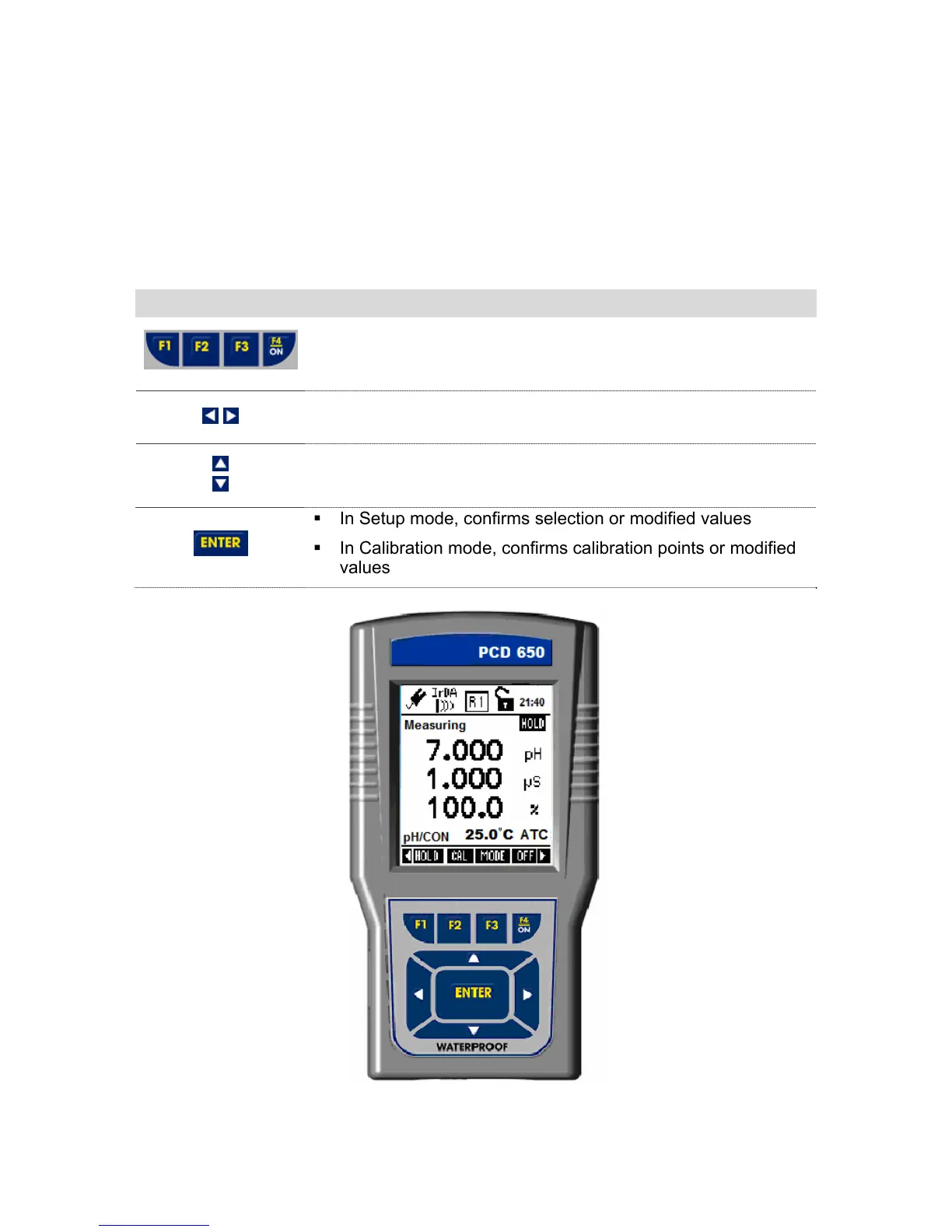
The keypad consists of:
4 – Function keys (F1, F2, F3 & F4)
4 – Navigation key
1 – Enter key
Key Function
Selects the function shown (in the display) just above the
key.
Navigates to next available functions
Increment/decrement values in Setup & Calibration modes.
Navigates to sub groups in Setup selection screen.
In Setup mode, confirms selection or modified values
In Calibration mode, confirms calibration points or modified
values
Figure 2 : Display & Keypad



 To Next Page