Instruction Manual PCD 650
77
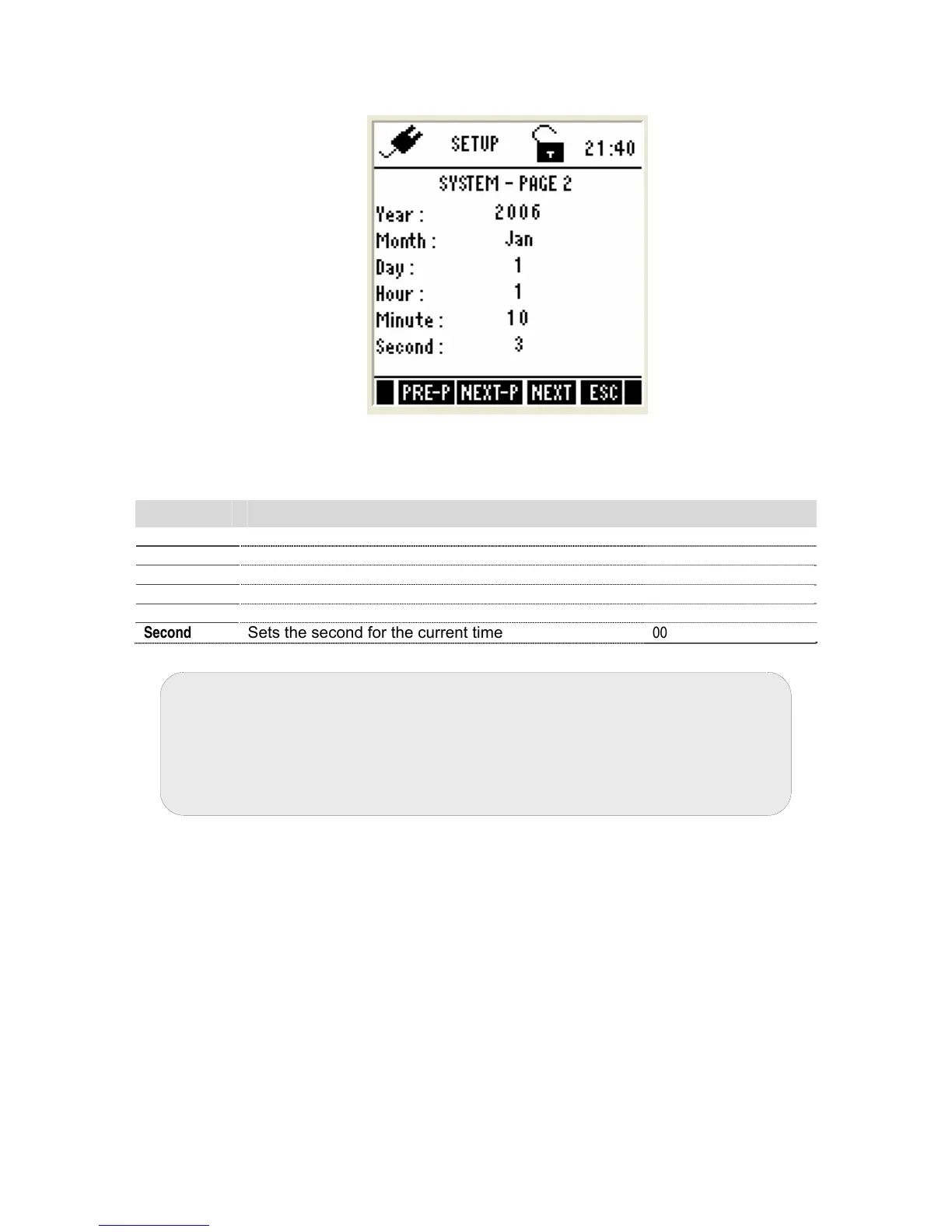
4.2.2 System Settings – Page 2
Figure 69 : System Settings - Page 2
This page allows you to set the date & time of the meter.
Parameter Description Factory Default
Year
Sets the current year
2006
Month
Sets the current month
Jan
Date
Sets the current date
01
Hour
Sets the hour (24 Hours) for the current time
00
Minute
Sets the minute for the current time
00
Second
Sets the second for the current time
00
Note: The battery or DC adapter must always be connected to the meter
for the system clock to run. The system time might be reset during the
battery change. To prevent that happening, always connect the DC
adapter during battery change.
Alternatively, if the DC adapter is not available, switch off the meter and
change the batteries within 30 seconds to avoid resetting the clock.



 To Next Page